

Reel Studio ✓
From rough idea to finished video, with AI.
Trial; then from $15/mo
Verdict
A quick read before you dig into the full page.
- Best if
- From rough idea to finished video, with AI
- Skip if
- Limited to film making
- Pick this when
- Streamlines filmmaking process
Considering freebeat AI instead? Compare side by side
Overview
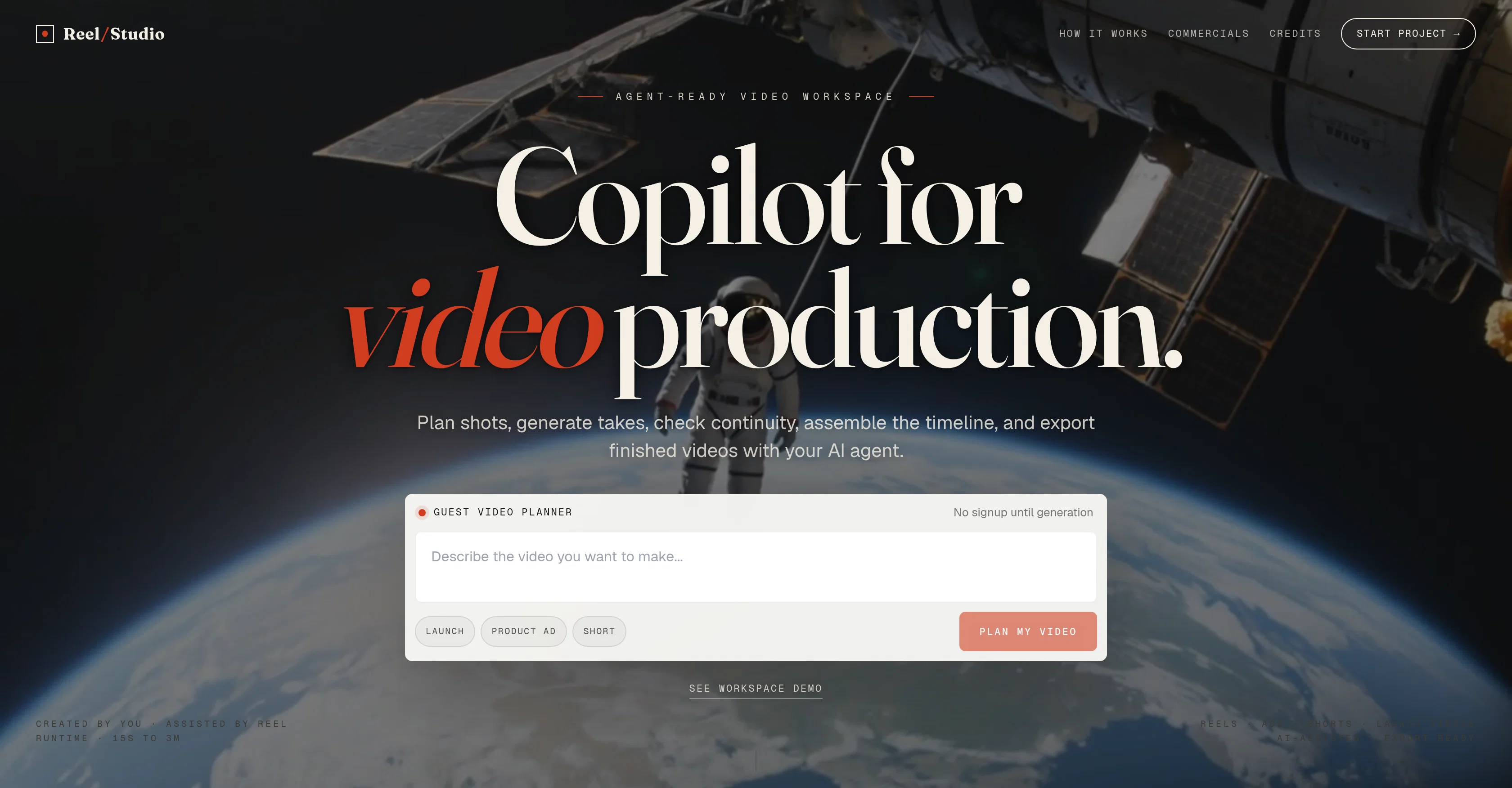
Reel Studio is an artificial intelligence-powered workspace designed to streamline and simplify the process of filmmaking, from script to video timeline.
This platform allows filmmakers to plan shots, generate takes, check continuity, assemble timelines, and export completed videos with the assistance of an AI agent.
By providing inputs such as a script, product note, or campaign idea, users set the direction for the AI to create shots, references, and handle the production tasks.
The tool also allows the generation of stills or videos, the comparison of options and it supports revisions. A significant feature of Reel Studio is its capacity to complete a project, from assembling the timeline, adding voice, sound effects, or scores, to exporting a finished video.
The platform offers functionalities such as drafting, updating, generating, and reviewing shots. It allows for managing subject, product, and location references, and provides a catalog of models for image, text-to-video, image-to-video, TTS, SFX and music generation.
It also provides production controls with capabilities to supervise continuity, attends to audio requirements, and has a timeline and export functionality, permitting the user to accomplish the final cut of the production within the workspace itself.
A remarkable capability of Reel Studio is the integration of an agent workspace to plug in different AI models and give them video controls.
Access & connections
Where you can use Reel Studio.
Platforms
Pros & cons
Pros
- Streamlines filmmaking process
- Assists in planning shots
- Generates takes
- Continuity checks
- Assembles timelines
- Exports completed videos
- Supports script, product and campaign inputs
- Generates stills or videos
Show 35 more
- Option comparison functionality
- Supports revisions
- Adds voice, sound effects, or scores
- Drafts, updates, generates, reviews shots
- Manages subjects, products, location references
- Supervises production continuity
- Attends to audio requirements
- No signup until generation
- Integrated agent workspace
- Provides project memory
- Review and timeline capabilities
- Audio and export functionalities
- Connection to MCP server
- Supports multiple agent tasks
- Can stage new subjects
- Generates jobs and wait results
- Supports multi-shot video
- In-built continuity checks
- Fan out take comparisons
- Supports adding voice, SFX, score
- Generation of narration, dialogue, ambience, music
- Allows clip trimming
- Built-in timeline and export function
- Renders final cut within workspace
- Doesn't require install
- Supports generation jobs
- Promotes continuity in shots
- Provides reusable references
- Read final URLs
- Usage credits-based system
- Supports drafting
- Updates shot information
- Promotes keeper shots
- Supports shots comparison
- Token generation in settings
Cons
- Limited to film making
- No real-time support
- No collaboration feature
- No mention of 4K support
- No specific mobile version
- No native audio recording
- No multi-language support
- Requires manual queuing for jobs
Show 1 more
- No offline usage
Compare alternatives
Similar tools in the catalog — with a clear reason to open each one.

freebeat AI ✓
FreemiumTurn Music & Ideas into Viral Videos In One Click
Why look Typically cheaper
Full comparison
MagicLight ✓
FreemiumTransform text into captivating videos instantly.
Why look Typically cheaper
Full comparison



Seedance ✓
FreemiumMulti-shot video generation from text and image.
Why look Stronger for image work
Full comparisonReleases 1
FAQ 12
What is Reel Studio?
How does Reel Studio streamline the filmmaking process?
What inputs does Reel Studio require to generate shots?
What are the functionalities offered by Reel Studio?
Can Reel Studio be used for audio requirements?
Does Reel Studio offer a comparison of shot options?
What are the different AI models that can be integrated into Reel Studio?
How does Reel Studio assist in managing subject, product, and location references?
Can Reel Studio handle revisions?
What is the process of adding voice, sound effects, or scores in Reel Studio?
How does Reel Studio ensure continuity in a film?
In what formats does Reel Studio export finished videos?
Related tools
Recommended

Scisummary ✓
Free TrialCutting-edge scientific articles summarization.

Photo AI ✓
PaidCreate beautiful AI photos and videos of real people

Eightify
UnknownAI-powered YouTube video summarizer extracting key ideas for quick content assessment.

B12 AI Website Builder ✓
FreemiumAI-powered website builder

Stunning ✓
PaidBuild AI-powered websites in seconds

Stockimg AI ✓
PaidGenerated images and text for design ease.