
Text to speech 2026 Rank: #1753
ReadAloud ✓
Read any text out loud, instantly and free.
Verdict
A quick read before you dig into the full page.
- Best if
- Read any text out loud, instantly and free
- Skip if
- No installation can limit functionality
- Pick this when
- Free web-based tool
Considering ElevenLabs instead? Compare side by side
Overview
Read Aloud Reader is a free web-based tool designed to read text out loud using studio-grade neural AI voices. It allows users to input text either through typing, pasting, or by uploading files in PDF, DOCX, EPUB, or by pasting an article URL.
The tool then reads the input text aloud in a voice that closely mimics human speech. There's no installation or configuration needed as all operations take place within a user's browser.
The tool is compatible with various platforms like Mac, Windows, Chromebook, iPhone, and Android. As it reads the texts, it highlights each sentence, allowing users to follow along easily.
Users can also adjust the reading speed according to their preference. The text-to-speech audio can be exported as an MP3 file for offline use. Read Aloud Reader is particularly valuable to individuals with dyslexia or ADHD, language learners, students, editors, writers, and busy professionals who wish to consume written content in audio form.
While the service is freely accessible, there are also paid plans available for users who consume large volumes of text-to-speech content regularly.
- Sentence Highlighting
- Mp3 Audio Export
- Adjustable Reading Speed
- Pdf To Speech
- Docx To Speech
- Epub Reader
- Url To Speech
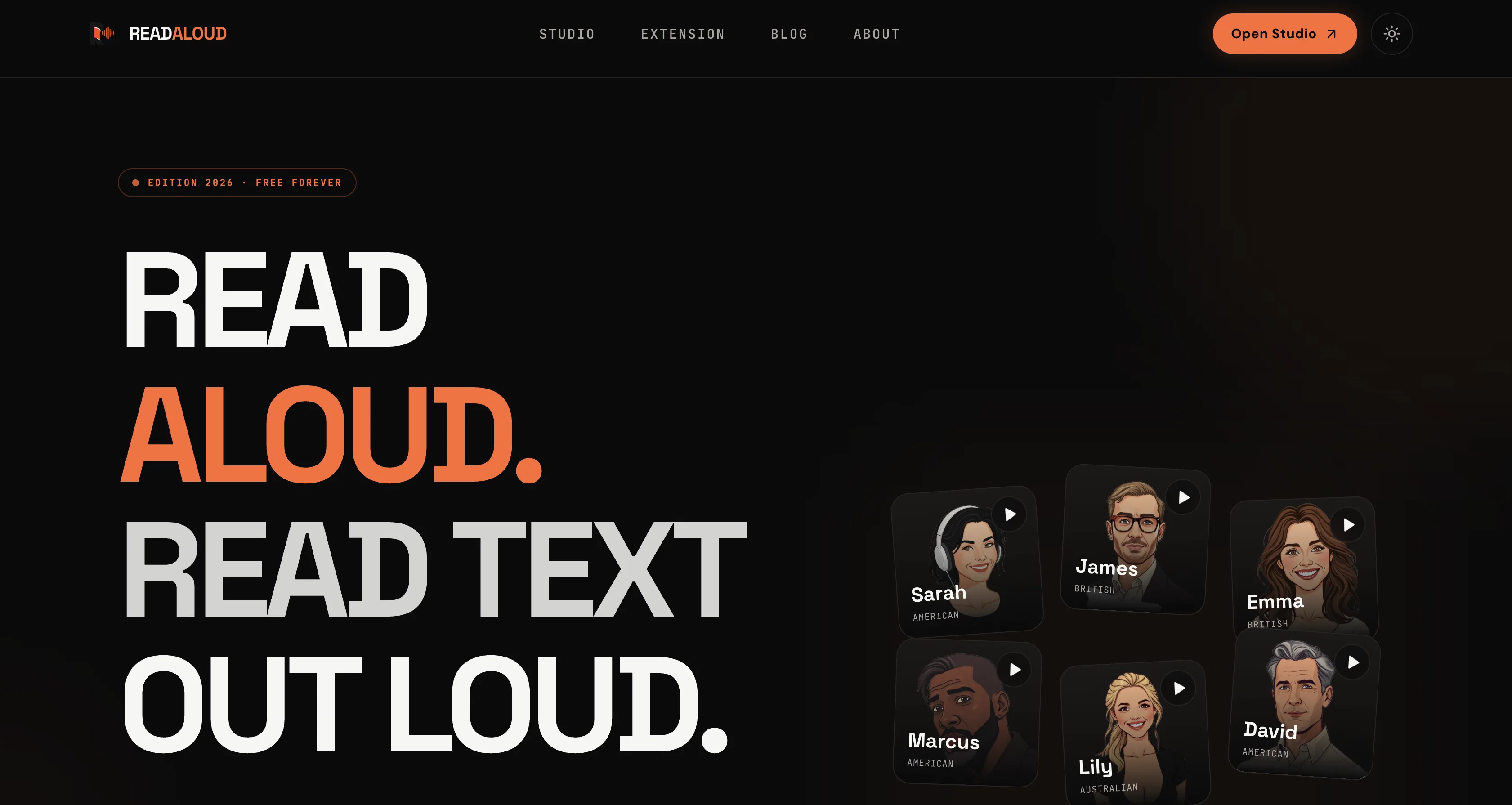
- 6 Neural Ai Voices
- Chrome Extension
Access & connections
Where you can use ReadAloud, and what it plugs into.
Platforms
Integrations
Capabilities
What this tool accepts, produces, and is strongest at.
Input
- Text
- Audio
Output
- Text
- Audio
Highlights
- SOTA
- No Signup
Supported features
- No Signup
- TTS
Pros & cons
Pros
- Free web-based tool
- Multiple text input methods
- File uploading: PDF, DOCX, EPUB
- URL pasting for reading
- Cross-platform compatibility
- Sentence highlighting during reading
- Adjustable reading speed
- MP3 exportability
Show 26 more
- Dyslexia support
- ADHD support
- Helpful for language learners
- Assists students
- Effective for editors
- Beneficial for writers
- Supports busy professionals
- No installation or configuration
- In-browser operation
- Optimized for various devices
- Free access with limitations
- Additional features on paid plans
- Neural voice options
- Voice and speed customization
- Generates audio for offline use
- 20,000 characters daily allowance
- Works on Chrome, Safari, Edge, Firefox
- Doesn't store or log text
- Promotes hands-free reading
- Useful for visually impaired users
- Doesn't require app download
- PDF reading with text extraction
- Handles scanned, image-only PDFs
- Catches awkward phrases for editing
- Useful for commutes, exercising
- Provided guides on the site
Cons
- Limited daily character allowance
- No installation can limit functionality
- Relies on user's internet connection
- Does not support image-only PDFs
- Doesn't provide OCR feature
- Speed adjustment has upper limit
- Limited number of voices available
- Text is not stored
Compare alternatives
Similar tools in the catalog — with a clear reason to open each one.

ElevenLabs ✓
FreemiumCreate lifelike AI voices for compelling storytelling.
Why look Typically cheaper
Full comparison

VoiSpark ✓
FreemiumCreate human-like voices for content with AI
Why look Better for writing
Full comparison
Free Text-To-Speech ✓
FreeText transformed into customizable spoken output.
Why look Fully free option
Full comparison

Releases 1
FAQ 12
What is the daily allowance for free users of Read Aloud Reader?
What are the accepted input formats on Read Aloud Reader?
Is the AI voice on Read Aloud Reader customizable?
How does Read Aloud Reader handle text highlighting?
Does Read Aloud Reader store or log the imported text?
Can I use Read Aloud Reader on my Android device?
How can Read Aloud Reader aid people with dyslexia and ADHD?
What kind of professionals can benefit from using the Read Aloud Reader?
How does the MP3 export feature on Read Aloud Reader work?
Are there any limitations on the free version of Read Aloud Reader?
What are the preferred reading speeds provided by Read Aloud Reader?
Is there an installation process to use the Read Aloud Reader?
Related tools
Recommended

remio: Your Personal ChatGPT ✓
FreemiumGet Tailored Answer with Your Personal ChatGPT

Pounce ✓
Free TrialGet real followers and engagement in minutes.

Bookabout ✓
FreeDiscover your next favorite book with AI-powered search.

DRIV AI ✓
PaidAI-powered driving lessons revolutionize your skills

CoachNed ✓
Free TrialWalk into the case like you've already sat it.
OpenMusicPrompt ✓
FreemiumAll-in-One AI Music Studio: Analyze, Generate & Perfect