Qwen Code ✓
A coding agent that lives in the digital world.
Verdict
A quick read before you dig into the full page.
- Best if
- A coding agent that lives in the digital world
- Skip if
- Optimized for Qwen3-Coder models
- Pick this when
- Enhanced code understanding
Considering Cursor instead? Compare side by side
Overview
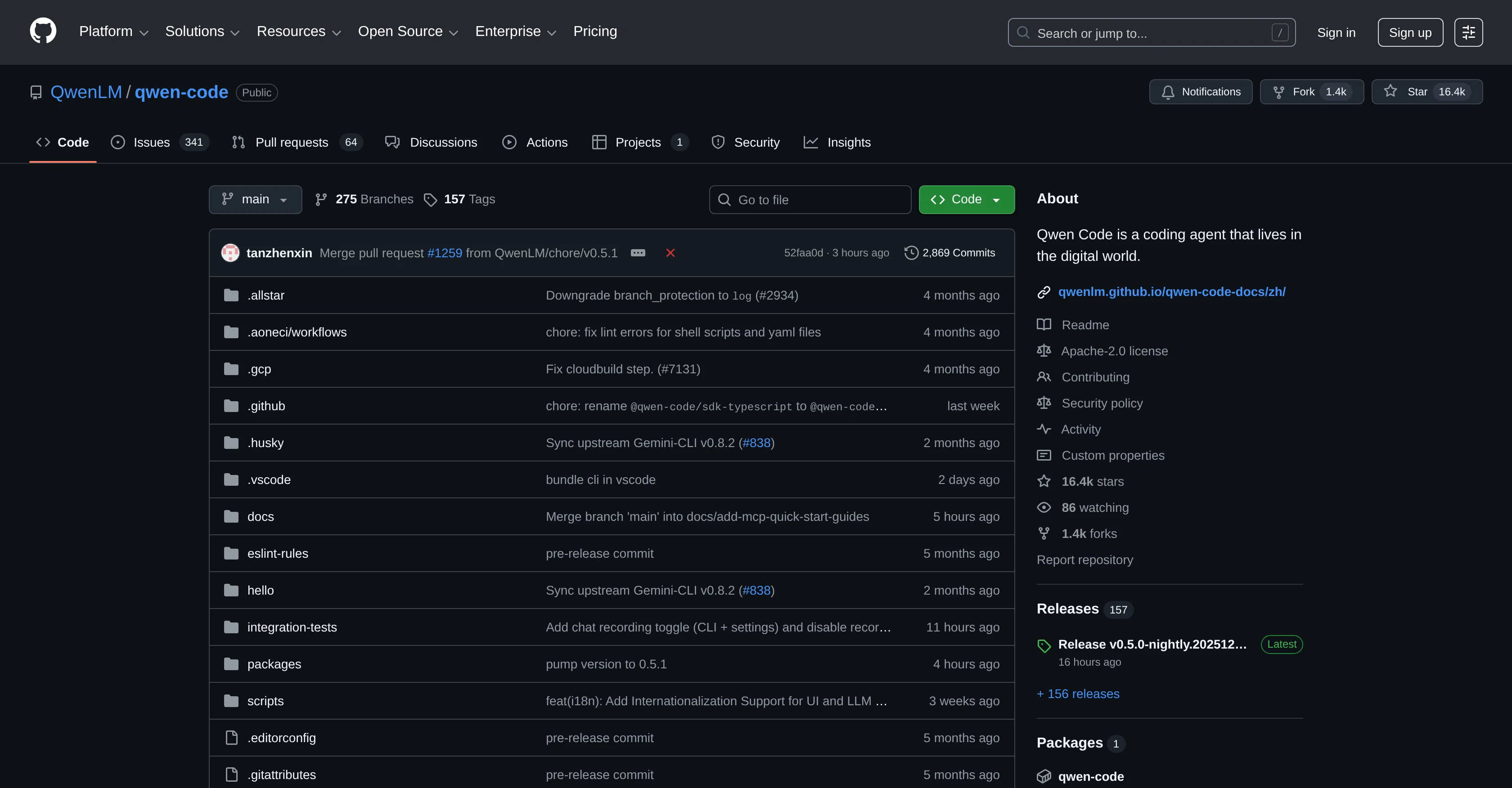
Qwen Code is an AI-powered command-line workflow tool created for developers, offering enhanced code understanding, automated tasks, and intelligent assistance.
The tool significantly elevates the development process due to its superior code comprehension and process automation capacities. Qwen Code is optimized specifically for Qwen3-Coder models, and was adapted from the Gemini CLI.
It offers features like code understanding and editing, enabling users to query and edit large codebases beyond traditional context window limits. Qwen Code also automates operational tasks, handling elements such as pull requests and complex rebases.
With its enhanced parser tailored for Qwen-Coder models, this tool boasts efficient and accurate code parsing. Additionally, Qwen Code supports vision models, with a capacity to automatically detect images in input and switch to vision-capable models for multimodal analysis.
Its installation is simple, requiring Node.js version 20 or higher, and the tool can be installed from npm.
Access & connections
Where you can use Qwen Code.
Platforms
Capabilities
What this tool accepts, produces, and is strongest at.
Input
- API
- Code
Output
- Code
Highlights
- Agents
Supported features
- App Builder
- CLI
- Agents
- Video Understanding
- Integrations
Pros & cons
Pros
- Enhanced code understanding
- Automated tasks
- Intelligent assistance
- Adapted from Gemini CLI
- Optimized for Qwen3-Coder models
- Performs operational tasks automation
- Handles pull requests
- Handles complex rebases
Show 15 more
- Efficient code parsing
- Accurate code parsing
- Supports vision models
- Automatically detects images
- Switches to vision-capable models
- Multi-modal analysis capabilities
- Simple Node.js installation
- Can be installed from npm
- Allows codebase query and editing
- Can handle large codebases
- Handles beyond traditional context window limits
- Automates operational tasks
- Enhanced parser for Qwen-Coder models
- Works with Node.js v20 or higher
- Can perform multifunctional tasks
Cons
- Optimized for Qwen3-Coder models
- Installation requires Node.js 20+
- No IOS or Android support
- CLI interface, not UI
- No support for non-JavaScript languages
- No built-in environment for testing code
- Requires an npm installation
- Doesn't support earlier Node.js versions
Show 2 more
- Lacks extensive error reporting
- No integrated debugging tools
Compare alternatives
Similar tools in the catalog — with a clear reason to open each one.


OnSpace.AI - No Code App Builder ✓
FreemiumBuild Apps with AI, No Code
Free + from $20/mo
Full comparison

Github Copilot ✓
FreemiumAI-powered coding assistant for faster development
Free + from $10/mo
Full comparison

Releases 1
FAQ 12
What is Qwen Code tool used for?
How does Qwen Code enhance the development process?
What specific models is Qwen Code optimized for?
What features are included in Qwen Code?
How does Qwen Code handle large codebases?
How does Qwen Code automate operational tasks?
What tasks can Qwen Code automate?
How efficient is the code parsing of Qwen Code?
How does Qwen Code support vision models?
What steps are involved in Qwen Code's installation?
What are the pre-requisites for Qwen Code's installation?
What does the Qwen Code offer beyond traditional context window limits?
Related tools
Recommended

ChatGPT ✓
FreemiumAsk anything, create anything, and move from idea to action.

Claude ✓
FreemiumBuilding reliable, interpretable AI systems

Gemini ✓
FreemiumGemini: Google's most capable AI model yet

Google Antigravity ✓
FreeLift your development into the agent-first era

Replit ✓
FreemiumAI redefines the software development lifecycle.

Claude Code ✓
FreemiumAI coding agent for terminal & IDE