

Pixelcode ✓
Turn code screenshots into editable code.
from $9
Verdict
A quick read before you dig into the full page.
- Best if
- Turn code screenshots into editable code
- Skip if
- Screenshot limit on packages
- Pick this when
- Chrome extension
Considering Pixels2Flutter instead? Compare side by side
Overview
Pixelcode is a chrome extension designed to convert code screenshots from video tutorials into editable code. With this tool, users can streamline their learning or development process by reducing time spent on manual rewrites.
Users need to simply take a screenshot, and Pixelcode transforms it into a code snippet. As an integration within the browser itself, Pixelcode is easily accessible and offers a seamless learning experience.
Apart from being convenient to use, it pays special attention to the preservation of the original code formatting, ensuring that users do not need to spend extra time adjusting the formatting of the extracted code.
The tool is available in the Chrome Store and is structured in a pay-as-you-use manner without the requirement of a subscription, offering various packages based on one's need.
Directly within the browser, install the Pixelcode extension and simplify your coding experience.

Access & connections
Where you can use Pixelcode, and what it plugs into.
Platforms
Integrations
Capabilities
What this tool accepts, produces, and is strongest at.
Input
- API
- Video
Output
- Code
- API
Pros & cons
Pros
- Chrome extension
- Converts screenshots to code
- Streamlines learning process
- Reduces time on rewrites
- Easily accessible
- Preserves code formatting
- Pay-as-you-use model
- No subscription required
Show 16 more
- Available in Chrome Store
- Suits various needs
- Increases time efficiency
- Facilitates e-learning
- Enhances web development
- Extracts code snippets
- Simplifies coding experience
- Numerous package offerings
- Replace manual rewrite
- No expiry for Pro packs
- Permanent access with Pro packs
- Lifetime updates for Pro packs
- Manageable via browser extensions
- As easy as screenshot
- Flexible payment options
- Dedicated FAQs support
Cons
- Chrome extension only
- Pay-as-you-use model
- Screenshot limit on packages
- No subscription option
- Not compatible with other browsers
- Reliant on video tutorials
- Lacks direct code input
- Three month screenshot expiry
Compare alternatives
Similar tools in the catalog — with a clear reason to open each one.

Pixels2Flutter ✓
FreemiumConvert UI screenshots to Flutter code instantly.
Why look Freemium alternative
Full comparison
Screenshot to Code ✓
FreemiumConvert any screenshot or design to clean code.
Why look Freemium alternative
Full comparison

AI Effect | AI Video Generator ✓
FreemiumTurn text or images into videos. Pay as you go
Why look Freemium alternative
Full comparison
GetLogit ✓
FreemiumArtificial intelligence, available for everyone.
Why look Freemium alternative
Full comparison
MojoMake - AI Image to Video Generator ✓
FreemiumUse every top AI model and 100+ effects in one account.
Why look Freemium alternative
Full comparisonReleases 1
FAQ 12
What is Pixelcode?
How does Pixelcode work?
Where can I install the Pixelcode extension?
How does Pixelcode ensure the original code formatting is preserved?
What are the pricing options for Pixelcode?
Is there a subscription required for Pixelcode?
What is the 'pay-as-you-use' structure of Pixelcode?
What packages does Pixelcode offer?
Is Pixelcode only available on Chrome?
How can Pixelcode help expedite my learning or development process?
How can I benefit from using the Pixelcode extension?
What kind of content can I convert into code with Pixelcode?
Related tools
Recommended

Agentgpt ✓
FreemiumDeploy autonomous AI Agents effortlessly in your browser.

NSFW JS
FreeIdentify NSFW images in the browser

Jason AI ✓
PaidAI-powered assistant for B2B sales outreach
Ebsynth
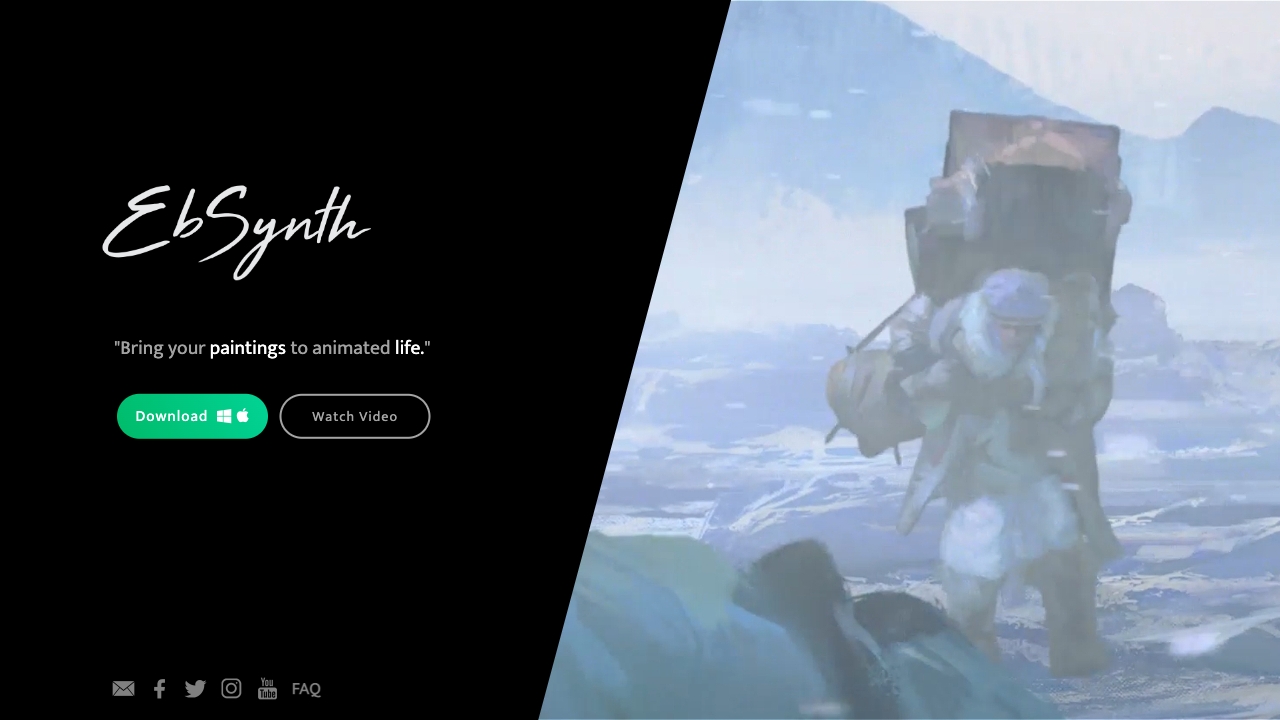
UnknownEbSynth animates footage using styled keyframes, ideal for hand-drawn animations.
AnimatedDrawings by Meta ✓
FreeBring children's drawings to life through animation.

Deepmotion ✓
Freemium3D animations