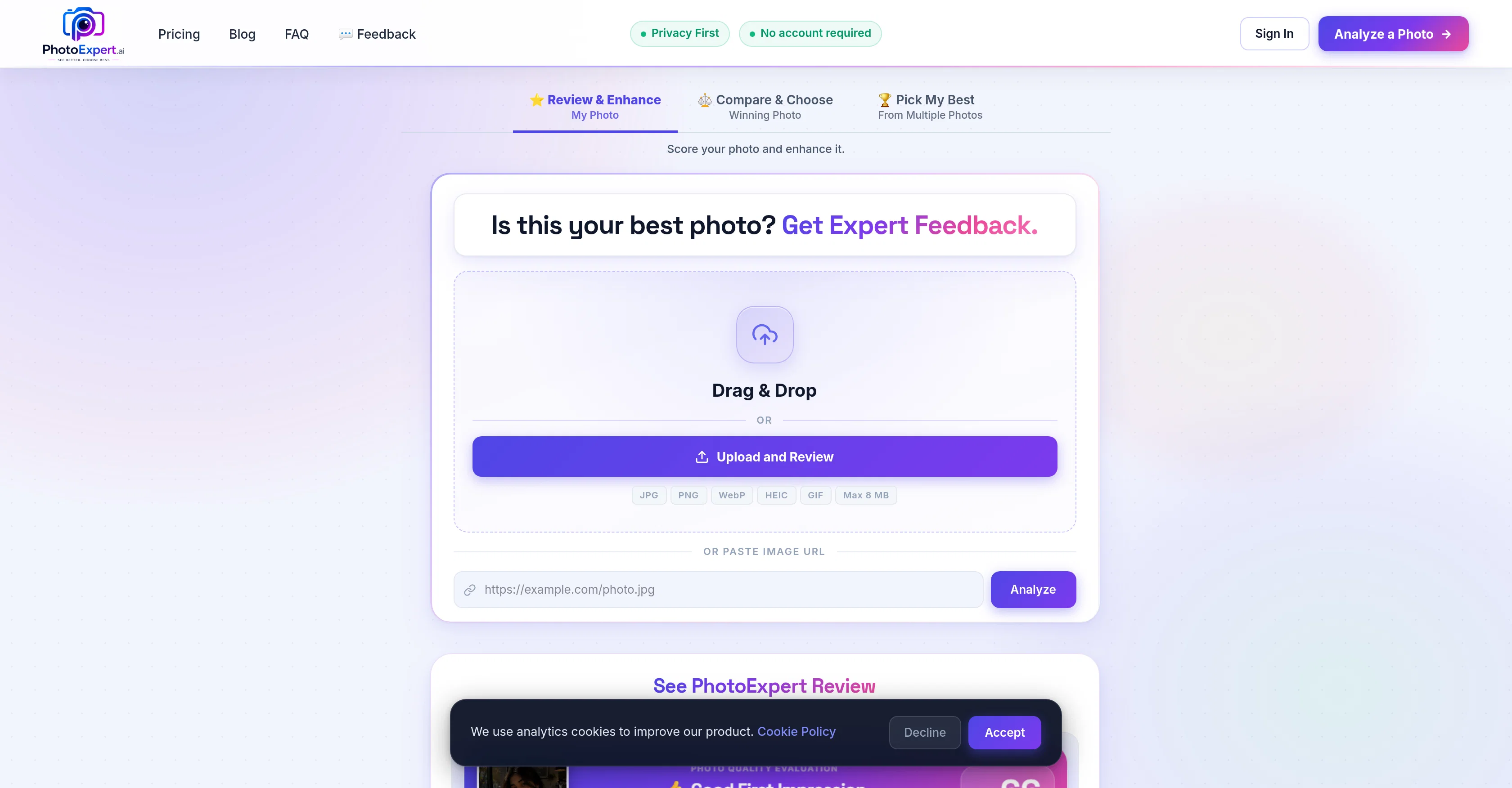
Image analysis 2026 Rank: #1574

PhotoExpert ✓

Get an expert AI score and enhancement for your best photo.

Source rating 3.0 (1) 448 views 5 saves Free Trial
More categories (4)

Verdict

A quick read before you dig into the full page.

Best if
Get an expert AI score and enhancement for your best photo
Skip if
Limited to natural enhancements
Pick this when
Robust photo analysis

Considering PhotoMentor instead? Compare side by side

Overview

PhotoExpert.ai is an AI-powered photo advisor that helps you choose, improve, and understand your photos with confidence. Whether you're selecting a LinkedIn headshot, dating profile photo, social media picture, or professional portrait, PhotoExpert.ai provides an expert AI review that explains what works, what doesn't, and how to improve it.

Review & Enhance analyzes your photo across multiple quality factors—including lighting, composition, facial presentation, background, framing, and more—then provides a quality score, personalized recommendations, and a naturally enhanced version while preserving your authentic appearance.

Choosing between photos? Compare & Choose analyzes two photos side by side and explains exactly why one is stronger. Have an entire collection? Pick My Best ranks multiple photos and helps you quickly identify your strongest images.

Every review is tailored to your intended use, whether it's LinkedIn, dating apps, social media, professional profiles, or other personal branding needs, because the best photo often depends on where it will be used.

PhotoExpert.ai works directly in your browser, supports JPG, PNG, WebP, HEIC, and GIF images, and requires no account to get started. Photos are processed privately and are not permanently stored. With explainable AI, one-time purchase packs (no subscriptions), and practical insights you can actually use, PhotoExpert.ai helps you make better photo decisions—not just better-looking photos.
  • Review & Enhance Photo
  • Compare & Choose Best Photo
  • Pick My Best Photo
  • Explainable Ai Quality Scoring
  • Natural Ai Enhancements
  • Downloadable Ai Review Reports
  • Shareable Photo Review Cards
  • Before & After Photo Comparison
  • Privacy-first Processing
  • No Subscription Required
PhotoExpert website

Access & connections

Where you can use PhotoExpert, and what it plugs into.

Platforms

Web

Integrations

Capabilities

What this tool accepts, produces, and is strongest at.

Input

  • Image

Output

  • Image

Highlights

  • No Signup

Supported features

  • No Signup

Pros & cons

Pros

  • Robust photo analysis
  • Photo enhancement feature
  • Quality scoring system
  • Multiple profile applicability
  • Supports variety of formats
  • Photo comparison option
  • Uses multi-signal analysis
  • Provides explainable results
Show 30 more
  • Privacy-first approach
  • No user account required
  • Platform includes blog
  • Offers FAQ section
  • Quick result generation
  • Trusted and Secure
  • Profile picture optimization
  • Helps in photo selection
  • Drag and Drop upload
  • Social profile optimization
  • Professional profile improvement
  • Scores and enhances photos
  • No account sign in necessary
  • Offers image selection impact
  • Easy usability
  • Winning photo selection
  • Facilitates photo improvement
  • Assists in dating profile
  • Supports JPG, PNG, WebP, HEIC, GIF formats
  • Privacy for user photos
  • Max 8MB upload limit
  • Feedback and suggestions option
  • Profile photo analysis
  • Analyze dating profiles
  • Professional profile analysis
  • Matrimonial profile analysis
  • Analyze social media photos
  • Fast results generation
  • Private and secure platform
  • User trust and reliability

Cons

  • No offline mode
  • Limited to natural enhancements
  • No mobile application

Compare alternatives

Similar tools in the catalog — with a clear reason to open each one.

Releases 1

Initial release July 21, 2026 Current
Initial release of PhotoExpert.

FAQ 12

What is PhotoExpert?
PhotoExpert is an AI-driven platform that offers analysis, enhancement, and comparison for photographs. It provides an 'expert AI review' and a 'quality score' for your image, along with additional features such as multiformat image support, profile picture optimization, image selection guidance, and a privacy-focused approach.
What is the 'expert AI review' that PhotoExpert offers?
The 'expert AI review' by PhotoExpert offers an in-depth analysis of your photo using multi-signal analysis, thus providing explainable results. This review process examines your photo using various signals and gives an informed evaluation to help you understand the quality and potential improvement factors for your image.
What does PhotoExpert's 'quality score' signify?
The 'quality score' given by PhotoExpert is a measure of the overall quality of your image. It helps users understand how good their image is and what upgrades or enhancements could make it better.
Can PhotoExpert be used for analyzing LinkedIn profile photos?
Yes, PhotoExpert can certainly be used for analyzing LinkedIn profile photos. It assists in profile picture optimization to ensure your LinkedIn photo leaves a professional impression.
What image formats are supported by PhotoExpert?
PhotoExpert supports a broad range of image formats including JPG, PNG, WebP, HEIC, and GIF.
How does PhotoExpert's comparison feature work?
PhotoExpert's comparison feature allows you to upload multiple images. Once analyzed, it provides a comparative review and allows you to choose the winning photo among those uploaded. This helps you pick the shot that best meets your requirements based on AI evaluation.
What is the multi-signal analysis used by PhotoExpert?
Multi-signal analysis is an AI-driven review process used by PhotoExpert. It examines your photos using several signals or criteria, providing detailed, explainable results about the photo's quality and areas for potential improvement.
How does PhotoExpert ensure user photo privacy?
PhotoExpert ensures user photo privacy through its 'privacy-first' approach. This means it does not require users to create an account to use the service, making it possible for users to upload and analyze photos while maintaining their privacy.
What is the 'no account needed' feature of PhotoExpert?
The 'no account needed' feature of PhotoExpert signifies its commitment to user privacy. With this feature, users can avail the AI's services without creating an account, ensuring that users' personal details are not needed for photo analysis and enhancement.
What types of profiles can PhotoExpert assist with?
PhotoExpert assists with different types of profiles, including LinkedIn, dating profiles, social media profiles, and more. It caters to various needs by providing tailored analysis and optimization based on the type of profile the photo will be used for.
Can I upload and analyze multiple photos with PhotoExpert?
Yes, you can upload and analyze multiple photos with PhotoExpert. It provides a feature to compare and choose the winning photo from multiple uploads.
What type of enhancements does PhotoExpert offer for photographs?
PhotoExpert enhances photographs by reviewing and providing feedback about different elements that could be improved to increase the quality score. This could involve adjustments in light, crop, timing, and other factors. They provide a natural enhanced version of your photo.
PhotoExpert Trial; then from $1.99