
pdftoword.ai
Free online toolkit for converting, editing, organizing, and securing PDFs
Source rating 5.0
(87)
0 views
0 saves
Unknown
Overview
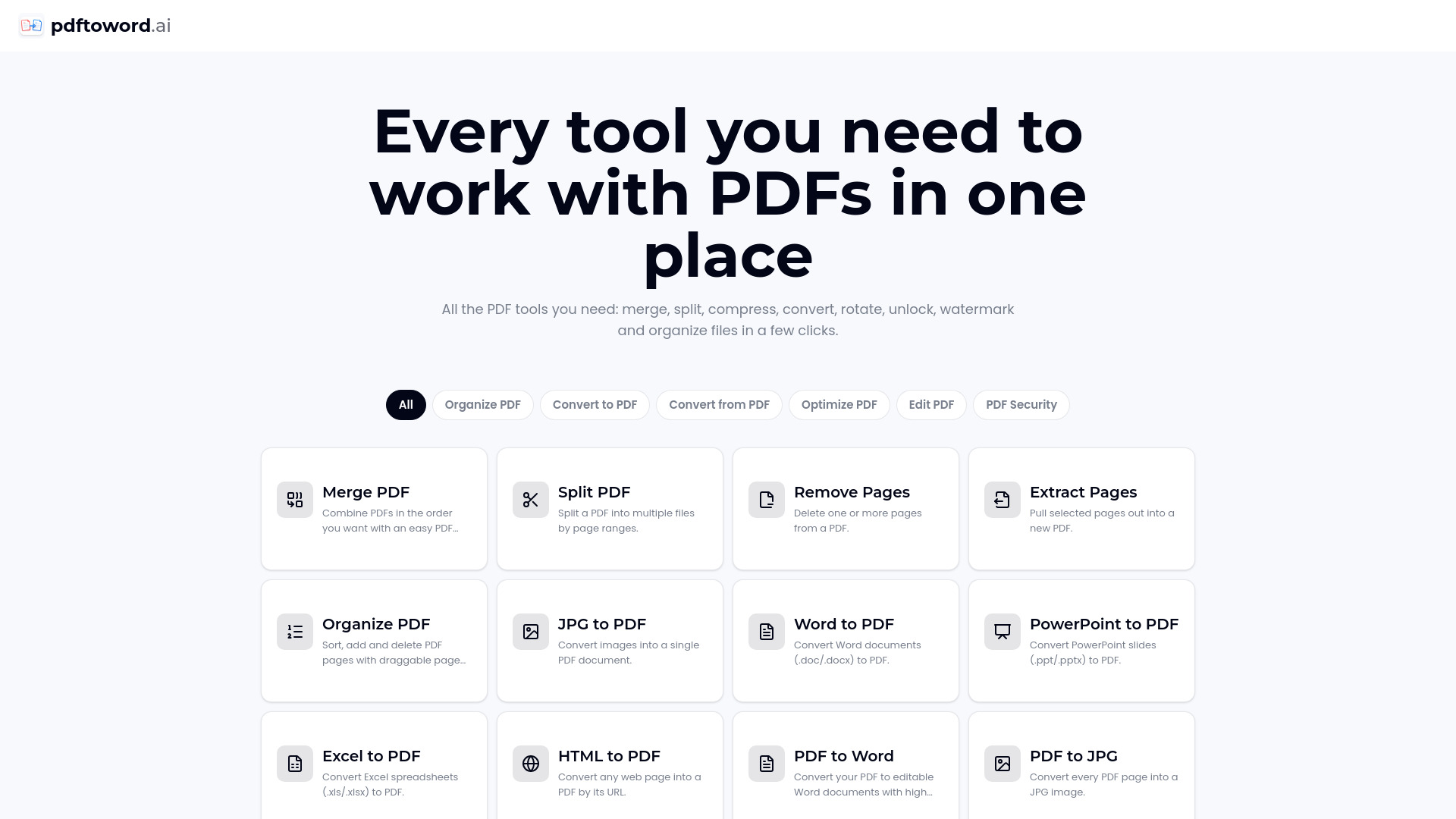
pdftoword.ai is an online all-in-one PDF toolkit offering 24 free tools for converting, editing, organizing, optimizing, repairing, and securing PDF files. Users can merge, split, compress, rotate, crop, watermark, OCR, protect, unlock, and convert PDFs to and from formats such as Word, Excel, PowerPoint, JPG, and HTML. The service works online without software installation or an account, and files are deleted automatically after processing.
Access & connections
Where you can use pdftoword.ai, and what it plugs into.
Platforms
Integrations
Capabilities
What this tool accepts, produces, and is strongest at.
Highlights
- Merge, split, extract, remove, reorder, and organize PDF pages
- Convert PDFs to and from Word, Excel, PowerPoint, JPG, and HTML
- Compress, repair, OCR, rotate, crop, and add page numbers to PDFs
- Protect PDFs with AES-256 password encryption or unlock PDFs you own
- Process files online without installation, registration, or watermarks
FAQ 8
What is pdftoword.ai?
pdftoword.ai is an online all-in-one PDF toolkit offering 24 free tools for converting, editing, organizing, optimizing, repairing, and securing PDF files. Users can merge, split, compress, rotate, crop, watermark, OCR, protect, unlock, and convert PDFs to and from formats such as Word, Excel, PowerPoint, JPG, and HTML. The service works online without software installation or an account, and files are deleted automatically after processing.
How to use pdftoword.ai?
Choose a PDF tool, upload a PDF or supported document from your device, configure the available options, and process the file. Download the finished result immediately. No software installation or account is required.
What can I do with pdftoword.ai?
You can convert, merge, split, compress, repair, OCR, edit, organize, protect, unlock, rotate, crop, and add page numbers or watermarks to PDF files.
Are the PDF tools free?
Yes. pdftoword.ai provides 24 free PDF tools, and the website states that outputs have no watermark.
Do I need to install software or create an account?
No. You can choose a tool, upload a file, process it, and download the result without installing software or registering.
Are uploaded files safe?
Files are encrypted in transit and deleted automatically after processing according to the website content.
Which file formats are supported?
Supported formats include PDF, Word, Excel, PowerPoint, JPG, and HTML, depending on the selected tool.
Can I use several tools on the same file?
Yes. You can process a file with one tool and then use the resulting file with another tool.
Related tools
Recommended



pdftoword.ai