
PDF2Audio
Open-source AI model to convert PDFs into customizable audio outputs.
Source rating 5.0
(93)
1.3k views
1.3k/mo traffic
0 saves
Unknown
Verdict
A quick read before you dig into the full page.
- Best if
- Open-source AI model to convert PDFs into customizable audio outputs
- Pick this when
- Open-source AI model to convert PDFs into customizable audio outputs
Overview
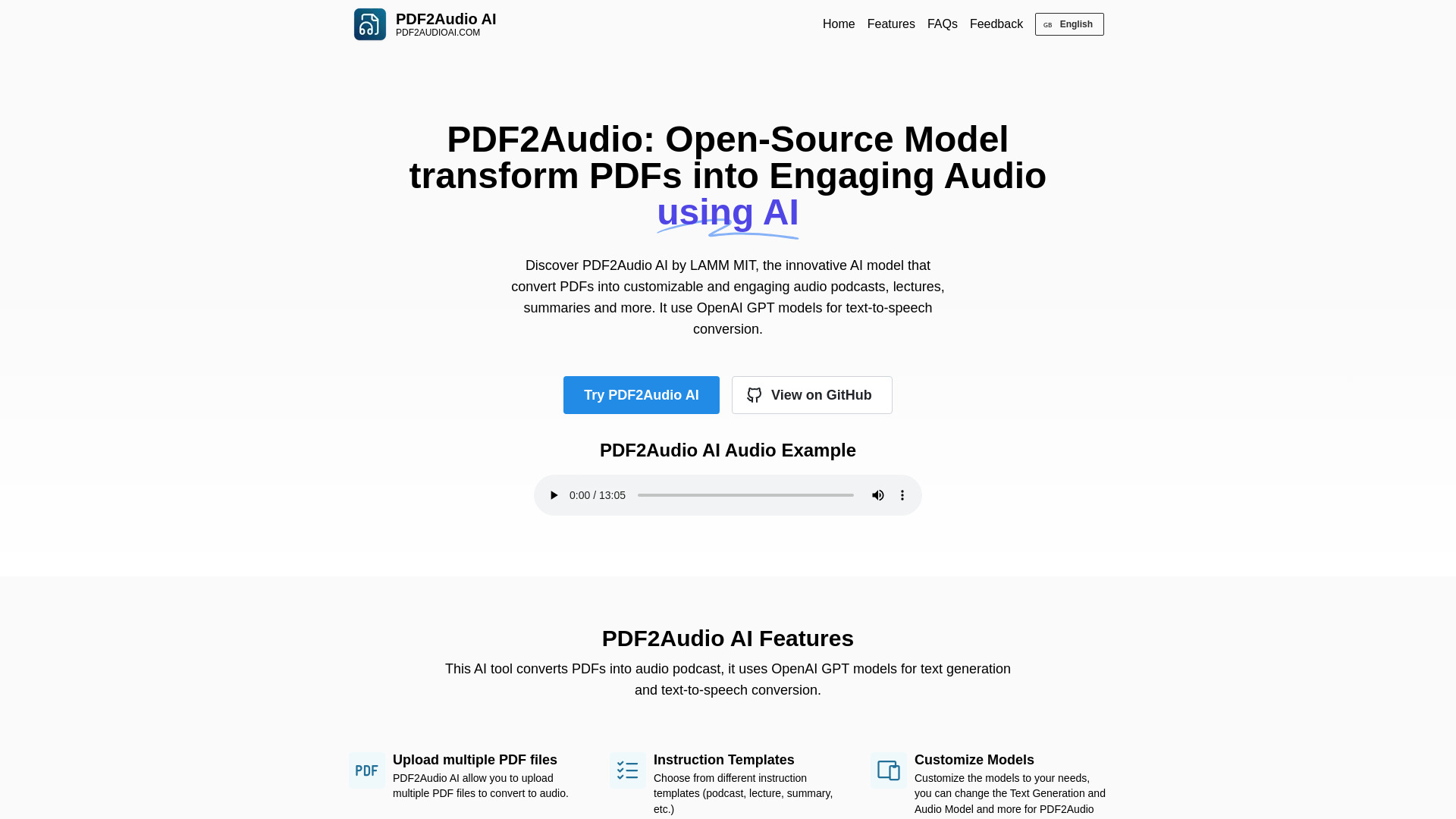
PDF2Audio is an open-source AI model that transforms PDFs into flexible and customizable audio outputs. It allows users to create podcasts, lectures, and summaries from PDF documents. The tool uses OpenAI GPT models for text generation and text-to-speech conversion, offering features like multiple PDF uploads, customizable instruction templates, model customization, different speaker voices, and introductory instructions.
Access & connections
Where you can use PDF2Audio.
Platforms
Capabilities
What this tool accepts, produces, and is strongest at.
Highlights
- Converts PDFs into audio podcasts, lectures, and summaries
- Supports multiple PDF file uploads
- Offers customizable instruction templates
- Allows customization of text generation and audio models
- Enables selection of different speaker voices
- Provides options for introductory and prelude instructions
FAQ 7
What is PDF2Audio AI?
PDF2Audio is an open-source AI model that transforms PDFs into flexible and customizable audio outputs. It allows users to create podcasts, lectures, and summaries from PDF documents. The tool uses OpenAI GPT models for text generation and text-to-speech conversion, offering features like multiple PDF uploads, customizable instruction templates, model customization, different speaker voices, and introductory instructions.
How to use PDF2Audio AI?
Upload one or more PDF files, select an instruction template (podcast, lecture, summary, etc.), customize instructions if needed, and click 'Generate Audio'.
How to use PDF2Audio AI?
First, upload one or more PDF files in PDF2Audio AI Gradio App, select the desired instruction template (podcast, lecture, summary etc), customize the instructions (if needed), finally click 'Generate Audio' button to create your audio content in PDF2Audio AI
What is PDF2Audio AI and how does it function?
PDF2Audio AI is an open-source NotebookLM alternative, this Gradio app converts PDF2 into audio podcast, lectures, summaries and more. PDF2Audio AI model gives users other way with more control over the outputs. provides support for O1!
How can I use PDF2Audio AI?
PDF2Audio AI is available for use in a demo format. The AI model can be installes locally and support useing a custom or local model, but when use OpenAI GPT model it should provide OpenAI API Key to generate.
What are the main features of PDF2Audio AI?
It's support to convert multiple PDF files into audio podcast, lectures, summaries and more. Allow customize text generation and audio models, select different voice for speakers.
How does PDF2Audio AI compare to NotepadLM?
PDF2Audio AI is an open-sourced alternative to NotebookLM, this new PDF2Audio AI Model gives users the open-source way to do that with more control over the outputs, provdes support for O1!
Related tools
Recommended



PDF2Audio