

PandaDoc Document Generator ✓
Automate document creation with customizable templates.
Free + from $19/mo
Verdict
A quick read before you dig into the full page.
- Best if
- Automate document creation with customizable templates
- Skip if
- Limited API documentation
- Pick this when
- Automated document workflows
Considering WZRD instead? Compare side by side
Overview
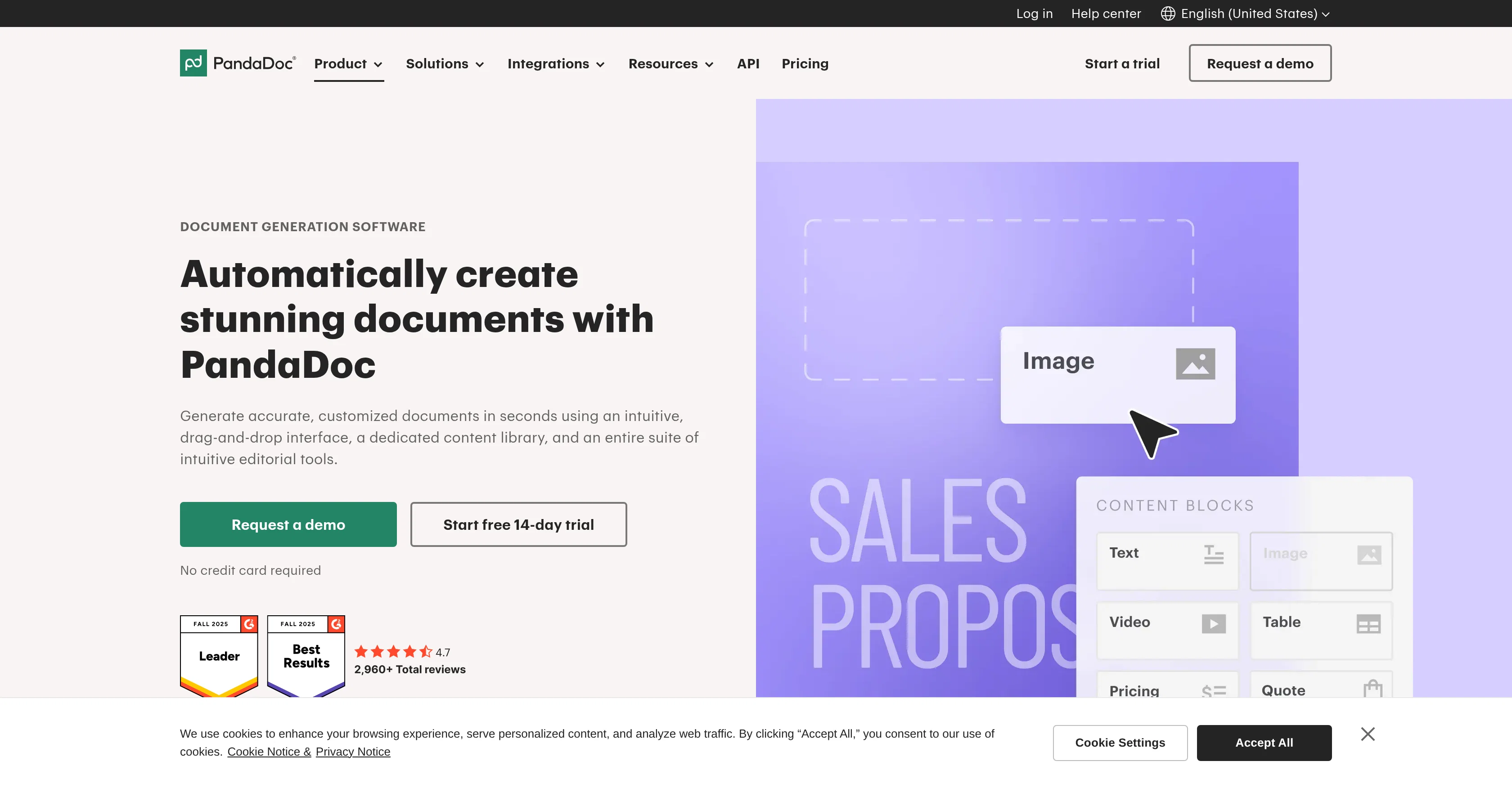
PandaDoc is a document generation software designed to enhance productivity through automated document workflows, customizable templates, and CRM integrations.
At its core, PandaDoc is a digital solution that automates business document creation. The tool facilitates the generation of contracts, proposals, quotes, invoices, and more by leveraging automated templates and data imported from CRMs or forms.
Apart from generating customized documents quickly, the platform is also designed to reduce errors, which can be a prevalent issue in manual document creation.
PandaDoc includes a feature for e-signing, providing a user-friendly solution for certifying documents. In addition to that, it includes workflow automation to streamline document-related processes.
Further capabilities include AI-powered content creation to aid in the production of quality documents. These different functionalities combined make PandaDoc useful for various functions such as sales, HR, legal, and operations teams.
A notable feature of PandaDoc includes the ability to create 'Deal Rooms', collaborative spaces where documents can easily be shared, negotiated and signed digitally.
The platform also offers analytics tools, providing insightful metrics, and understanding of how users interact with your documents.
Access & connections
Where you can use PandaDoc Document Generator, and what it plugs into.
Platforms
Integrations
Capabilities
What this tool accepts, produces, and is strongest at.
Input
- API
- Tabular
- Text
Output
- Tabular
- API
- Text
Pros & cons
Pros
- Automated document workflows
- Customizable templates
- CRM integrations
- Generation of contracts
- Generation of proposals
- Generation of quotes
- Generation of invoices
- Error reduction in documents
Show 37 more
- E-signing feature
- Workflow automation
- Sales support
- HR support
- Legal support
- Operations support
- Collaborative 'Deal Rooms'
- Document analytics
- User-interaction understanding
- Automated quotes generation
- CPQ (configure price quote) support
- Collaborative and close deals feature
- Adapts documents to recipient's requirements
- Approval workflow feature
- Content distribution across teams
- Integration with payment gateways
- Integration with collaboration tools
- GDPR compliance
- HIPAA compliance
- Two-factor authentication
- Signature certificate
- Document embedding capability
- User-friendly no-code editor
- Seamless multi-media document incorporation
- Live view of document editing
- Real-time document formatting
- Pre-existing branded templates
- Automated document assembly
- Customizable routing for sending documents
- Automated document creation for business events
- Batch document creation
- Internal data driven document creation
- Built-in payment processing in invoices
- Product catalog integration for invoicing
- Locked templates for legal documents
- Restricted editing for secure documents
- Integrated e-signature for legal compliance
Cons
- Limited language support
- Dependent on strong CRM integrations
- Lack of offline capabilities
- Limited customization of 'Deal Rooms'
- No dedicated app
- No noticeable special features for education sector
- Potential over-reliance on automated content
- Limited API documentation
Show 1 more
- Heavy focus on sales teams over others
Compare alternatives
Similar tools in the catalog — with a clear reason to open each one.


Docusplit AI ✓
Free TrialSplit, sort and organize documents automatically with AI.
Why look Typically cheaper
Full comparison

Rossum Agents ✓
PaidAI agents that automate your paperwork.
From Starting at $18,000 per year
Full comparisonReleases 1
FAQ 12
What is PandaDoc?
How can PandaDoc enhance my business productivity?
What types of documents can PandaDoc generate?
What's unique about PandaDoc's template customization?
Could you explain the e-Signing feature in PandaDoc?
How does the Workflow Automation feature work in PandaDoc?
Can PandaDoc assist in content creation?
Who can benefit from using PandaDoc?
What are PandaDoc's 'Deal Rooms'?
What kinds of insights can I get from PandaDoc's document analytics?
What is the role of CRM integration in PandaDoc?
How does PandaDoc help to reduce document creation errors?
Related tools
Recommended

TheLibrarian.io ✓
Free TrialYour WhatsApp AI assistant for instant productivity.

Notis ✓
Free TrialThe first WhatsApp assistant that runs on your ChatGPT and Claude subscriptions

remio: Your Personal ChatGPT ✓
FreemiumGet Tailored Answer with Your Personal ChatGPT

leania.ai ✓
Free TrialMRI scan for Businesses: Find What to Cut, Replace, Automate with AI

docAnalyzer ✓
FreemiumTurn document overload into work worth putting your name on

There's An AI For That ✓
FreeThe front page of AI