

Documents 2026 Rank: #2382
Docusplit AI ✓
Split, sort and organize documents automatically with AI.
Verdict
A quick read before you dig into the full page.
- Best if
- Split, sort and organize documents automatically with AI
- Skip if
- Limited pages per month
- Pick this when
- Automates splitting PDFs
Considering WZRD instead? Compare side by side
Overview
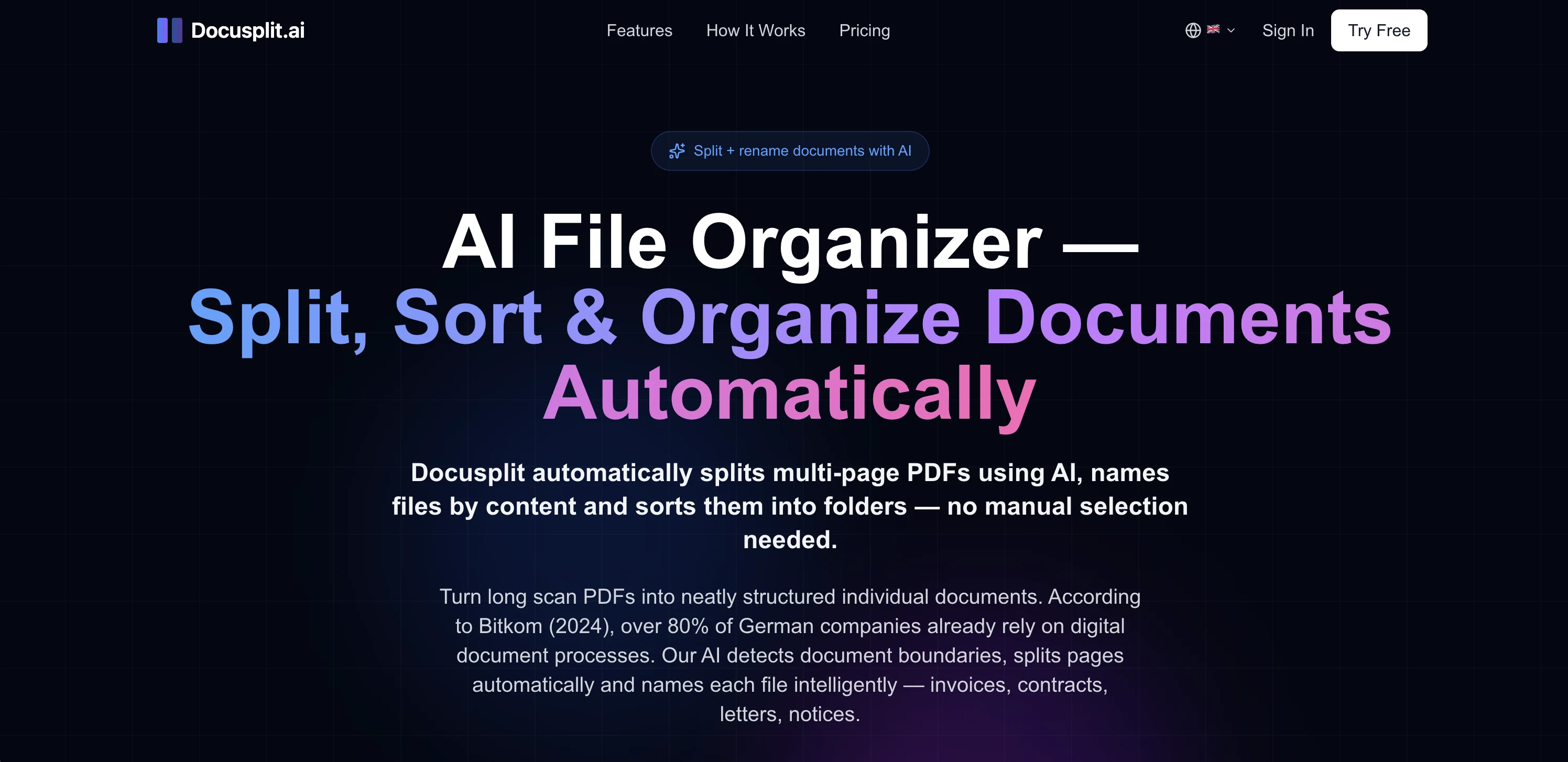
Docusplit AI is a file organization tool designed to automate the process of splitting, renaming, and organizing documents. The tool uses AI to detect and process varied types of documents such as invoices, contracts, receipts, and more.
Upon receiving a multi-page PDF, Docusplit splits it into separate documents, each named based on its content, eliminating the need for manual selection.
The tool is capable of transforming a cluttered PDF scan into a collection of neatly structured individual files. Moreover, Docusplit offers intelligent file renaming based on the document type, sender, and date.
Various types of document use cases can be supported by Docusplit, including not only auto-splitting multi-page PDFs, but also naming and sorting documents, digitizing mail, scanning stacks of mail to create named and sorted individual documents, and invoice detection and separation.
Docusplit can be used by different user groups, including individuals, freelancers, and office teams to manage their documents more efficiently and structurally.
In terms of security, Docusplit complies with the EU General Data Protection Regulation (GDPR), offers TLS 1.3 encryption for maximum data security, doesn't store PDFs permanently, and processes all data in accordance with GDPR.
Access & connections
Where you can use Docusplit AI.
Platforms
Capabilities
What this tool accepts, produces, and is strongest at.
Input
- API
- Tabular
- Image
Output
- Tabular
- API
- Image
Supported features
- Docs
- Image Understanding
- Automation
Pros & cons
Pros
- Automates splitting PDFs
- Automatically names files
- Intelligent file renaming
- Supports multiple document types
- Digitizes mail
- Scans and organizes mail
- Invoice detection and separation
- Secures data with TLS 1.3
Show 18 more
- Doesn't store PDFs permanently
- Supports individual, freelancer, and team use
- Categorizes by document type, sender, date
- Supports varied document use cases
- Complies with GDPR
- Supports all common PDF formats
- Handles multi-page documents up to 50MB
- Secured document transfer
- Offers drag and drop file selection
- Turns scanned docs to digital archive
- Can process up to 1000 pages/month for enterprises
- 14-day full refund guarantee
- Stripe payments with PCI DSS Level 1 certification
- SSL Encrypted
- Allows API access
- Priority document processing
- Instant start without setup required
- Over 99.5% recognition accuracy
Cons
- Limited to PDF files
- Doesn't support real-time collaboration
- No mention of offline capabilities
- No integrated cloud storage
- Recognition accuracy not 100%
- No direct integration with ERP/CRM
- Dependent on quality of scanned documents
- Limited pages per month
Show 2 more
- No advanced search features
- Doesn't support other languages
Compare alternatives
Similar tools in the catalog — with a clear reason to open each one.



Rossum Agents ✓
PaidAI agents that automate your paperwork.
From Starting at $18,000 per year
Full comparison
Releases 1
FAQ 12
What types of documents can Docusplit AI process?
How does Docusplit AI separate multi-page PDFs?
Can Docusplit AI split and name scanned documents?
Does Docusplit AI support invoice detection?
Can Docusplit AI sort documents into folders automatically?
How does Docusplit AI rename files?
Is Docusplit AI GDPR compliant?
What level of data encryption does Docusplit AI use?
Does Docusplit AI store the PDFs it processes?
Who is the primary user group for Docusplit AI?
Does Docusplit AI offer a free trial?
How much does a monthly subscription to Docusplit AI cost?
Related tools
Recommended

Claude ✓
FreemiumBuilding reliable, interpretable AI systems

TarotGuide ✓
Free TrialAI-powered tarot readings for instant life guidance.

Thea ✓
FreemiumAI study tools to master material, not just memorize it.

ChatGPT ✓
FreemiumAsk anything, create anything, and move from idea to action.

Recall ✓
FreemiumSummarize Anything, Forget Nothing!

Suno ✓
FreemiumMake music at the speed of your ideas.