

OpnForm ✓
Create beautiful forms in seconds
Free + from $16/mo
Verdict
A quick read before you dig into the full page.
- Best if
- Create beautiful forms in seconds
- Skip if
- Limited pre-built templates variety
- Pick this when
- Open-source tool
Considering Weavely.ai instead? Compare side by side
Overview
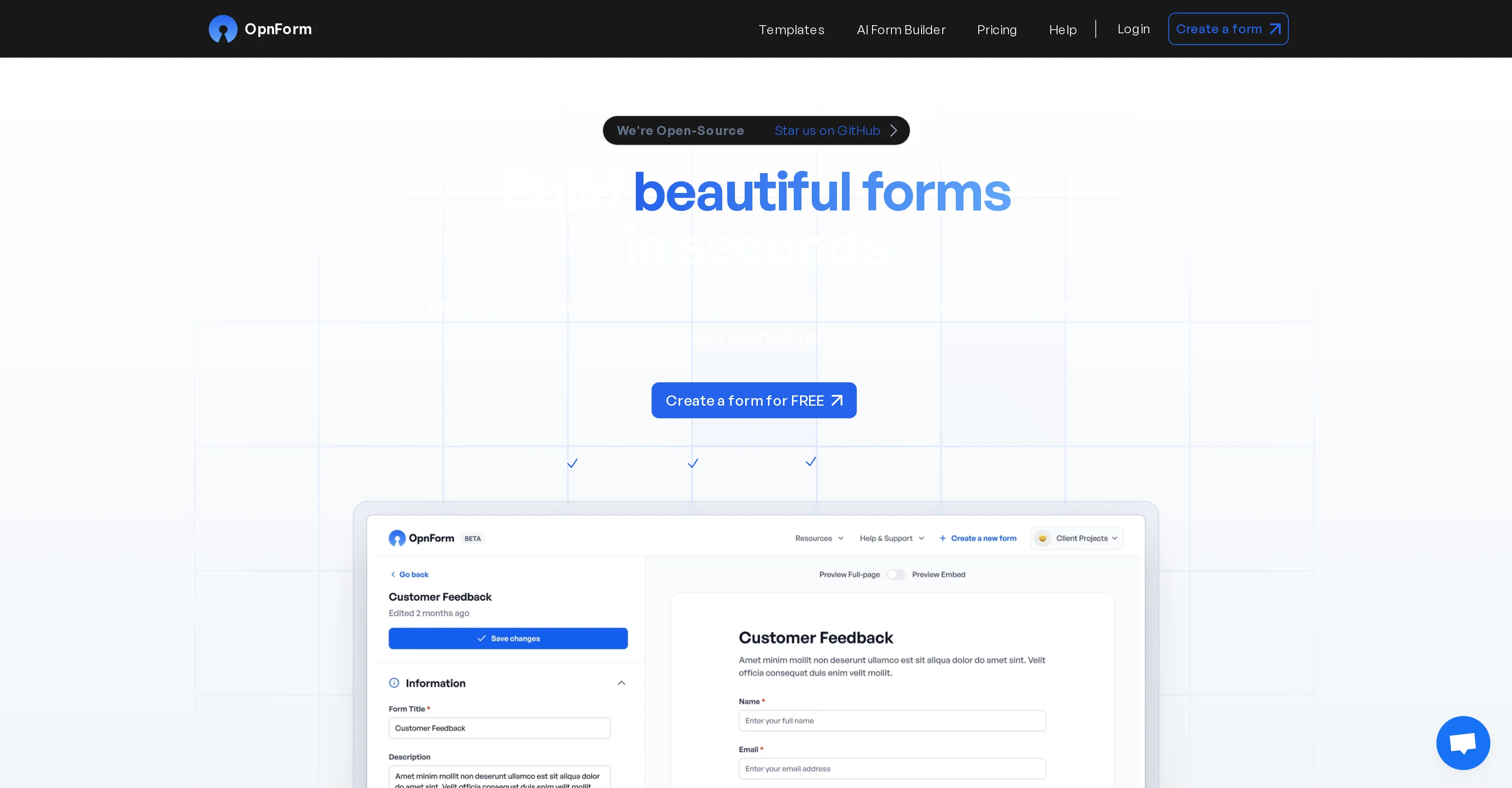
OpnForm is an open-source tool used to create customizable electronic forms quickly and without the need for advanced coding knowledge. This tool supports unlimited fields and submissions with a quick form creation process that enables users to build their forms in minutes.
Designed for easy sharing, each form comes with a unique link that can be embedded on websites or sent to recipients directly. Besides providing a robust collection of templates for various use-cases, OpnForm offers an AI Form Builder feature that generates a working form based on a simple description.
Users can customize form themes, add images, and create custom thank-you pages among other features. The platform also handles secure file uploads, supports notifications via Slack or email, and provides analytics for form views and submissions.
The tool offers additional functionality through OpnForm Pro which is tailored to advanced needs, including form confirmation emails, editable submissions, larger file uploads, custom domains, and removal of OpnForm branding; there's even a freemium tier for beginners.
In addition, there are various form-specific features such as form logic, URL pre-fill, hidden fields, and webhooks. The pre-built form templates that come with OpnForm range from IT requests to HR surveys and policy acknowledgements, making it suitable for diverse business processes.
Access & connections
Where you can use OpnForm, and what it plugs into.
Platforms
Capabilities
What this tool accepts, produces, and is strongest at.
Input
- Tabular
Output
- Tabular
Pros & cons
Pros
- Open-source tool
- Quick form creation
- Supports unlimited fields
- Supports unlimited submissions
- Unique links for sharing
- Embeds on websites
- Robust templates collection
- Secure file uploads
Show 38 more
- Notifications via Slack
- Email notifications
- Form analytics
- Customizable form themes
- Enable images in forms
- Custom thank-you pages
- OpnForm Pro feature
- Form confirmation emails feature
- Editable submissions
- Larger file uploads
- Custom domains option
- Removal of OpnForm branding
- Freemium tier
- Form logic
- URL pre-fill
- Hidden field feature
- Webhooks functionality
- Wide form templates range
- Forms suitable for diverse processes
- Create forms in minutes
- Form customization
- No-coding required
- Unique submission ID
- Form password feature
- Custom code option
- Form closing date
- Form password functionality
- Slack and Discord notifications
- Priority support
- Single or multi-page forms
- Email confirmations
- Export submissions as CSV
- Views & submissions analytics
- Form submissions export
- Submissions as CSV exports
- 5mb file uploads
- 50mb file uploads for Pro
- Change form themes, texts, colors
Cons
- Freemium features limited
- Pro version required for branding removal
- No phone notifications support
- Maximum 5mb upload in free version
- Advanced features require Pro version
- Limited pre-built templates variety
- No API mentioned
- No integrations with other systems mentioned
Show 2 more
- No offline mode mentioned
- No multi-language support mentioned
Compare alternatives
Similar tools in the catalog — with a clear reason to open each one.






Releases 1
FAQ 12
What is OpnForm?
How can I customize my form with OpnForm?
What is the AI Form Builder feature in OpnForm?
Does OpnForm support file uploads?
How can I share the forms I create with OpnForm?
What analytics does OpnForm provide for form views and submissions?
What additional functionality does OpnForm Pro offer?
Can I remove the OpnForm branding from my forms?
What are OpnForm’s form-specific features like form logic, URL pre-fill, hidden fields, and webhooks?
What kind of templates do OpnForm offer?
Does OpnForm require any advanced coding knowledge?
What type of notifications does OpnForm support?
Related tools
Recommended

RightBlogger ✓
FreemiumAutomate blogging, SEO, and publishing in one simple platform

FilmmakerPRO ✓
FreeElevate your filmmaking with AI-powered storytelling.

Appified.ai ✓
FreemiumTurn your OpenAI Assistant into a Web App in minutes.

FormBuilderGPT ✓
FreeBuild forms intelligently with AI

GetWorkSheet ✓
FreemiumFuel curiosity with AI-powered worksheets.

AIPosterGenerator ✓
Free TrialTransform ideas into stunning posters with AI