

Appified.ai ✓
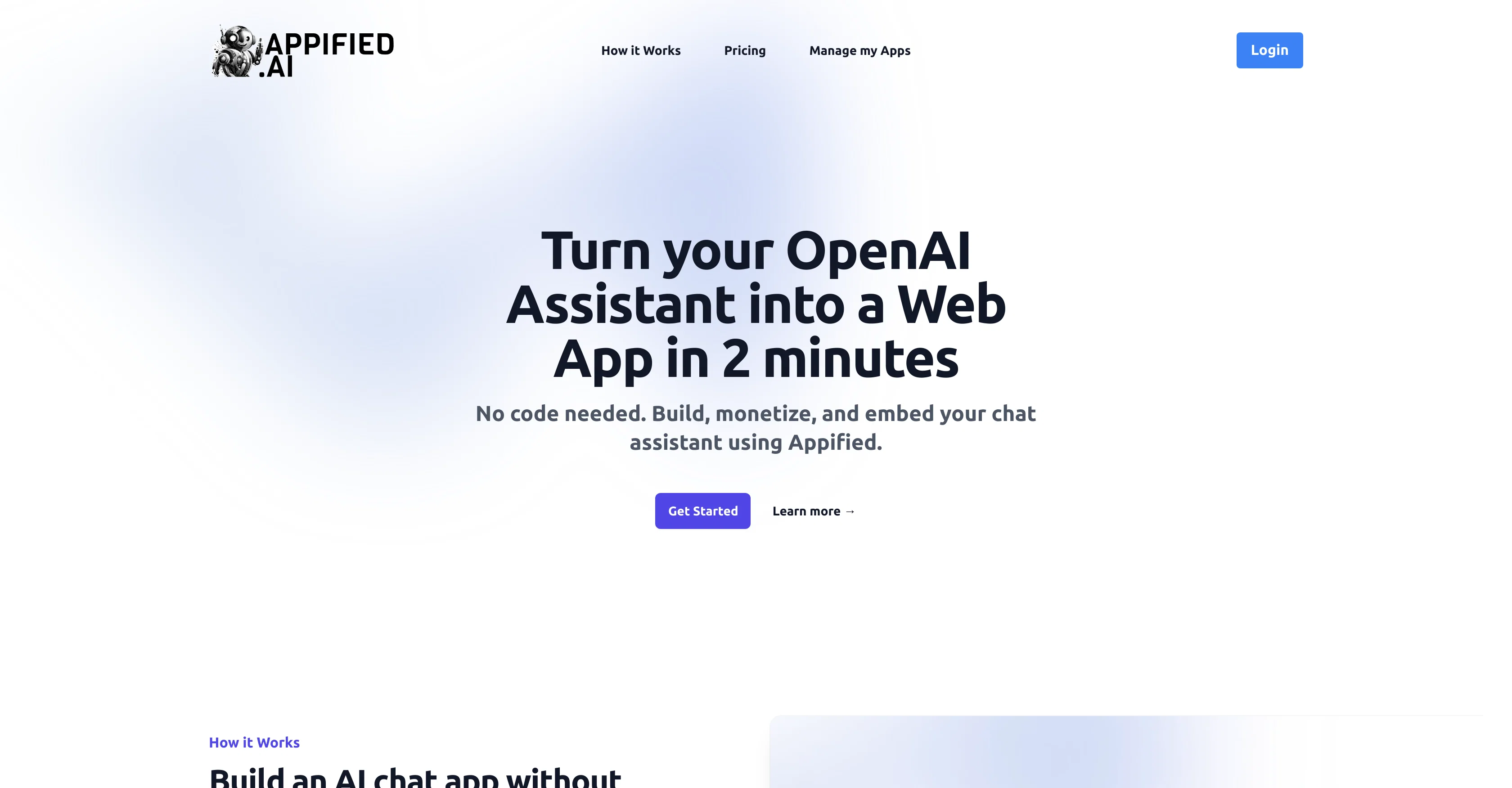
Turn your OpenAI Assistant into a Web App in minutes.
Free + from $49/mo
Verdict
A quick read before you dig into the full page.
- Best if
- Turn your OpenAI Assistant into a Web App in minutes
- Skip if
- Limited monitoring capabilities
- Pick this when
- No code required
Considering FlashAI instead? Compare side by side
Overview
Appified.ai is a no-code platform designed to transform an OpenAI Assistant into a Web App. The platform allows users to embed the OpenAI assistant on their own website, share it with others, or even sell it as a product.
User data and the AI assistant remain under the ownership and control of the user as Appified.ai only acts as a bridge for connection. The web app that is developed is fully featured, enabling end-users to interact with the AI Assistant on a variety of devices and refer back to previous conversations.
This tool goes beyond simply building an AI chat app, by facilitating the turning of the AI assistant into a potential business. It achieves this by integrating with Stripe to handle payments and user management, thereby creating a revenue stream for users.
Additionally, Appified.ai also provides an admin dashboard, where users can monitor the performance of their AI Assistant and manage their users. The tool prides itself on its simplicity, allowing users to develop, monetize, and embed their chat assistant without having to write a single line of code.
Access & connections
Where you can use Appified.ai, and what it plugs into.
Platforms
Integrations
Capabilities
What this tool accepts, produces, and is strongest at.
Input
- API
Pros & cons
Pros
- No code required
- Quick setup
- Embeddable on websites
- Assignable ownership and control
- Respects user data ownership
- Creates revenue streams
- Platform acts as bridge
- Offers user management
Show 11 more
- Full-featured web apps
- Admin Dashboard included
- Performance monitoring capability
- End-users interaction enabled
- Recall past conversations
- Stripe payment integration
- Product shareable on web
- Appifiable in 2 minutes
- Manage app performance
- Suitable for various devices
- Ensure API key security
Cons
- Requires Stripe for payments
- No multi-platform support
- Dependent on external API
- No local development
- Pricing not defined
- Limited monitoring capabilities
- Restricted user data access
- No offline usage
Compare alternatives
Similar tools in the catalog — with a clear reason to open each one.


Thynkk ✓
Free TrialFind Reddit threads where people already want what you sell.
Why look Typically cheaper
Full comparison

Noxel SEO ✓
FreemiumSEO, AEO & GEO visibility powered by AI.
Why look Typically cheaper
Full comparison
SimplePath ✓
Free TrialDescribe your business, get a website instantly.
Why look Typically cheaper
Full comparison
Releases 1
FAQ 12
What is Appified.ai?
How does Appified.ai transform OpenAI Assistant into a web app?
How do I embed an OpenAI assistant on my website using Appified.ai?
Can I share my AI assistant with others using Appified.ai?
Does Appified.ai allow me to sell my custom-made web app?
Who owns the data and AI assistant developed on Appified.ai?
What capabilities does the developed web app from Appified.ai have?
How does Appified.ai help me turn my AI assistant into a business?
How does the Stripe integration on Appified.ai work for handling payments and user management?
What features does the admin dashboard in Appified.ai offer?
How can I monitor the performance of my AI Assistant using Appified.ai?
Is it possible to manage users from the Appified.ai dashboard?
Related tools
Recommended

B12 AI Website Builder ✓
FreemiumAI-powered website builder

LearningStudioAI ✓
Free TrialAI-powered authoring tool for effortless online course creation.

VenturusAI ✓
FreemiumBusiness idea analysis and reporting.

Stunning ✓
PaidBuild AI-powered websites in seconds

Limecube ✓
FreemiumTransforming the way websites are created with AI.

Beeyond AI ✓
Free TrialBeeyond AI: Unlock 50+ AI tools under one subscription