

FormBuilderGPT ✓
Build forms intelligently with AI
Verdict
A quick read before you dig into the full page.
- Best if
- Build forms intelligently with AI
- Skip if
- Limited customization options
- Pick this when
- User-friendly interface
Considering Weavely.ai instead? Compare side by side
Overview
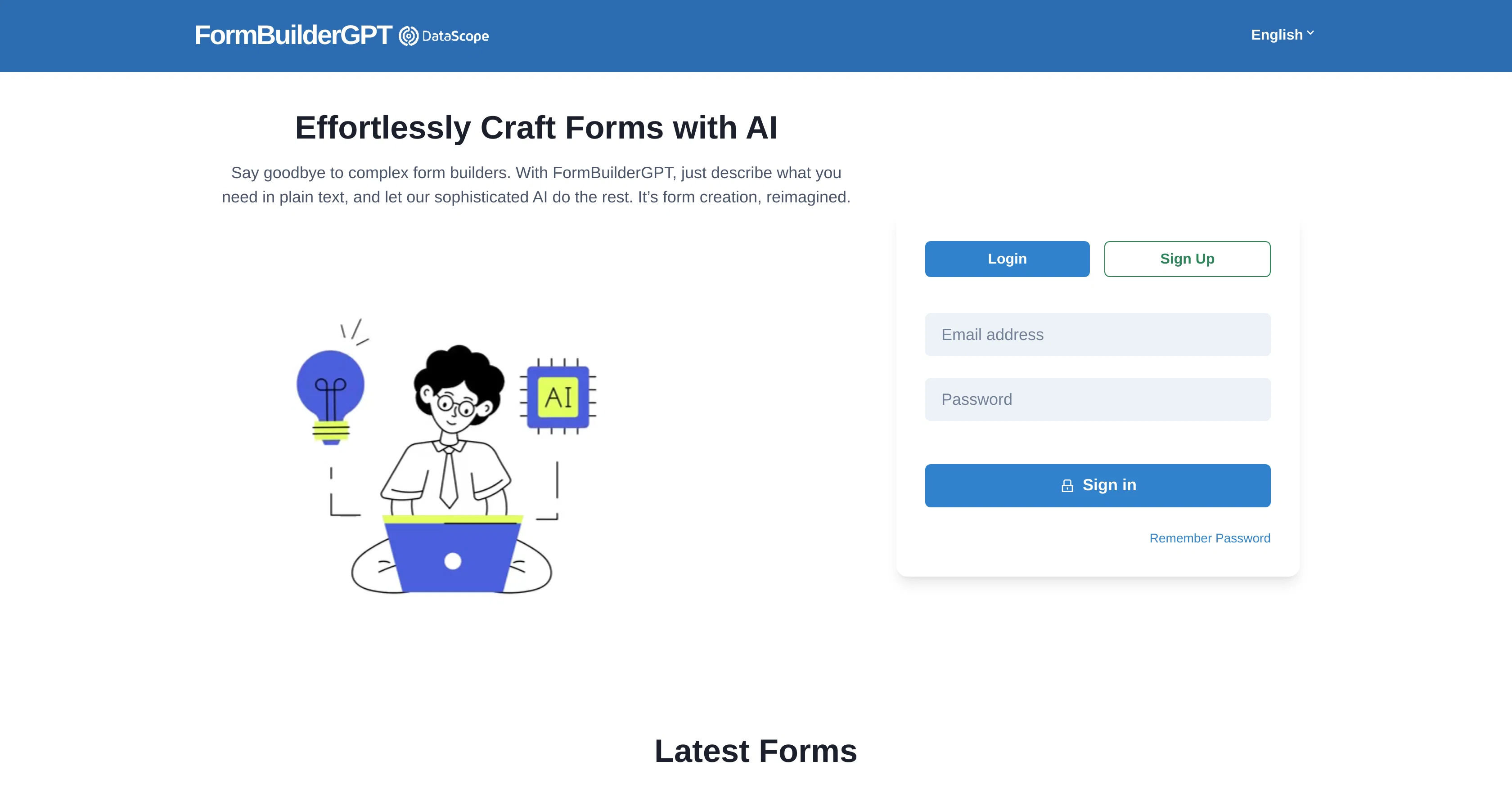
The Form Builder using AI by DataScope is a tool designed to facilitate the rapid creation of forms and their management, leveraging the power of Artificial Intelligence.
This tool provides a user-friendly interface where users can create bespoke forms to fit their unique requirements. The AI component of the tool optimizes the process by intelligently interpreting user inputs and automating the generation of relevant form fields.
This eliminates manual effort and errors involved in form creation, thus streamlining the entire data collection process.In addition, the tool offers functionality to manage the created forms, making it possible to adapt them over time as needs evolve.
Users can generate various types of forms, such as surveys, registration forms, order forms, and many others, making it versatile across multiple environments and use cases.It also integrates with other systems and databases, thus ensuring seamless data flow.
The data captured through the forms can be exported for analysis, further enhancing its value to an organization's data strategy.It's important to note that this tool requires JavaScript enabled, underscoring its reliance on modern web technologies.
Despite this requirement, the tool is designed with usability in mind and does not demand extensive technical knowledge from its users.Form Builder using AI by DataScope not only enhances the efficiency of form creation and management but, by harnessing the capabilities of AI, it also contributes to improved data quality and consistency.
This tool is a valuable asset for organizations looking for smart solutions to automate their data collection and management activities, thereby freeing up resources for more value-adding tasks.
Access & connections
Where you can use FormBuilderGPT.
Platforms
Capabilities
What this tool accepts, produces, and is strongest at.
Input
- Tabular
Output
- Tabular
Pros & cons
Pros
- User-friendly interface
- Intelligent user input interpretation
- Automatic relevant form field generation
- Minimizes manual effort
- Reduces errors in form creation
- Streamlined data collection
- Adaptable form management
- Creates multiple form types
Show 15 more
- Versatile use environments
- System and database integration
- Seamless data flow
- Data exporting capabilities
- Bespoke form creation
- Increases data quality
- Improves data consistency
- Resource freeing
- Requires JavaScript
- Requires minimal technical knowledge
- Optimizer for data strategy
- Rapid form creation
- Survey forms creation
- Registration forms creation
- Order forms creation
Cons
- Requires JavaScript enabled
- Limited to web technologies
- Reliant on user inputs
- Possibly limited form types
- Potential integration issues
- Limited customization options
- Data export compatibility issues
- May lack advanced features
Show 2 more
- Assumes knowledge of forms
- May require manual updates
Compare alternatives
Similar tools in the catalog.






Releases 1
FAQ 12
What is FormBuilderGPT by DataScope?
How does FormBuilderGPT leverage Artificial Intelligence?
What types of forms can I create with FormBuilderGPT by DataScope?
Does FormBuilderGPT by DataScope offer integration with other systems and databases?
How does FormBuilderGPT by DataScope help in streamlining the data collection process?
Is FormBuilderGPT by DataScope user-friendly for those without extensive technical knowledge?
What are the requirements to use FormBuilderGPT?
Is JavaScript a requirement for FormBuilderGPT by DataScope to run?
Can I modify the forms created by FormBuilderGPT over time?
How does FormBuilderGPT by DataScope automate form field generation?
Is it possible to export data captured through the FormBuilderGPT by DataScope?
What are the advantages of using FormBuilderGPT by DataScope for data strategy?
Related tools
Recommended

Formshare ✓
FreemiumCreate AI-powered conversational forms instantly.

Experts GPT ✓
FreeEmbody 3 expert personas for diverse discussions.

Microsoft Copilot on Telegram ✓
FreeYour everyday AI companion, now on Telegram

Prompteasy ✓
PaidFine-tune GPT by chatting with AI

COACH ✓
FreeAI-powered career development platform built by career experts.

My AI Tarot - Free Tarot Card Readings ✓
FreeInsightful guidance tailored to your life's questions.