
Personal assistant 2026 Rank: #1472
OmniSide ✓
Access GPT-5, Claude Opus4.6 , Gemini 3 Pro & DeepSeek in one
Verdict
A quick read before you dig into the full page.
- Best if
- Access GPT-5, Claude Opus4.6 , Gemini 3 Pro & DeepSeek in one
- Skip if
- Limited file formats support
- Pick this when
- Available as browser extension
Considering Notis instead? Compare side by side
Overview
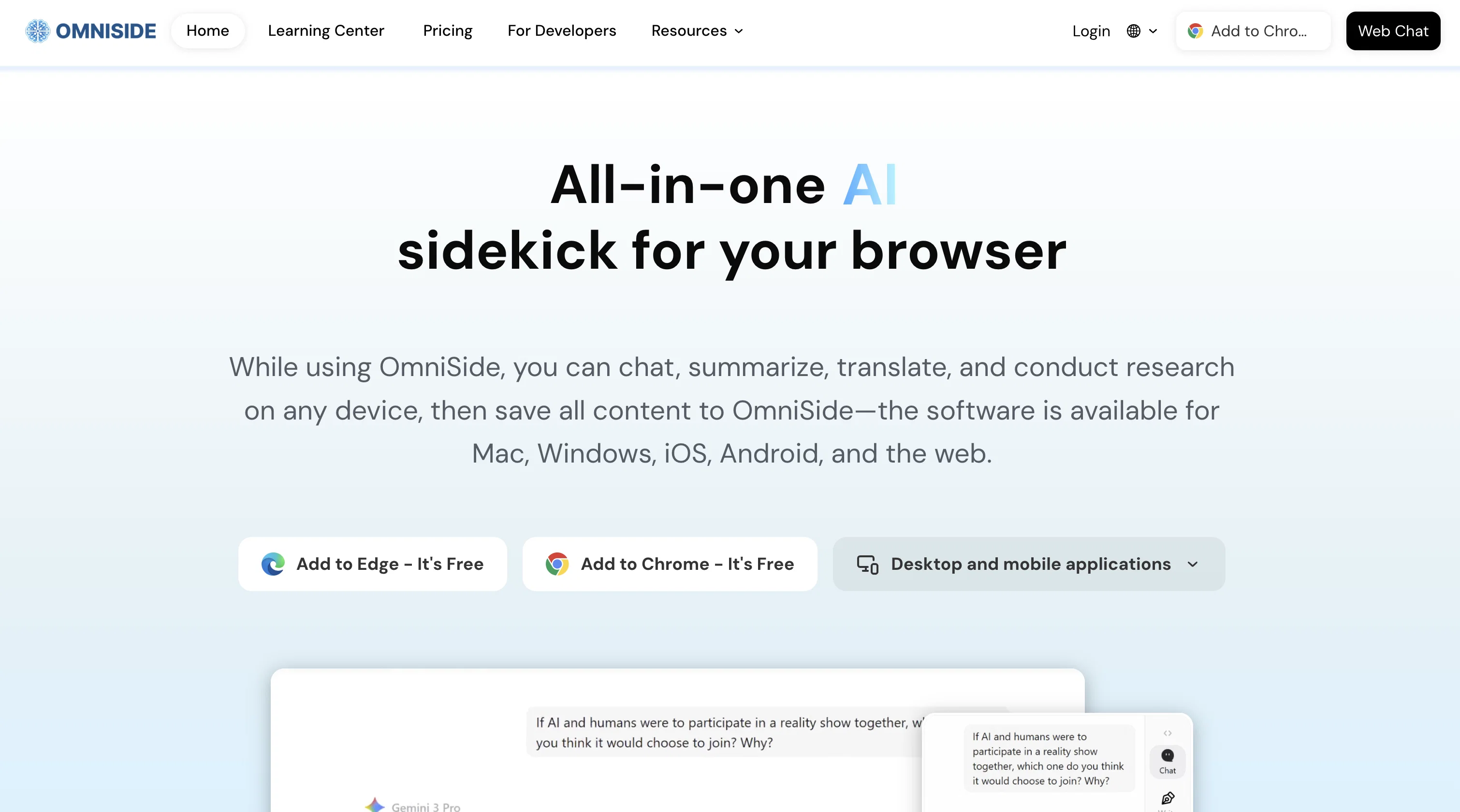
OmniSide is an AI-powered productivity assistant designed to enhance various productivity tasks involving communication, writing, translation, and other scenarios.
Equipped with advanced AI models, OmniSide enhances user chatting, searching, writing, image generation, and programming activities. This tool provides services such as Intelligent Writing Workshop, that helps in structuring and styling user text inputs for efficient writing, and Precision Translation Engine, which supports real-time translation between major global languages maintaining the professional terminology, cultural connotations, and stylistic features of the original text.
There is also a Grammar Proofreading feature that scans text for potential errors and offers correction suggestions, and an Image Text Recognition capability that extracts structured information from images and PDFs.
OmniSide is available as a browser extension for Chrome and Edge and also has a desktop application, making it accessible in various working scenarios.
It is also designed to make AI capabilities easily reachable, integrating them lightly into user workflows.
Best for
Short scenarios where OmniSide tends to shine.
-
Access GPT-5, Claude Opus4.6 , Gemini 3 Pro & DeepSeek in one
Example outputs 1
Sample generations and before/after results for OmniSide.
Access & connections
Where you can use OmniSide, and what it plugs into.
Platforms
Capabilities
What this tool accepts, produces, and is strongest at.
Input
- Image
- Text
- Audio
Output
- Text
- Image
Supported features
- Assistant
- Writing
- Translation
- Image Understanding
- Image Generation
- Code Assistant
- Search
Pros & cons
Pros
- Available as browser extension
- Desktop application availability
- Dual-track decision engine
- Intelligent writing tool
- Real-time precision translation engine
- Grammar proofreading tool
- Image text recognition
- Smart Toolbar features
Show 20 more
- Instant Q&A option
- Workflow integration
- All-in-one chat center
- Integration with GPT-5 and Claude 4.5 Sonnet
- Image generation support
- Platform Switching convenience
- Supports parallel processing of tasks
- Preserves stylistic features in translation
- Extracts structured information from images
- Multi-language support
- Text and tables extraction from PDFs
- Embedded in workflows
- Instant summary feature
- Smart writing assistance
- Text explanation
- Quick information search
- Grammar and spelling error detection
- Text summarization
- Efficient workflow
- Information extraction from images
Cons
- No mobile application
- Limited to Edge and Chrome
- Translate major languages only
- No offline use
- Limited file formats support
- Single User interface
- Relies heavily on internet connectivity
Compare alternatives
Similar tools in the catalog — with a clear reason to open each one.

Notis ✓
Free TrialThe first WhatsApp assistant that runs on your ChatGPT and Claude subscriptions
Free + from $13/mo
Full comparison
Alice - AI Automation App ✓
Free TrialStop chatting. Start doing.
Why look Offers a public API
Full comparison
Assindo ✓
Free TrialManaged AI agent like OpenClaw but with real phone calls included
Why look Typically cheaper
Full comparisonPeople also view
Tools that often show up alongside OmniSide in collections and comparisons.

Snow chat ✓
Free TrialYour personal AI workspace
Notis ✓
Free TrialThe first WhatsApp assistant that runs on your ChatGPT and Claude subscriptions

Littlebird ✓
FreemiumThe only full-context AI

Botlor ✓
Free TrialYour AI butler that books, shops, creates, advises.
Assindo ✓
Free TrialManaged AI agent like OpenClaw but with real phone calls included
Alice - AI Automation App ✓
Free TrialStop chatting. Start doing.

Tether AI ✓
UnknownYour personal AI agent that acts autonomously.

SuperIntern ✓
FreemiumYour always-on AI assistant that runs your admin so you can focus.