

Presentations vv1.3 2026 Rank: #356
Dokie: AI Presentation Maker ✓
Your AI presentation agent for instant professional slides.
Verdict
A quick read before you dig into the full page.
- Best if
- You are saaS Founders and need: Best for SaaS Founders
- Skip if
- Limited to presentations only
- Pick this when
- Instant professional slides
Considering MagicSlides.app AI PPT Maker instead? Compare side by side
Overview
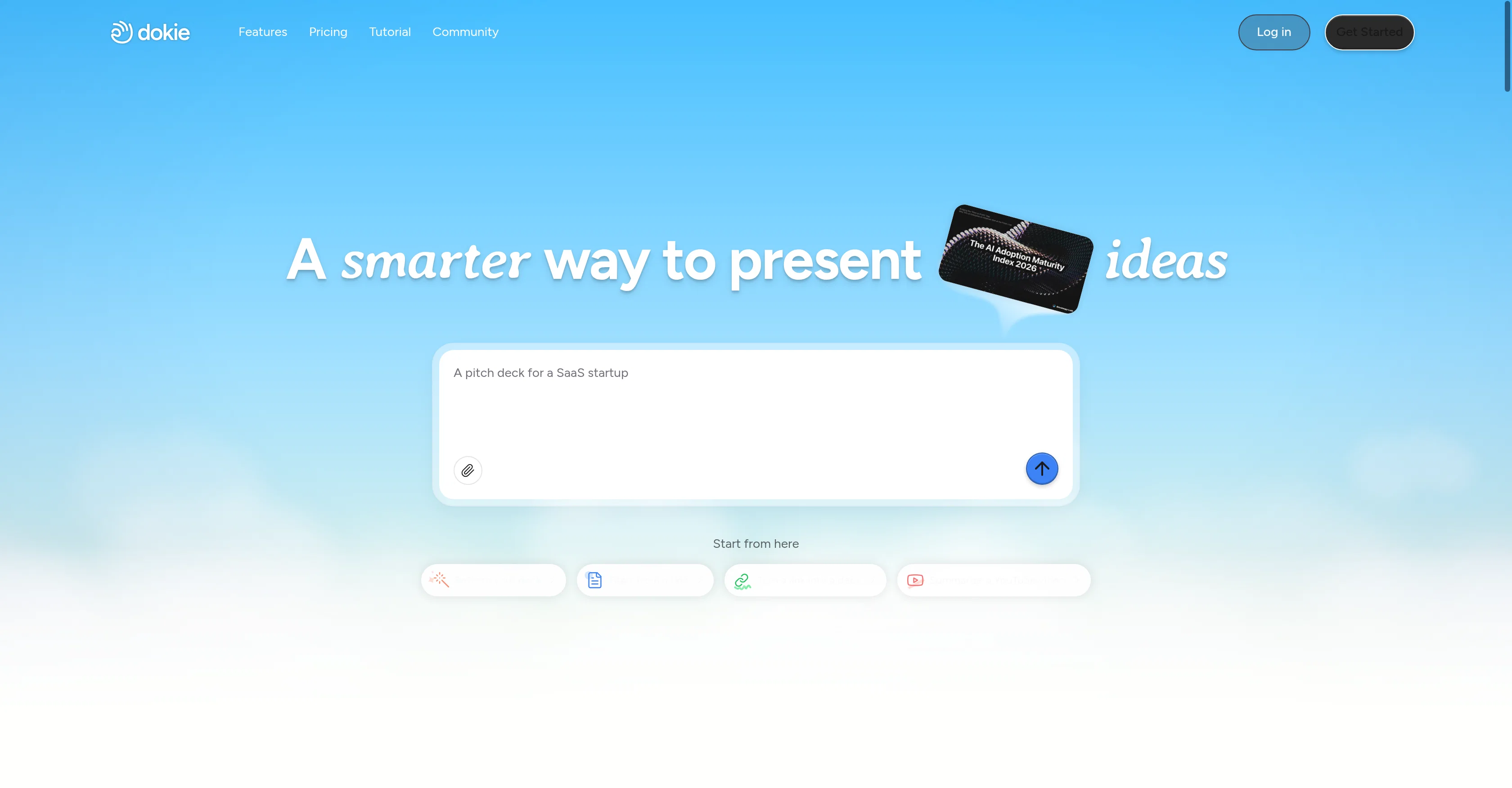
Dokie is an AI-powered tool designed to facilitate and enhance the process of creating presentations. The software serves as an automated agent that helps generate professional slides instantly.
It is built to customize design styles according to user preferences, enabling you to create unique and visually pleasing presentations. This efficient system also refines content, allowing for effortless editing and improving coherence without compromising the quality or layout of the slides.
It promotes maintenance of clean, well-structured layouts, ensuring that each edit enhances the final product instead of detracting from it. Dokie emphasizes accuracy and brand alignment in presentations, making it a beneficial tool for businesses and individuals alike.
Its promise is to facilitate the creation of impactful, beautiful presentations in a short amount of time, offering potential to increase productivity and efficiency for its users.
Best for
Short scenarios where Dokie: AI Presentation Maker tends to shine.
-
Best for SaaS Founders
Best for SaaS Founders
-
Best for Growth Marketers
Best for Growth Marketers
-
Best for Strategy Consultants
Best for Strategy Consultants
-
Best for Marketing Managers
Best for Marketing Managers
-
Best for AI Researchers
Best for AI Researchers
-
Best for Business Professionals (creating pitch decks/proposals)
Best for Business Professionals (creating pitch decks/proposals)
Example outputs 1
Sample generations and before/after results for Dokie: AI Presentation Maker.
Access & connections
Where you can use Dokie: AI Presentation Maker.
Platforms
Capabilities
What this tool accepts, produces, and is strongest at.
Input
- Text
Output
- Text
Supported features
- Slides
- Visual Creation
- Styling
- Brand Strategy
- Automation
Pros & cons
Pros
- Instant professional slides
- Content refining capabilities
- Maintains clean layouts
- Improves overall aesthetic
- Aligns with brand style
- High customization possibility
- Suitable for multiple industries
- Easy to use
Show 13 more
- Free to start
- Automated design
- Enhances presentation coherence
- Facilitates layout management
- Slide editing feature
- Time-saving tool
- Aids visual appeal
- Increases presentation productivity
- Ensures brand alignment
- Promotes structured presentation
- Enhances content accuracy
- Facilitates impactful presentations
- Can increase user efficiency
Cons
- Limited design styles
- May compromise content originality
- Consistency in brand alignment varies
- No content creation support
- Limited slide editing tools
- Possibility of similar outputs
- Does not provide offline access
- Limited customization options
Show 2 more
- No collaboration features
- Limited to presentations only
Compare alternatives
Similar tools in the catalog — with a clear reason to open each one.

MagicSlides.app AI PPT Maker ✓
FreemiumCreate Stunning PPTs in Seconds with the AI PPT Maker
Why look Typically cheaper
Full comparison
NextDocs.io ✓
FreemiumThe AI-native editor for docs, slides, and more
Why look Offers a public API
Full comparison
Gamma ✓
FreemiumAI-powered content creation, minus the hassle.
Why look Typically cheaper
Full comparison
AI Slide Generator ✓
Free TrialCreate stunning presentations from any text in seconds
Why look Typically cheaper
Full comparisonPeople also view
Tools that often show up alongside Dokie: AI Presentation Maker in collections and comparisons.

okkslides ✓
FreemiumTransform ideas into professional PowerPoint slides in minutes.
NextDocs.io ✓
FreemiumThe AI-native editor for docs, slides, and more
MagicSlides.app AI PPT Maker ✓
FreemiumCreate Stunning PPTs in Seconds with the AI PPT Maker
AI Slide Generator ✓
Free TrialCreate stunning presentations from any text in seconds

GenPPT ✓
PaidThe AI Presentation Tool for Deep, Research-Backed Slides
Gamma ✓
FreemiumAI-powered content creation, minus the hassle.

Skywork ✓
Free Trial10 tasks in 1 hour, not 10 hours

OpenDeck ✓
FreeSlide decks that speak for themselves.
Releases 4
- Added MCP support, allowing AI agents and MCP-compatible tools to connect with Dokie directly.
- Enabled agent-driven presentation creation, making it easier to turn prompts, documents, and structured content into slides.
- Improved workflow compatibility for AI agent use cases, including research-to-slides and report-to-PPT scenarios.
- Optimized generation stability when creating presentations through external AI tools.
- Improved the handoff from AI-generated content to editable, export-ready PPTs.
- Added more presentation templates for business, education, marketing, reports, proposals, and professional use cases.
- Added custom template support, allowing users to upload and reuse their own company or brand templates.
- Improved slide generation quality with better layouts, clearer structure, and more polished visual design.
- Optimized content-to-slide matching so generated decks better fit the input topic and presentation purpose.
- Improved overall editing and export experience for creating presentation-ready PowerPoint decks.
Dokie AI Changelog | GPT Image 2 Upgrade
We recently upgraded Dokie AI with GPT Image 2 capabilities to improve the visual quality of AI-generated presentations.
What’s New
- GPT Image 2 is now supported
Dokie AI now uses stronger AI image generation capabilities to create clearer, more detailed, and more polished visuals for slides.
Compared with the previous version, the new image generation feature performs better in visual details, layout stability, style consistency, business-friendly design, and overall image quality.
- Better visuals for presentation pages
We optimized image generation specifically for PPT use cases.
Now, visuals generated inside Dokie AI can better match the slide topic, page structure, and presentation style. This helps reduce images that feel off-topic, inconsistent, or unsuitable for business presentations.
- Improved full-deck generation quality
This update does not only improve single-image quality. It also helps the whole presentation look more complete and professional.
Dokie AI can better align visuals with slide content, so each page feels more connected to the overall presentation.
- More suitable for real work scenarios
With this upgrade, Dokie AI is better suited for creating business-ready presentations, including business reports, marketing plans, product introductions, project updates, weekly and monthly reports, client proposals, training decks, and data-driven presentations.
Summary
The GPT Image 2 upgrade makes Dokie AI’s presentation generation more visually polished, stable, and business-ready.
We will continue improving slide structure, content quality, visual design, image generation, and speech draft features to make Dokie AI a more practical AI Presentation Agent for real office work.
Imported reviews 2
Great presentation maker, really makes it easy for anyone to create presentations, the UI is also simpler than Gamma. Also made a video on it https://www.youtube.com/watch?v=OfE7Qx0zVp8
A great AI presentation maker
FAQ 12
What is Dokie?
How does Dokie generate professional slides instantly?
What does it mean that Dokie refines content?
How does Dokie maintain clean layouts with every edit?
How does Dokie improve the aesthetic of my presentations?
Can I align my presentations with my brand style using Dokie?
How customizable is Dokie's design styles?
Who would benefit most from using Dokie?
Does Dokie cater to any specific industries?
What makes Dokie user-friendly?
Can I create professional presentations using Dokie?
Does Dokie provide any editing tools?
Related tools
Recommended

Notis ✓
Free TrialThe first WhatsApp assistant that runs on your ChatGPT and Claude subscriptions

remio: Your Personal ChatGPT ✓
FreemiumGet Tailored Answer with Your Personal ChatGPT

Kin - Personal AI Advisors ✓
FreePrivacy-first & designed your for mind, and life at work

Claude ✓
FreemiumBuilding reliable, interpretable AI systems

DeepSeek ✓
FreeUnravel the mystery of AGI with curiosity

GetLogit ✓
FreemiumArtificial intelligence, available for everyone.