

Oda Studio ✓
Customize your home with AI in seconds.
Free + from $8.99
Verdict
A quick read before you dig into the full page.
- Best if
- Customize your home with AI in seconds
- Skip if
- Limited customizability
- Pick this when
- Personalized digital mood boards
Considering Getfloorplan instead? Compare side by side
Overview
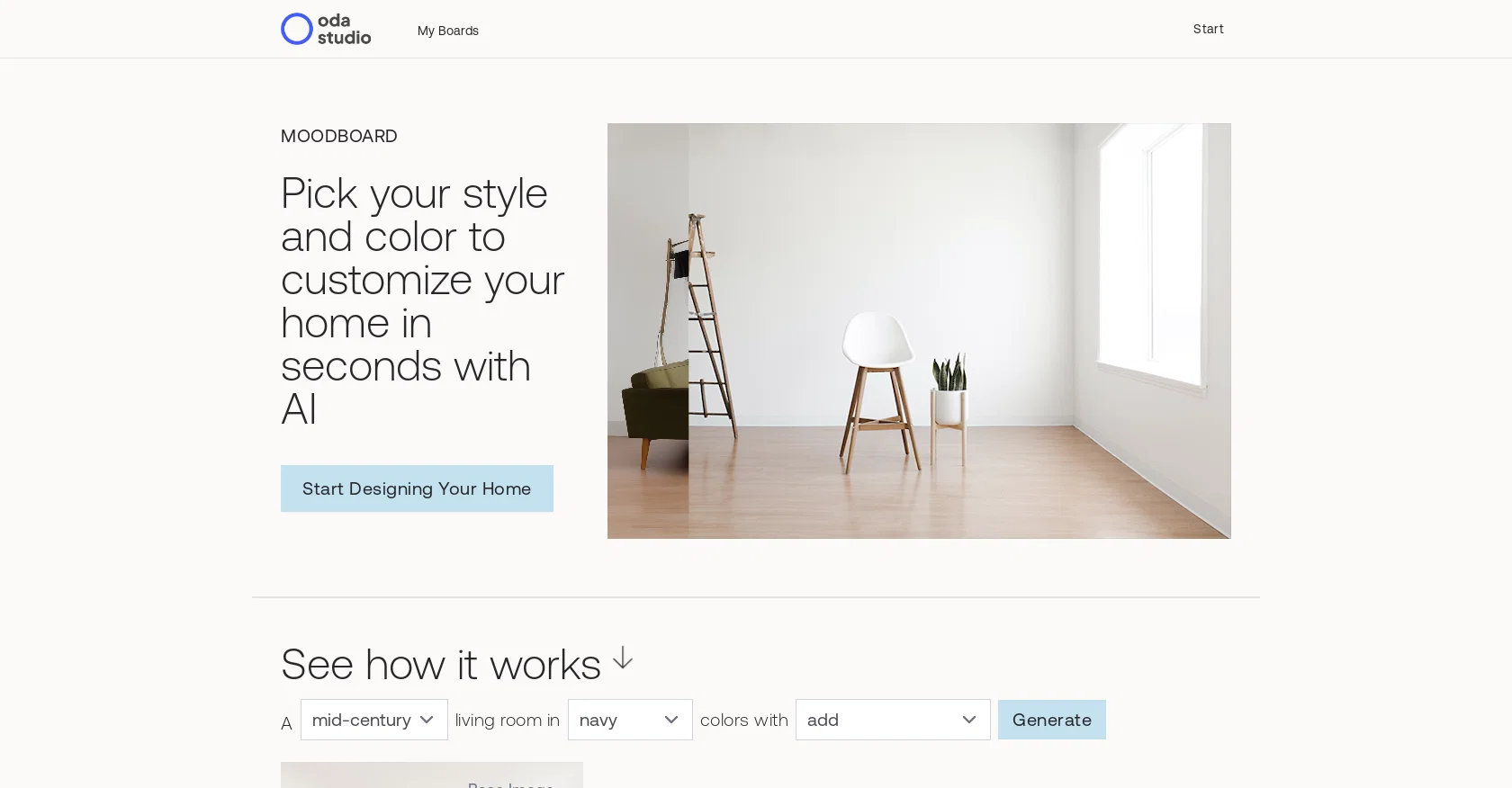
Oda Studio's Moodboard is a digital tool designed to simplify the home decorating process. It allows users to create custom mood boards with a range of styles and colors to choose from.
The style options include mid-century modern, bohemian, minimal, and living room in. Color options include navy, salmon, olive, beige, dark gray, mint, and mustard.
Users can also add plants, landscape wall art, and abstract wall art. The generated base image includes the user's selected style and color. The tool is powered by Oda Studio and is subject to their Privacy Policy and Terms of Use.
Best for
Short scenarios where Oda Studio tends to shine.
-
Customize your home with AI in seconds.
Example outputs 1
Sample generations and before/after results for Oda Studio.
Access & connections
Where you can use Oda Studio.
Platforms
Capabilities
What this tool accepts, produces, and is strongest at.
Input
- Text
- Image
Output
- Image
Supported features
- Arhitecture & Interior design
Pros & cons
Pros
- Personalized digital mood boards
- Various style options
- Multiple color choices
- Option to add plants
- Incorporate landscape wall art
- Can add abstract art
- Generated base image feature
- Easy home decorating process
Show 40 more
- Range of styles and colors
- Accommodates different aesthetic tastes
- Uses user's selected style/color
- Simplifies interior design planning
- Flexible customization options
- Wide array of color palettes
- Highlights latest design trends
- Unique interactive design experience
- User-friendly interface
- Can design multiple rooms
- Allows color and style exploration
- Enables quick decision making
- Creativity enhancement tool
- Efficient design visualization
- Seamless design coordination
- Promotes design consistency
- Easy idea comparison
- Ensures aesthetic coherence
- Enhances decor matching
- Facilitates design experimentation
- Bridges user preference and reality
- Prompts users to innovate
- Streamlines design selection
- Accessible on multiple devices
- Idea organization and inspiration
- Cuts interior design costs
- Promotes DIY home decorating
- Quick style generation
- Improves remote design collaboration
- Enhances design communication
- Helps achieve design balance
- Effective for design beginners
- Reduces design errors
- Encoded with design psychology
- Speeds up the design process
- Robust and stable tool
- Data protected by privacy policy
- Practical for design professionals
- Convenient style preview
- Unlimited design possibilities
Cons
- Limited style options
- Limited color range
- No 3D view available
- Limited wall art options
- No API
- Subject to Oda Studio's policies
- No option to upload own images
- Single platform (web) usage
Show 2 more
- No multiroom design
- Limited customizability
Compare alternatives
Similar tools in the catalog — with a clear reason to open each one.

Getfloorplan ✓
PaidAI tool for 3D floor plans, renders, and virtual to
Why look Offers a public API
Full comparison


Paintit.ai ✓
FreemiumPro Workflow: AI Visualization for Designers and Real Estate Teams
Why look Offers a public API
Full comparison

People also view
Tools that often show up alongside Oda Studio in collections and comparisons.
Paintit.ai ✓
FreemiumPro Workflow: AI Visualization for Designers and Real Estate Teams
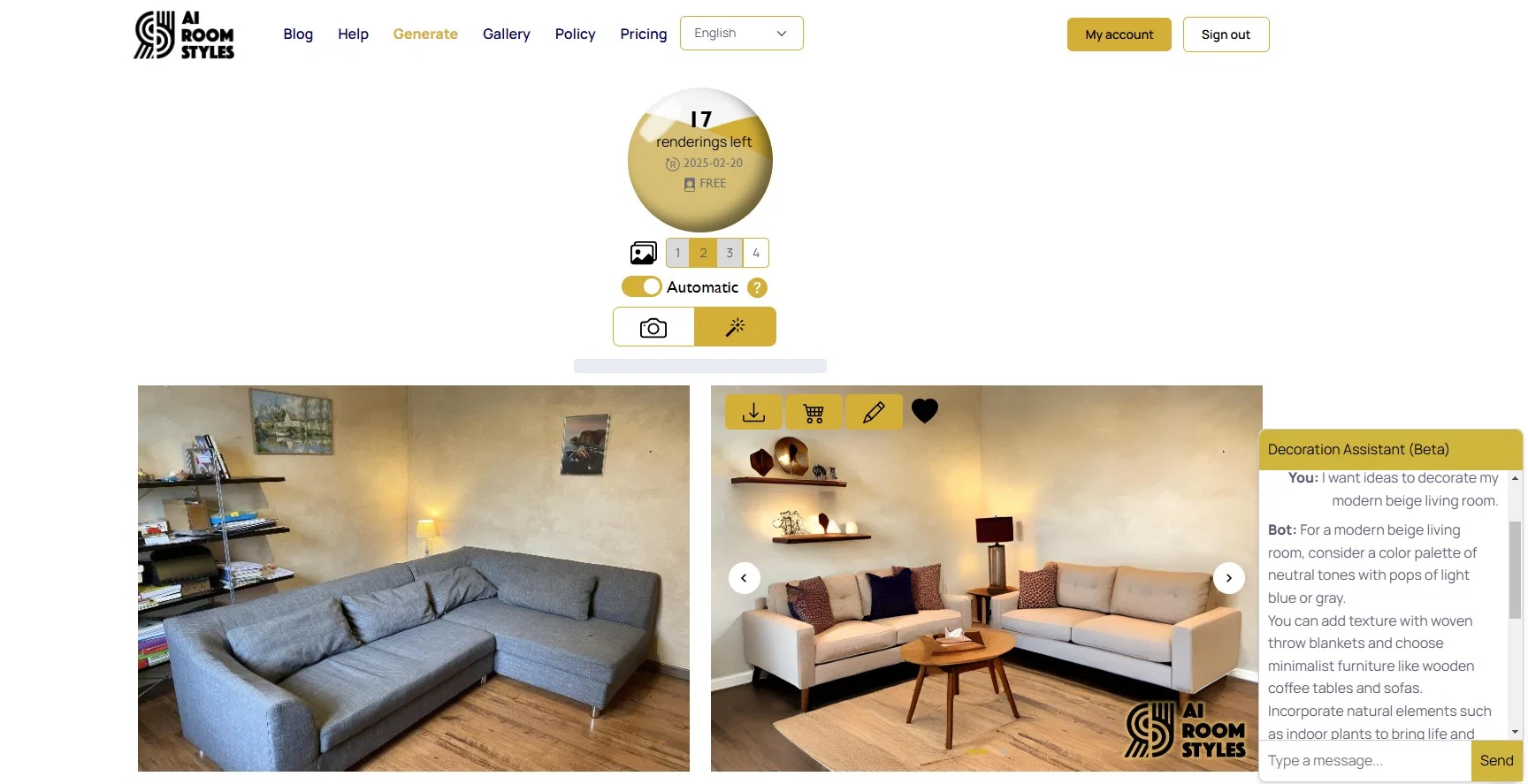
AI Room Styles ✓
FreemiumPersonalized interior and exterior decor design

Togal ✓
Free TrialAI-powered pre-construction technology for estimators.

Stager AI ✓
Free TrialOne-click AI virtual staging for real estate photos
RemodelAI ✓
FreemiumTransform your home instantly with AI renovations.

Remodel AI ✓
PaidTransform your home with AI-generated designs in seconds

Droplette ✓
Free TrialAI-powered color palette generator for Figma

ArchiVinci ✓
PaidTransform your sketches into hyper-realistic renders effortlessly.
Releases 1
FAQ 12
What is Oda Studio?
How does Oda Studio's Moodboard work?
What kind of styles does Oda Studio's Moodboard offer?
Can I select my own colors in Oda Studio's Moodboard?
What types of wall art can be added in Oda Studio's Moodboard?
How is the base image in Oda Studio's Moodboard generated?
What are the 'Terms of Use' for using Oda Studio's Moodboard?
Where can I review the 'Privacy Policy' of Oda Studio?
Does Oda Studio have any social media presence for any updates or interaction?
How can I start designing my home with Oda Studio's Moodboard?
What does 'Generate Base Image' mean on Oda Studio's Moodboard?
What's the difference between the various styles provided by Oda Studio's Moodboard?
Related tools
Recommended

AI Room Planner ✓
FreemiumTransform your space with AI-powered interior design ideas

Architectgpt ✓
PaidAI-powered home design: Create your dream space.

Reroom ✓
Free TrialTransform rooms with AI-generated designs.

Makeit.ai ✓
PaidGenerate thousands of architectural plans instantly.

DecorAI ✓
Free TrialFrom living rooms to landscapes, bring your vision to life with DecorAI
AI Room Styles ✓
FreemiumPersonalized interior and exterior decor design