

Notely AI ✓
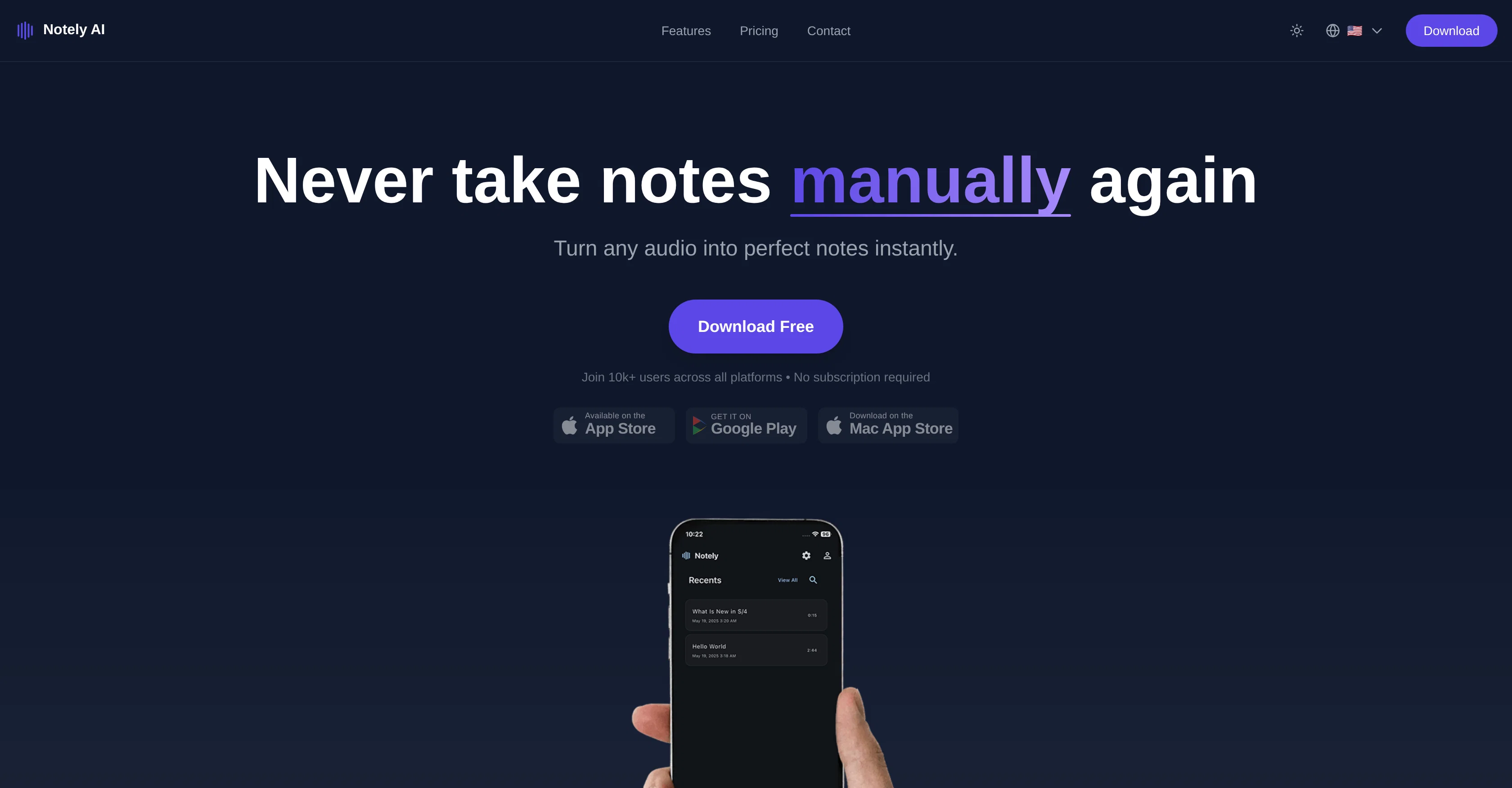
Turn any audio into perfect notes instantly.
Verdict
A quick read before you dig into the full page.
- Best if
- Turn any audio into perfect notes instantly
- Skip if
- Unspecified file size limit
- Pick this when
- Smart summarization
Considering ClearCortex | Meeting Notes instead? Compare side by side
Overview
Notely AI is a tool designed to transform audio into comprehensive notes. It provides automatic transcription, summaries, and AI-powered insights for a wide range of recordings including meetings, lectures, and interviews.
The tool is capable of turning any audio into notes instantly, without requiring a subscription. Notely AI's features include instant AI transcription, smart summarization, key point extraction, and even YouTube video summarization capabilities.
The technology is designed with users ranging from students to professionals in mind, each of whom can benefit differently from its features. Students, for instance, can use it for recording lectures, and generating smart summaries for quick review.
Professionals, on the other hand, can streamline their workflow with AI-powered meeting notes, brainstorming sessions, and project documentation. In a more general sense, Notely AI is a versatile platform for anyone who needs to capture, organize, and manage information effectively.
It supports multi-device synchronization and offers flexible audio options including a built-in audio recorder, the ability to upload audio files from a device, or import YouTube videos.
Notely AI places a high importance on privacy and security. It does not sell user data or give access to unrelated third parties. All notes, transcriptions, and personal information remain completely private and secure.
It promises end-to-end encryption for all user data, secure cross-device synchronization, and complete data control and deletion rights for the user.
Access & connections
Where you can use Notely AI, and what it plugs into.
Platforms
Pros & cons
Pros
- Smart summarization
- Key points extraction
- YouTube video summarization
- Supports multi-device synchronization
- Flexible audio options
- Built-in audio recorder
- Upload audio files option
- Import YouTube videos feature
Show 27 more
- Strong data privacy
- End-to-end encryption
- Secure cross-device synchronization
- Complete data control
- User's right to delete data
- Automated note taking
- No subscription necessary
- Students and professionals friendly
- Workflow management
- Information management
- Instantly create headings and bullets
- Extract key insights
- Formatted PDF exports
- 90+ languages support
- 99% transcription accuracy
- Record live audio
- Organizes notes by subject and topic
- Automatic meeting minutes capture
- Efficient study materials organizer
- Personal voice memos and reminders
- Interview documentation
- Creative idea capture
- Data never sold
- Permanent deletions
- Effective for recording lectures
- Organize project details
- Share formatted reports instantly
Cons
- No Android support mentioned
- No API available
- Language support unspecified
- Limited export options
- No real-time transcription feature
- Not suitable for offline use
- Doesn't translate audio
- No integrated task management
Show 2 more
- No automatic meeting scheduler
- Unspecified file size limit
Compare alternatives
Similar tools in the catalog.




Releases 1
FAQ 12
What is Notely AI?
How does Notely AI transcribe audio into notes?
What are the features of Notely AI?
How does Notely AI’s smart summarization work?
Does Notely AI provide key point extraction?
Can Notely AI summarize YouTube videos?
How can students benefit from using Notely AI?
In what ways can professionals utilize Notely AI?
Does Notely AI support multi-device synchronization?
What audio options does Notely AI offer?
How does Notely AI guarantee user privacy and security?
Does Notely AI sell user data to third parties?
Related tools
Recommended

LearningStudioAI ✓
Free TrialAI-powered authoring tool for effortless online course creation.

VenturusAI ✓
FreemiumBusiness idea analysis and reporting.

Thunderbit ✓
FreemiumScrape leads & other data in just 2-clicks.

GPTExcel ✓
FreemiumGenerate spreadsheet formulas with AI

Scisummary ✓
Free TrialCutting-edge scientific articles summarization.

Stratup.ai ✓
FreemiumInnovative idea generation for businesses.