
Movely AI
AI video generator & photo editor for dynamic content.
From $7.9 / month
Verdict
A quick read before you dig into the full page.
- Best if
- You are content creators and need: Creating viral AI dance videos
- Skip if
- You need a free plan with no credit card
- Pick this when
- Paid · From $7.9 / month
Overview
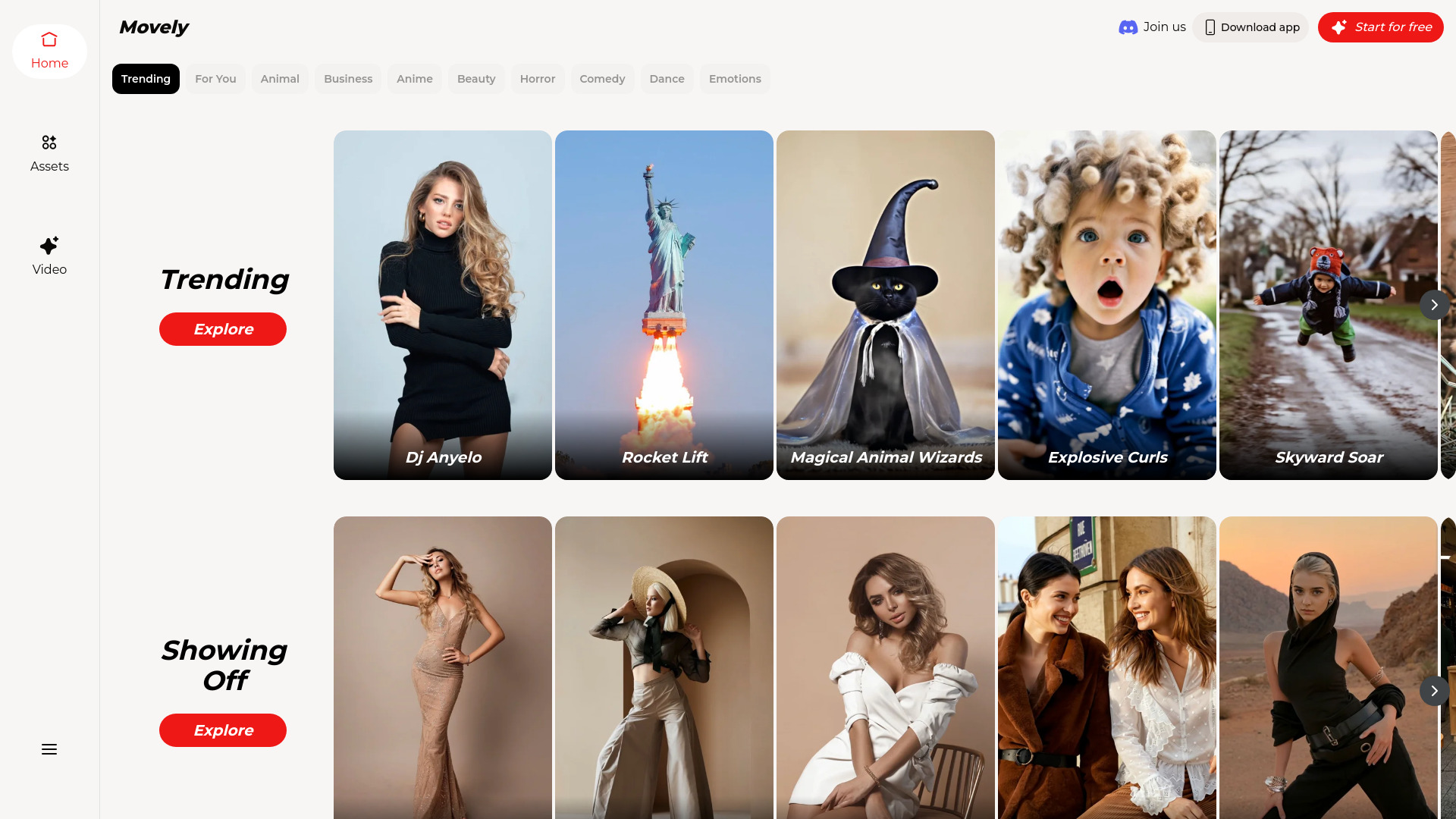
Movely is an online platform that utilizes advanced AI technology to transform static photos into dynamic videos and allows users to edit photos with simple text commands. It serves as a free AI video generator and photo editor, enabling the creation of engaging content in seconds.
Best for
Short scenarios where Movely AI tends to shine.
-
Creating viral AI dance videos
Best for Content creators
-
Generating romantic moments and interactive themes (AI kiss, AI hug)
Best for Social media managers
-
Animating pets (AI cats, tiger hugs)
Best for Marketers
-
Applying special effects like zombie transformations and AI clothes changer templates
Best for Influencers
-
Transforming static photos into engaging social media content
Best for Individuals looking to animate photos
-
Editing photos with text commands
Best for Anyone seeking easy video and photo editing tools
Example outputs 1
Sample generations and before/after results for Movely AI.
Access & connections
Where you can use Movely AI.
Platforms
Capabilities
What this tool accepts, produces, and is strongest at.
Highlights
- AI-powered video effects to transform images into videos
- Extensive library of 1000+ professionally designed templates
- One-tap animation system for high-quality results
- Ultra-realistic video quality with no body distortions or facial inconsistencies
- Lightning-fast generation (Select → Upload → Generate)
- Constantly updated template library with trending content
- Photo editing with simple text commands
People also view
Tools that often show up alongside Movely AI in collections and comparisons.


FAQ 8
What is Movely AI?
How to use Movely AI?
1. **Choose Your Template:** Browse the extensive library and select a creative video template.
2. **Upload Your Image:** Select your favorite photo. For best results, choose images that match the template's pose, subject type, and angle.
3. **Generate with One Click:** Hit the generate button, and your personalized AI video will be ready in under a minute.
4. **Share Your Creation:** Share your video on social media and tag Movely.