
MaxFocus ✓
Preview links and read distraction-free
Verdict
A quick read before you dig into the full page.
- Best if
- Preview links and read distraction-free
- Skip if
- Limited customizability options
- Pick this when
- Link previews
Considering Jade Note instead? Compare side by side
Overview
MaxFocus is a browser extension designed to help improve internet browsing efficiency by providing link previews and allowing users to read articles without distractions.
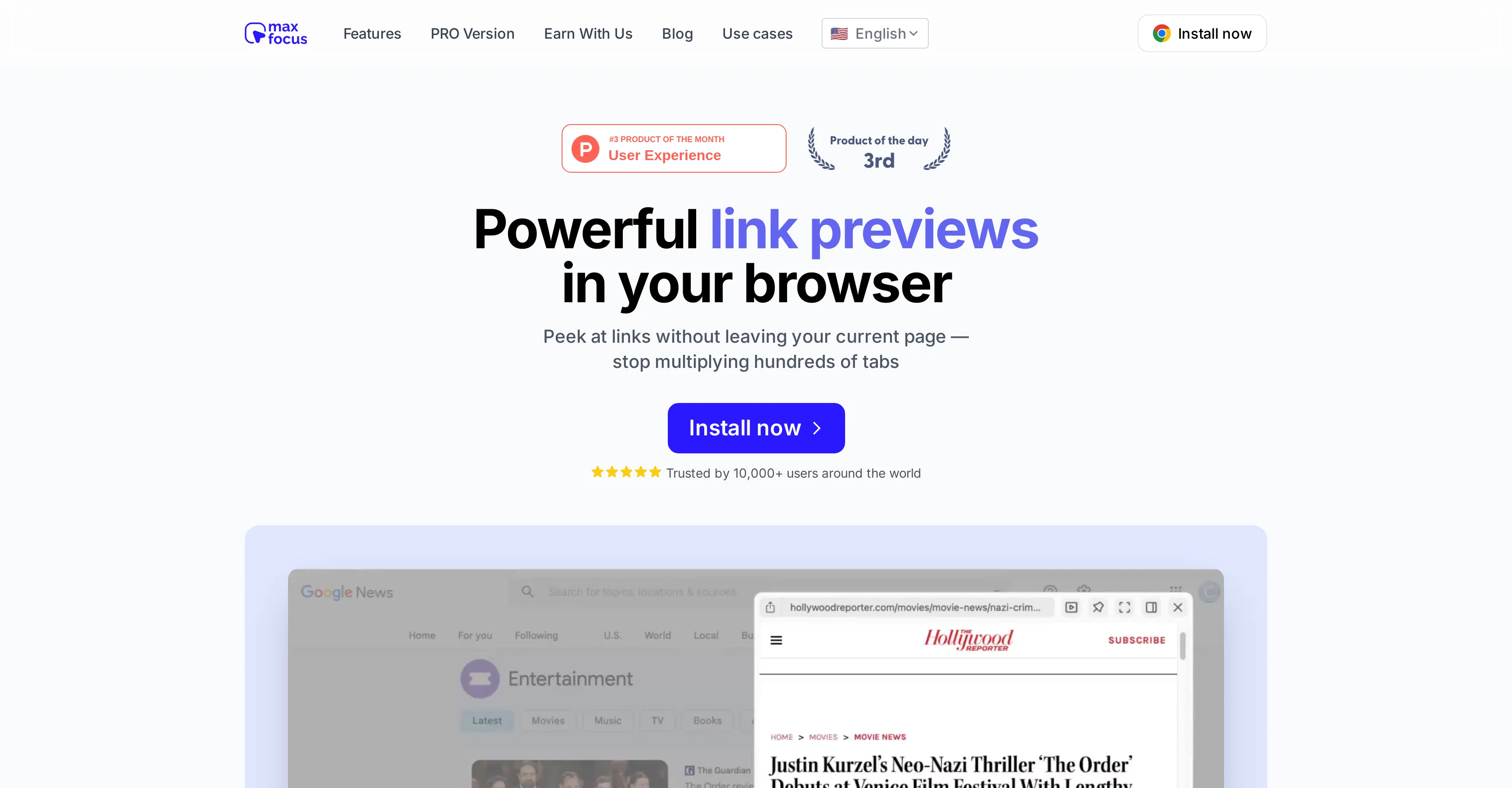
The core feature of MaxFocus allows you to hover over, click, or use shortcuts to preview links instantly without leaving your current page. This feature aims to reduce the number of tabs open simultaneously and helps prevent information overload.
An additional reader mode converts web pages into a clean, ad-free format for distraction-free reading. Apart from these core functionalities, MaxFocus also includes an AI assistant, which provides answers or summaries directly on the page you are viewing, helping you gather more information about the subject without needing to navigate away.
The extension prioritizes user security with features designed to protect your digital autonomy. It does not track your browsing history or store personal data, and blocks trackers to protect your online footprint.
MaxFocus is configured to work across various platforms and with most websites. It is also customizable, allowing users to adjust the settings to suit their workflow.
Access & connections
Where you can use MaxFocus.
Platforms
Capabilities
What this tool accepts, produces, and is strongest at.
Input
- Tabular
Output
- Text
- Video
Pros & cons
Pros
- Link previews
- Distraction-free reading
- Reduces tabs
- Prevents information overload
- Content summarization
- Ad-blocking
- High user security
- No tracking
Show 20 more
- No personal data stored
- Blocks trackers
- Works across platforms
- Compatible with most websites
- Highly customizable
- Optimizes workflow
- Contextual application
- Reader mode for webpages
- Instant link previewing
- Video preview mode
- Settings are adjustable
- Trusted by 10,000+ users
- Robust digital autonomy features
- Positive user testimonials
- Multiple browser support
- Multiple language support
- Clean and clutter-free design
- User-friendly settings
- Quick developer support
- Fair pricing
Cons
- Limited browser extension options
- Potential information overload
- May cause browsing interruptions
- Accuracy of previews unclear
- Ad-blocker complexity
- Absence of mobile compatibility
- Limited customizability options
- Workflow integration unclear
Show 1 more
- Translation accuracy not specified
Compare alternatives
Similar tools in the catalog — with a clear reason to open each one.



Linkdify ✓
Free TrialAutomate your LinkedIn outreach with smart campaigns.
Free + from $59/mo
Full comparison
LinkerFlow ✓
Free TrialYour SEO internal linking automated for Webflow
Free + from $29/mo
Full comparison
Linkly AI ✓
FreemiumFind Answers Across All Your Files
Why look Offers a public API
Full comparison