

Architectural design 2026 Rank: #1834
Maquete AI ✓
Photorealistic AI renders in under 30 seconds.
Verdict
A quick read before you dig into the full page.
- Best if
- Photorealistic AI renders in under 30 seconds
- Skip if
- Potentially expensive for heavy usage
- Pick this when
- Photorealistic renders
Considering ARCHITEChTURES instead? Compare side by side
Overview





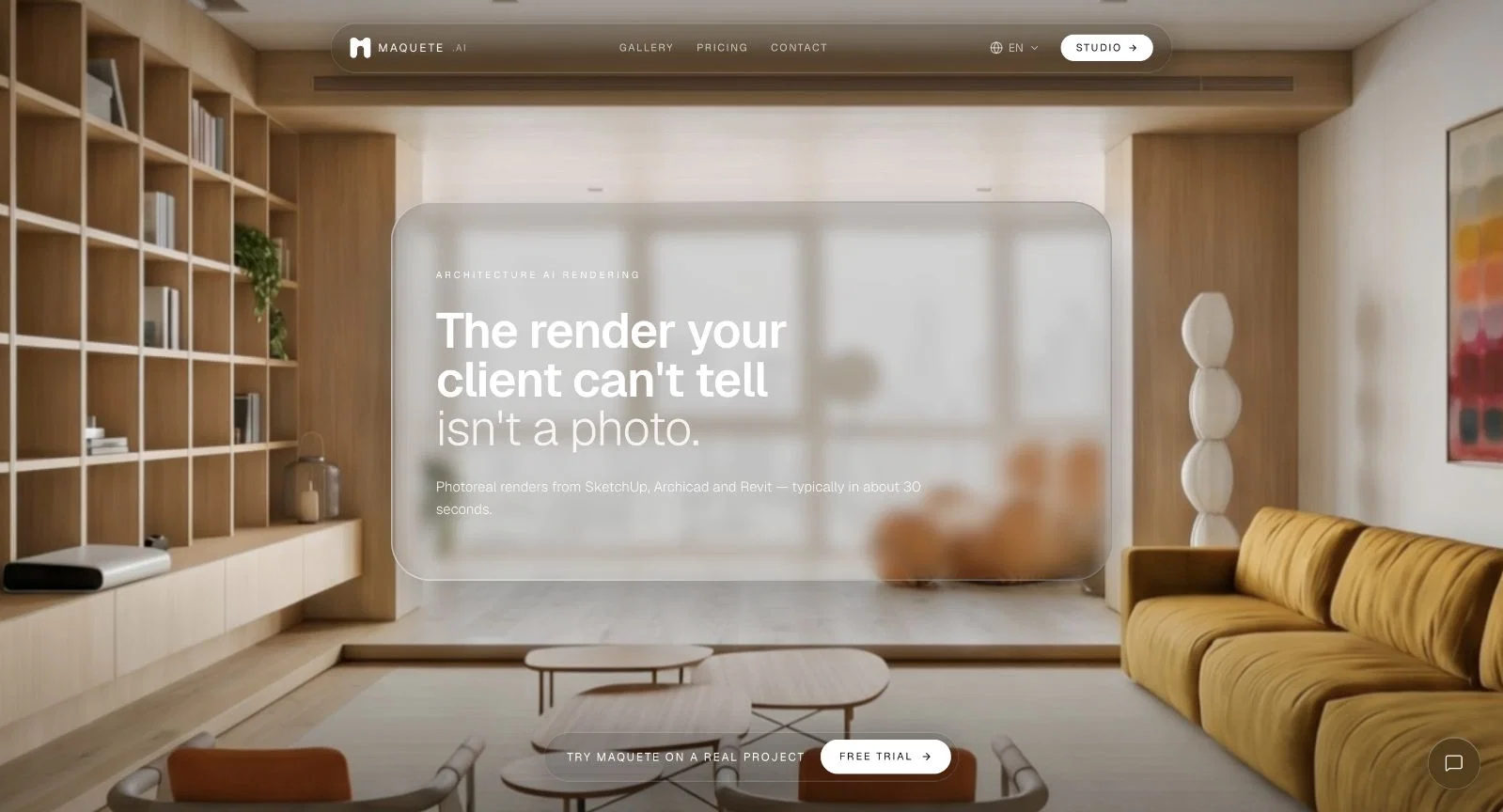
Maquete is an artificial intelligence (AI) tool used specifically in the field of architecture for creating photorealistic renders within a very short time.
Users simply need to upload their SketchUp or ArchiCAD prints, select their preferred lighting setting, and speak to what materials are present in the scene.
In return, Maquete yields an ultra-high-definition, 4K, AI-calculated interior rendering, preserving every selected material, proportion, and design detail in surprising accuracy.
It also allows the addition of unique details such as motion-blurred figures and water running from taps to produce lifelike illustrations of architectural designs.
As a tool built by architects for architects, Maquete emphasizes a fidelity-first approach in that it accurately preserves geometry, materials, and camera angles as they were originally drafted by the user.
Besides that, the tool offers a wide variety of 15+ lighting presets engineered for interior photography, which include golden hour, blue hour, sheer curtain, blinds, and more.
The Maquete tool also incorporates a functionality that allows users to turn a still render into a cinematic video walkthrough. This includes effects such as dolly-in, diagonal tracking, and motion blur to bring designed spaces to life.
Furthermore, Maquete supports collaborative efforts, giving users the ability to organize renders into projects, share with clients via a public link, and collect feedback inline.
Access & connections
Where you can use Maquete AI.
Platforms
Capabilities
What this tool accepts, produces, and is strongest at.
Input
- Tabular
- Image
Output
- Image
Supported features
- Image Generation
- Video Generation
- Realism
- Styling
- Visual Creation
- Team Collaboration
- Arhitecture & Interior design
Pros & cons
Pros
- Photorealistic renders
- Super quick renders
- SketchUp and ArchiCAD compatible
- Preserves original geometry
- No invented elements
- Keeps consistent materials
- Interior and exterior scenes
- Variety of lighting presets
Show 25 more
- 4K output functionality
- Material specification option
- SketchUp plugin included
- Motion blur feature
- Video walkthrough option
- Allowance for client feedback
- Preserves original proportions
- Preserves design details
- Preserves camera angles
- Different lighting times
- Realistic illustrations
- Supports collaborative efforts
- No 3D file conversion
- Ultra-high-definition renders
- Supports material specificity
- Water running effect
- Fidelity-first approach
- Posibility to humanise space
- Prompts for animations
- SketchUp plugin
- Inline feedback collection
- Clear material consistency
- Preserves named materials
- Sheer curtain lighting
- Blinds lighting
Cons
- Limited to SketchUp, ArchiCAD
- No explicit API
- No file conversion supported
- Potentially expensive for heavy usage
- No multi-user support in low tier plans
- Limited lighting presets
- No support for exterior scenes
- No plugin support for other 3D software
Show 2 more
- Only 4K rendering in higher tier plans
- Dependence on specific plugin for SketchUp
Compare alternatives
Similar tools in the catalog — with a clear reason to open each one.

ARCHITEChTURES ✓
FreemiumAI-powered design: Months to minutes for buildings.
Free + from $43/mo
Full comparison
ReRender AI ✓
Free TrialInstant photorealistic renders for architectural designs.
Why look Offers a public API
Full comparison
Architect AI ✓
FreemiumArchitectural renderings for design and communication.
Why look Typically cheaper
Full comparison
Archsynth ✓
FreemiumTransform sketches into stunning architectural renders with AI.
Free + from $9.99/mo
Full comparison
Visoid ✓
FreemiumAI-powered 3D architectural visualization in minutes.
Why look Higher community rating
Full comparisonReleases 1
FAQ 12
What is Maquete?
Can Maquete render architectural interiors in high resolution?
What materials can Maquete faithfully represent?
Can I upload SketchUp or Archicad prints to Maquete?
How fast can Maquete produce a render?
What are the customization options of Maquete?
Does Maquete preserve the fidelity of my design?
How does Maquete handle material consistency?
Does Maquete provide cinematic video walkthroughs?
Can I use Maquete for architectural visualization?
Is Maquete user-centric?
How does Maquete interact with textures?
Related tools
Recommended

AI Landscape Garden ✓
Free TrialUpload a photo and get AI landscape design instantly.

Notis ✓
Free TrialThe first WhatsApp assistant that runs on your ChatGPT and Claude subscriptions

Cora Intelligence ✓
PaidThe AI SDR that fills your pipeline.

Preuve AI - Startup Idea Validator ✓
FreemiumGet proof your business idea can win, instantly

MotionGen | Make Continues Video with Top Models ✓
Free TrialStart from real examples. Turn one good clip into a full video.

Alma by Olivares.AI ✓
PaidThe workspace where memory, agents and creative studios share one canvas.