

Infographics 2026 Rank: #954
MakeInfographic AI ✓
Turn ideas into professional infographics with one click.
Verdict
A quick read before you dig into the full page.
- Best if
- Turn ideas into professional infographics with one click
- Skip if
- Can't remove watermark free use
- Pick this when
- Creates infographics
Considering Infographic Ninja instead? Compare side by side
Overview
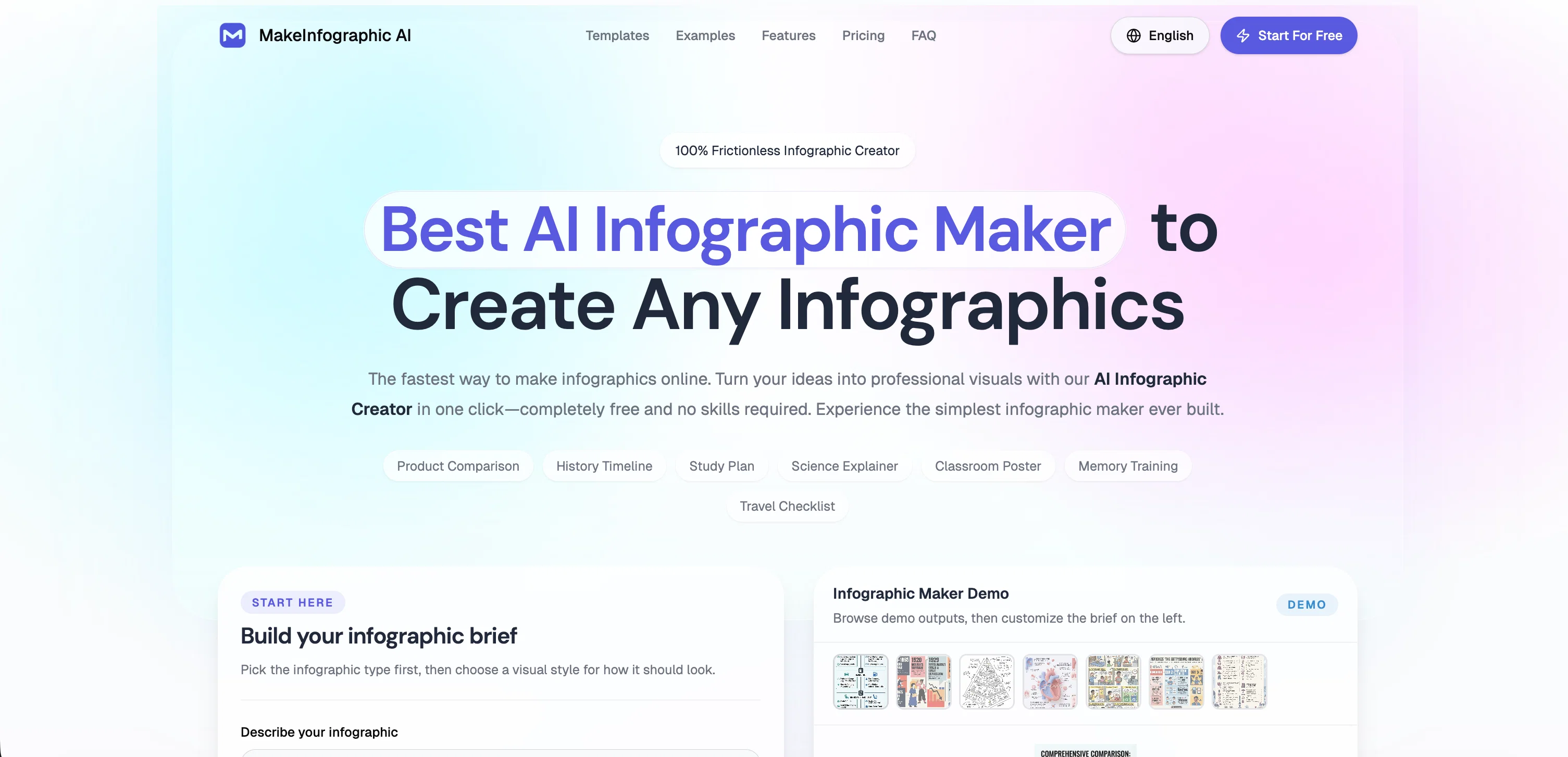
MakeInfographic AI is an online tool that enables users to create infographics using artificial intelligence. It aims to simplify the infographic creation process by automatically converting user ideas and data into professionally designed visuals.
The tool provides different infographic formats, customization options, and pre-made examples to choose from. Formats include timelines, comparisons, processes, pyramids, dashboards, roadmaps, explainers, and decision trees.
Users can describe their topic, key points, data, or outline, select the desired visual style, and the AI will turn this information into a structured infographic.
Additionally, it enables the generation of multiple content ideas in one visual, each with dimensions suitable for different social media platforms. The visual styles available range from clean for reports and education, to sketch, clay 3D, comic, isometric, and editorial looks.
The resulting infographics can be downloaded for use or further refined within the tool's infographic editor. The service is designed to be accessible and user-friendly, requiring no sign-up or design skills.
Access & connections
Where you can use MakeInfographic AI.
Platforms
Capabilities
What this tool accepts, produces, and is strongest at.
Input
- Text
Output
- Image
Highlights
- No Signup
Supported features
- Visual Creation
- Styling
- No Signup
Pros & cons
Pros
- Online tool
- Creates infographics
- From text input
- Multiple infographic types
- Multiple visual styles
- Supports various ratios
- Supports various resolutions
- Built-in editing features
Show 43 more
- Accommodates user preferences
- Social media adaptability
- Resource reuse maximization
- No signup required
- No design skills required
- High-resolution export option
- Automates data visualization
- Content conversion features
- Pre-made examples
- Customization options
- Downloadable infographics
- Generates multiple content ideas
- User-friendly service
- Platform ready
- Helps in planning campaigns
- Supports various content needs
- Supports user brief creation
- Comes with a demo
- Multiple format templates
- Helps in creating structured infographic
- Enables campaign planning
- Switchable visual styles
- Flexible layout
- Prompt-based creation
- Social media content generation
- Timeline creation
- Comparisons and examination visualization
- Roadmap and process visualization
- Dashboard visualization
- Free online tool
- Style customizable
- 3D visuals
- Comic visuals
- Offers editorial design
- Visual presentation creation
- Simplifies digital marketing
- Extends the functionality of graphic design
- Report creation feature
- Clean visuals for reports
- Access to different infographic formats
- Real-time infographic editor
- Supports all social media channels
- Accommodates different content angles
Cons
- High-resolution exports for subscribers only
- Limited visual style choices
- Lacks advanced design customization
- Doesn't support collaborative work
- Pro features behind paywall
- Watermarked results for free users
- Can't remove watermark free use
- No sign-up could limit features
Show 2 more
- Cannot save work in progress
- Editing capabilities could be limited
Compare alternatives
Similar tools in the catalog — with a clear reason to open each one.

Infographic Ninja ✓
Free TrialGenerate infographics from keywords instantly.
Free + from $5/mo
Full comparison
AI Infographic Generator ✓
FreemiumAI infographic generator that turns blog posts into link magnets
Why look Better for writing
Full comparison
AI Infographic Generator ✓
FreemiumCreate infographics instantly from text prompts
Free + from $10/mo
Full comparison

KnowledgeGraph GPT ✓
FreeTransform unstructured text into knowledge graphs with AI.
Why look Fully free option
Full comparison
Releases 1
Imported reviews 1
The infographic maker lets you use it once for free without signing in.
This infographic maker is simple and easy to use, even more so than Canva or Venngage.
However, the available styles and templates are still limited. I hope they add more design options and customization in future updates. Overall, a good choice for quickly creating infographics.
FAQ 12
What types of infographics can MakeInfographic AI create?
How does MakeInfographic AI help in turning text into visuals?
Can I choose different visual styles and types for my infographic on MakeInfographic AI?
What kind of resolutions does MakeInfographic AI support?
Does MakeInfographic AI allow me to edit the generated infographics?
What are the capabilities of MakeInfographic AI for social media campaigns?
Do I need an account to use MakeInfographic AI?
What added features do I get as a subscriber of MakeInfographic AI?
Can MakeInfographic AI convert a single topic into multiple content angles?
Which visual styles are supported by MakeInfographic AI?
How does MakeInfographic AI help in creating platform-ready infographic concepts?
What are the types of infographics I can generate with MakeInfographic AI?
Related tools
Recommended

WebZum ✓
Free TrialSite, Google ad, and a 15-second video ad. Five minutes.

TitleGen ✓
Free TrialGenerate high-CTR YouTube titles in seconds.

Unblur Image.io ✓
Free TrialUnblur any image in seconds with AI.

TheLibrarian.io ✓
Free TrialYour WhatsApp AI assistant for instant productivity.

Notis ✓
Free TrialThe first WhatsApp assistant that runs on your ChatGPT and Claude subscriptions

remio: Your Personal ChatGPT ✓
FreemiumGet Tailored Answer with Your Personal ChatGPT