
makebrand logomaker ✓
Create unique logos using AI, no stock icons needed.
from $11
Verdict
A quick read before you dig into the full page.
- Best if
- Create unique logos using AI, no stock icons needed
- Skip if
- Limited style variety
- Pick this when
- Generates customized logos
Considering Logodiffusion instead? Compare side by side
Overview
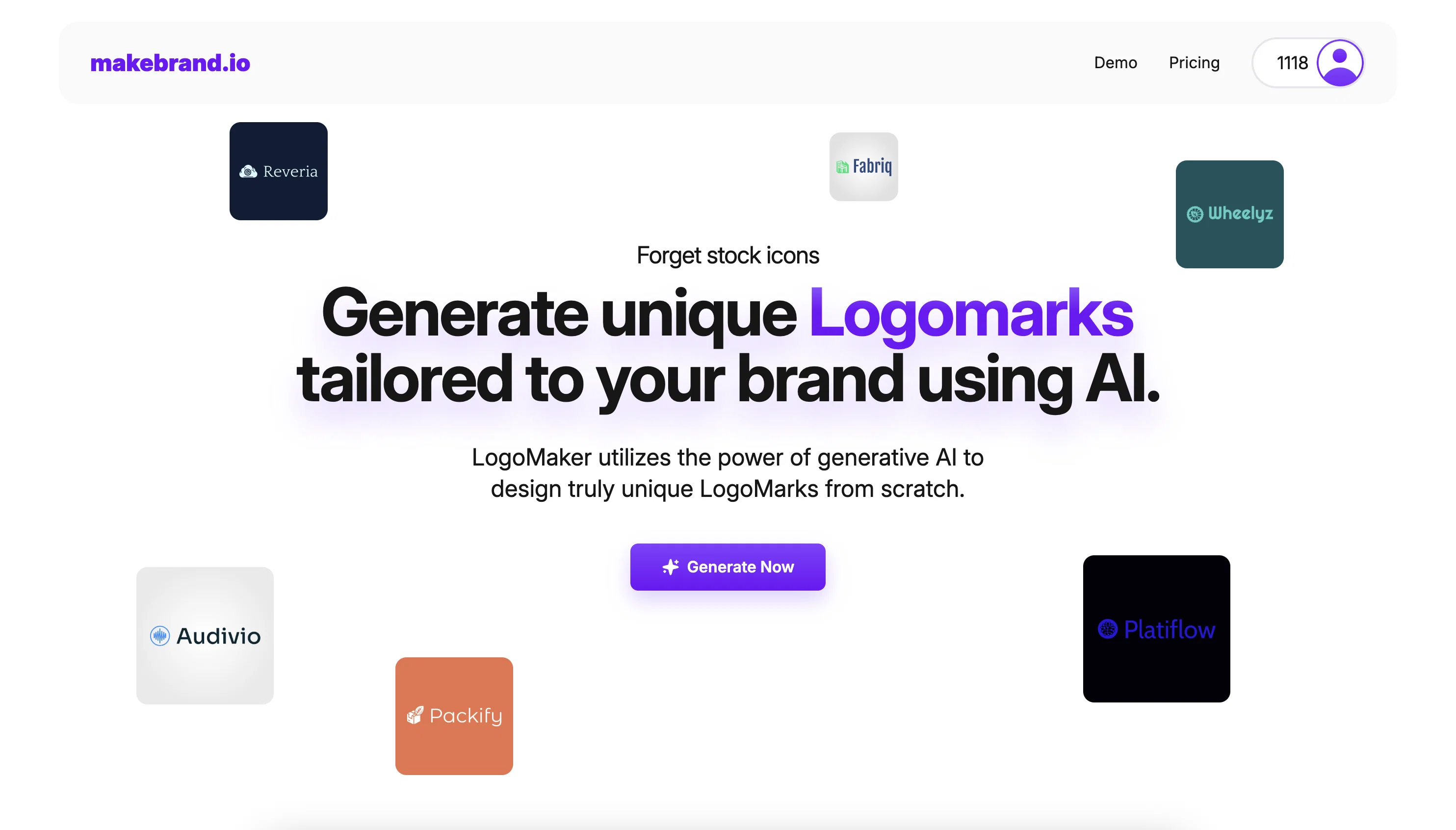
MakeBrand LogoMaker uses artificial intelligence (AI) to generate customized, unique logos based on an input description setting it apart from other tools that heavily rely on stock icons.
The logos are formulated from scratch, tailored to reflect the identity of your brand, hence ensuring a distinctive identity in the crowd. The AI is not only creatively-intelligent but also intuitive enough to incorporate or avoid specific motifs as per user-defined prompts, further ensuring a tailored output.
The logos are high-resolution vectors, compatible with all your branding needs and remain professional-looking at any size. Through the LogoMaker Editor, logos can be customized to match your organizations style and aesthetics.
The editor function allows users to adjust colors, change the font, resize the icon, and overall tailor the logo till it aligns perfectly with their vision.
It also comes with a wide variety of Google Fonts and an AI-powered 'FontScout' tool which applies advanced algorithms to match your logos style with the perfect typography.
Once the logo design is finalized, users can conveniently download the high-quality file ready for use. The system operates on a credit-based payment system, making the process of designing a tailored logo more affordable.
Credits can be used to generate logos or to access other features.
Best for
Short scenarios where makebrand logomaker tends to shine.
-
Create unique logos using AI, no stock icons needed.
Example outputs 1
Sample generations and before/after results for makebrand logomaker.
Access & connections
Where you can use makebrand logomaker.
Platforms
Pros & cons
Pros
- Generates customized logos
- Formulate logos from scratch
- Intuitive motif incorporation or avoidance
- Delivers high-resolution logos
- Logos are vector compatible
- Logo customization with editor
- Color, font, size adjustments
- Wide variety of Google Fonts
Show 15 more
- High-quality download-ready file
- Affordable credit-based payment system
- Logo uniqueness
- Tailored logo design
- Project customization
- Access variety of styles
- Custom text prompt add-on
- Logo filtration options
- Logo favoriting and hiding
- Flexible design process
- Easy download process
- Transparent pricing
- Multiple price packages
- Range of download options
- Effective customer support
Cons
- Credit-based payment system
- Lack of multi-platform compatibility
- No collaborative features
- High-Resolution only
- Restricted to Google Fonts
- Limited user-defined prompts
- Dependent on user descriptions
- Limited style variety
Compare alternatives
Similar tools in the catalog — with a clear reason to open each one.
Logodiffusion ✓
PaidDesign custom logos instantly with AI.
Why look Stronger for image work
Full comparison
Looka ✓
PaidAI-powered logo and brand identity design
Why look Stronger for image work
Full comparison
Namecheap Free Logo Maker ✓
FreeCreate custom logos for free in minutes
Why look Fully free option
Full comparison
BrandCrowd | AI Logo Generator ✓
FreemiumAI generates perfect logos in seconds.
Why look Freemium alternative
Full comparison
Design.com | AI Logo Generator ✓
FreemiumGenerate beautiful logos with advanced AI in seconds.
Why look Freemium alternative
Full comparisonPeople also view
Tools that often show up alongside makebrand logomaker in collections and comparisons.
Namecheap Free Logo Maker ✓
FreeCreate custom logos for free in minutes
Looka ✓
PaidAI-powered logo and brand identity design
Logodiffusion ✓
PaidDesign custom logos instantly with AI.
LogoAi ✓
PaidAI-powered branding in seconds.
Design.com | AI Logo Generator ✓
FreemiumGenerate beautiful logos with advanced AI in seconds.
BrandCrowd | AI Logo Generator ✓
FreemiumAI generates perfect logos in seconds.

StarterPilot ✓
Free TrialValidate ideas, name your business, create logos, and build websites in minutes

Logo Background Remover ✓
FreemiumMake logos transparent in seconds.
Releases 1
Imported reviews 4
The tool works well for me. With the 100 credits I generated a few logo variations and got a unique logomark that looks good. It also exports in all resolutions and combinations you need.
Like any other.
poor quality
Every step requires credits, extremely poor quality. Not able to customize freely.
Not worth the 10 Euros I paid for 100 credits. That's the only way to try the LogoMaker.
I do not recommend
FAQ 12
How does MakeBrand LogoMaker use AI to generate custom logos?
What makes MakeBrand LogoMaker different from other logo makers?
What do I need to provide for MakeBrand LogoMaker to create a logo?
Can I specify certain design elements when using MakeBrand LogoMaker?
In what resolution does MakeBrand LogoMaker present the final logos?
How can I customize the logos generated with MakeBrand LogoMaker?
How can I adjust the colors and fonts in the logos created with MakeBrand LogoMaker?
What is FontScout and how does it help in logo design?
What are the different types of fonts available in MakeBrand LogoMaker?
Can the logos be resized without losing the quality?
What are the formats in which the final logo can be downloaded?
What is the payment system of MakeBrand LogoMaker?
Related tools
Recommended

PrometAI ✓
FreemiumTurn ideas into viable reality with AI business plan generator.

Informly Idea Validator ✓
FreemiumValidate and grow your business idea with AI.

OnlyPrompts ✓
Free TrialAutomate 37,000+ tasks with 150,000+ prompts

VenturusAI ✓
FreemiumBusiness idea analysis and reporting.

Scisummary ✓
Free TrialCutting-edge scientific articles summarization.

Stratup.ai ✓
FreemiumInnovative idea generation for businesses.