
Lyndium ✓
Web platform for video translation, text-to-speech conversion, image creation, media editing
Free + from $1.28/mo
Verdict
A quick read before you dig into the full page.
- Best if
- Web platform for video translation, text-to-speech conversion, image creation, media editing
- Skip if
- Requires JavaScript
- Pick this when
- User-specific content tailoring
Considering VideoDubber instead? Compare side by side
Overview
✨ Key Features:
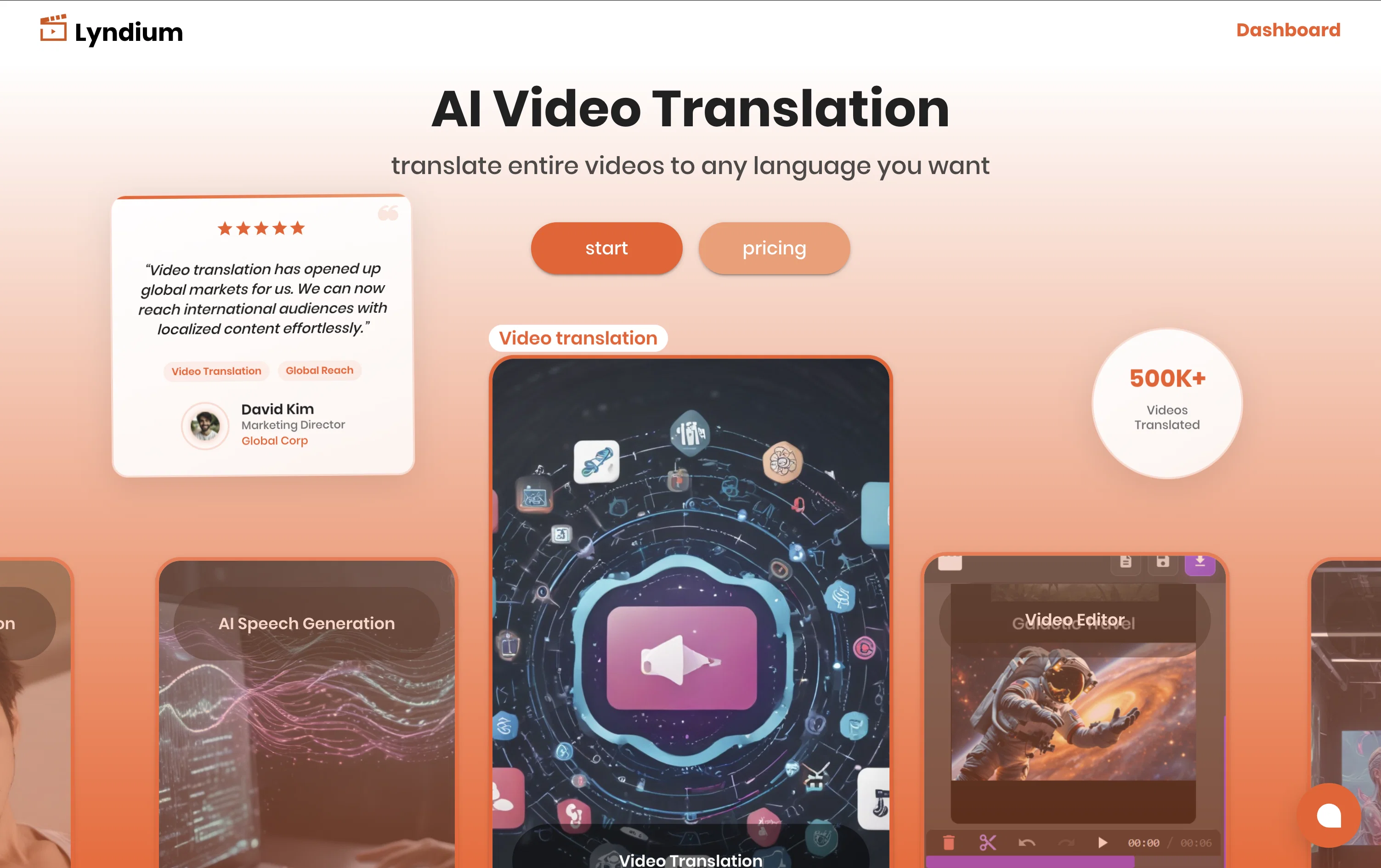
AI Website Builder – Create a professional, responsive website in minutes using just a prompt. Perfect for personal CVs, portfolios, or business sites.
Text-to-Video & Image-to-Video – Turn prompts or images into engaging short videos.
AI Video Translation – Translate and dub videos into multiple languages seamlessly.
Text-to-Speech & Speech Translation – Generate natural voices or instantly translate speech.
Text-to-Image & 3D Model Generation – Create stunning images or 3D models from simple text.
Best for
Short scenarios where Lyndium tends to shine.
-
Web platform for video translation, text-to-speech conversion, image creation, media editing
Example outputs 1
Sample generations and before/after results for Lyndium.
Access & connections
Where you can use Lyndium.
Platforms
Capabilities
What this tool accepts, produces, and is strongest at.
Supported features
- Translation
Pros & cons
Pros
- User-specific content tailoring
- Customizable experience
- Reliance on dynamic web technologies
- Content generated according to user interests
- Intelligent content serving
- Enhances user engagement
- Delivers user value
- Adaptive to evolving interests
Show 8 more
- Responsive platform
- Curates personalized content
- Enables content curation
- User Interest Based content delivery
- Functionality focuses on user preferences
- JavaScript enabled
- Highly Responsive
- Continually updates
Cons
- Requires JavaScript
- Over-reliance on dynamic web technologies
- No mention of API
- Not suitable for static websites
- Lack of platform details
- Presumably no offline functionality
- Potential lack of multi-language support
- May not support all content types
Show 2 more
- Unclear update frequency
- No mentioned integration capabilities
Compare alternatives
Similar tools in the catalog — with a clear reason to open each one.

VideoDubber ✓
FreemiumTranslate and dub videos, audios and subtitles with voice cloning and lipsync
Why look Higher community rating
Full comparison
CAMB.AI ✓
Free TrialAI voice translation and dubbing for videos in 150+ languages.
Why look Higher community rating
Full comparison
VoiceCheap ✓
FreemiumTranslate, dub and publish any video in any language.
Free + from $13/mo
Full comparison
UnMarkAI - Remove subtitles first. Translate video, d... ✓
Free TrialAI video translation with dubbing and lip-sync.
Why look Offers a public API
Full comparison
VMEG Video Translation ✓
FreemiumBreak Down Language Barriers with Video Translation
Why look Typically cheaper
Full comparisonPeople also view
Tools that often show up alongside Lyndium in collections and comparisons.
UnMarkAI - Remove subtitles first. Translate video, d... ✓
Free TrialAI video translation with dubbing and lip-sync.
CAMB.AI ✓
Free TrialAI voice translation and dubbing for videos in 150+ languages.
VoiceCheap ✓
FreemiumTranslate, dub and publish any video in any language.
VMEG Video Translation ✓
FreemiumBreak Down Language Barriers with Video Translation
VideoDubber ✓
FreemiumTranslate and dub videos, audios and subtitles with voice cloning and lipsync

Vidby ✓
FreemiumFast translation and dubbing of videos with AI.

Vocova ✓
Free TrialTranscribe audio, video, or links into text. 1,000+ platforms, 100+ languages.

TranslaBuddy - Voice Real Time Translator ✓
FreeReal-time voice translation for meetings, calls, and videos
Releases 1
Imported reviews 3
Why pay for this if MS Clipchamp is 100% free? Computers should be allowed to TALK to us for free, like in the Star Trek TV series. Our future grandchildren will laugh at us for "paying" to use this everyday option, biting the hook to "monthly subscriptions" like gullible fish, and then getting "up to 1,000 words per month" under the so-called Pro version. This is crazy!
Did not work, no video would load, just error
Generated a pretty accurate video translation. Also, was quite impressed with a price tag.
FAQ 12
What is Lyndium?
What makes Lyndium unique?
Why does Lyndium require users to enable JavaScript?
How does Lyndium personalize content to user interests?
How does Lyndium ensure user engagement?
What type of content does Lyndium provide?
How does Lyndium adapt to user's evolving interests?
What is needed to utilize Lyndium to its full potential?
How does Lyndium use dynamic web technologies?
How is a personalized content landscape created on Lyndium?
What makes the Lyndium user experience individually-driven?
What does Lyndium's core functionality focus on?
Related tools
Recommended

YouTube Dubbing ✓
FreemiumClick to play YouTube videos in your language

ReachifyMe ✓
Free TrialLinkedIn Posts and Carousel Generator
aisthetic ✓
FreeAI-powered wardrobe optimizer for effortless style.

socra ✓
FreemiumStop firefighting. Solve problems once, build momentum that lasts.

Civilio AI ✓
FreemiumEffortless content creation powered by verified insights

Writastic ✓
Free TrialWriting assistant for Twitter & LinkedIn