

Logo Maker by Fluer ✓
Design professional logos instantly with AI.
Free + from $9.95/mo
Verdict
A quick read before you dig into the full page.
- Best if
- Design professional logos instantly with AI
- Skip if
- Limited template selection
- Pick this when
- Logo customization
Considering Logodiffusion instead? Compare side by side
Overview
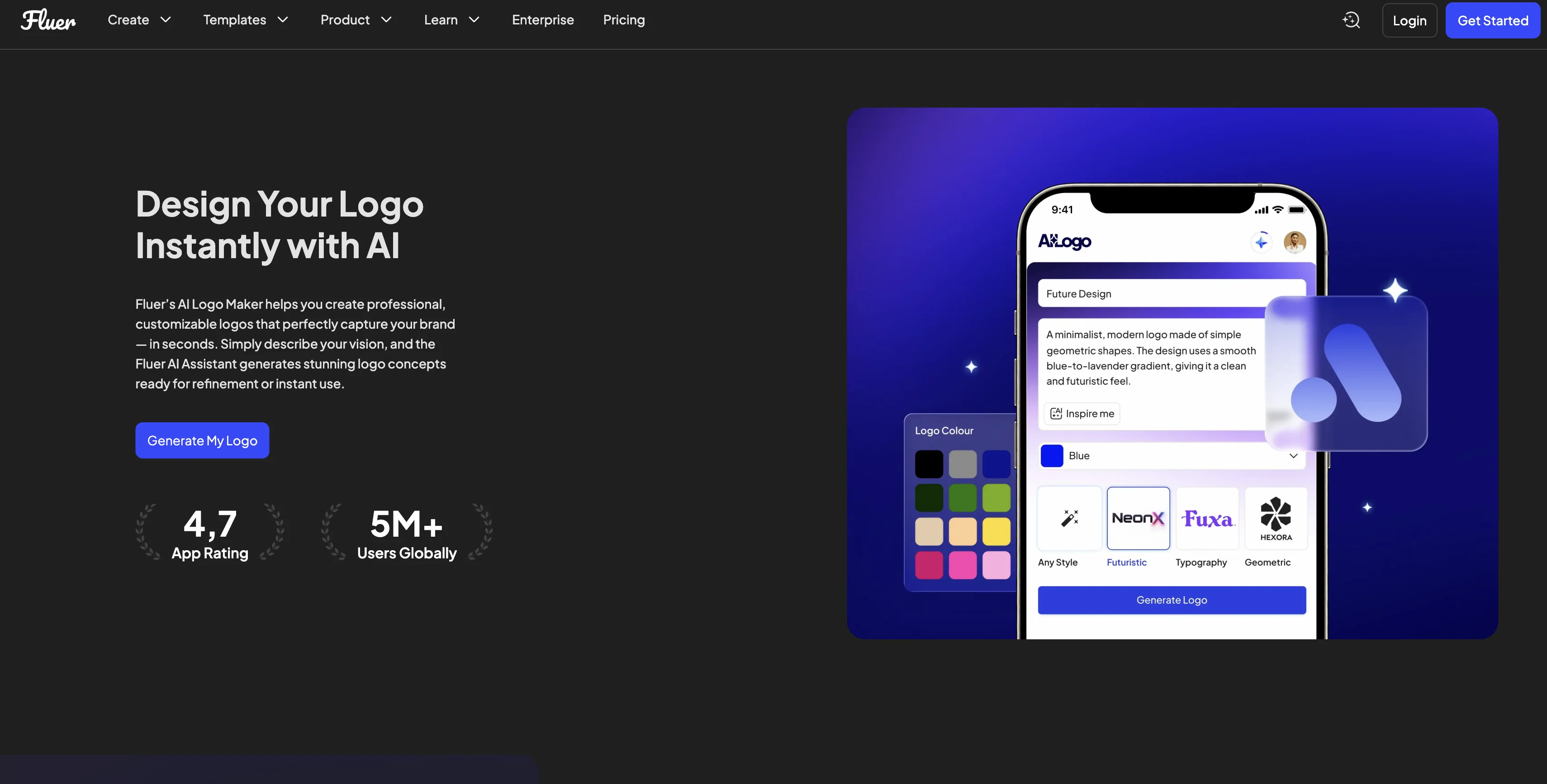
Fluer's AI Logo Maker enables the creation of professional, customizable logos, efficiently crafting brand identities that truly represent businesses. Primarily designed for startups, small businesses, designers, and marketers, this tool doesnt require professional design skills.
Users can simply start by describing their vision, and the AI will generate concepts ready for refinement or for instant use. The tool ensures brand consistency by syncing the new logo across all Fluer templates automatically.
It also provides high-quality files suitable for web, print, and social use helping maintain brand identity across various platforms. Additionally, users have the flexibility to adjust colors, shapes, and fonts to fit their unique style.
It also assists in producing quick mockups and variations for clients and creating campaign-specific logo variations on demand. The AI assistant behind Fluer's Logo Maker also learns user preferences and creative styles over time, adding a layer of personalization.
Furthermore, the logo can be integrated into business collateral such as presentations, business cards, and ads, thereby reinforcing brand identity. The tool is also designed for mobile usage, with Android and IOS apps available.
Access & connections
Where you can use Logo Maker by Fluer.
Capabilities
What this tool accepts, produces, and is strongest at.
Input
- Text
Output
- Image
Supported features
- Image Edit
- Image Generation
- Brand Strategy
- Styling
- Mobile Companion
- SVG
Pros & cons
Pros
- Logo customization
- Automatic template syncing
- High-quality file output
- Web, print, social media ready
- Color, shape, font adjustment
- Quick mockups creation
- On-demand logo variations
- Personalization over time
Show 27 more
- Integration into business collateral
- Mobile-ready
- Android and IOS apps
- Professional logos for startups
- Ideal for small businesses
- Useful for designers
- Perfect for marketers
- No professional design skills needed
- Automatic concept generation
- Business cards and ads integration
- User preference learning
- Simplified design process
- Campaign-specific logos
- Brand identity consistency
- Mobile application design
- Automated logo design
- Brand identity reinforcement
- User-friendly interface
- 5M+ global users
- Branding assistance for entrepreneurs
- Professional graphics for ads
- On-demand business collateral creation
- Logo application on presentations
- User creative style learning
- Improving results with each interaction
- Logo integration in automated responses
- Logo application on digital design
Cons
- No offline version
- Not suitable for large businesses
- No free version
- Limited template selection
- Relies on user descriptions
- Lacks advanced customization
- No integrated collaboration features
- Inability to import external designs
Show 1 more
- Brand consistency restricted to Fluer templates
Compare alternatives
Similar tools in the catalog — with a clear reason to open each one.

Logodiffusion ✓
PaidDesign custom logos instantly with AI.
Why look Stronger for image work
Full comparison

Looka ✓
PaidAI-powered logo and brand identity design
Why look Stronger for image work
Full comparison
Namecheap Free Logo Maker ✓
FreeCreate custom logos for free in minutes
Why look Fully free option
Full comparison
BrandCrowd | AI Logo Generator ✓
FreemiumAI generates perfect logos in seconds.
Why look Typically cheaper
Full comparison
Design.com | AI Logo Generator ✓
FreemiumGenerate beautiful logos with advanced AI in seconds.
Why look Typically cheaper
Full comparisonReleases 1
FAQ 12
What is Fluer's AI Logo Maker?
How does the AI function in Fluer's Logo Maker?
Can I customize the logos I create with Fluer's AI Logo Maker?
How does Fluer's AI Logo Maker help maintain brand identity?
Can I use Fluer's AI Logo Maker without professional design skills?
What kind of files does Fluer's AI Logo Maker provide for the logos?
Does Fluer's AI Logo Maker offer color, shape, and font adjustments?
Can I use Fluer's AI Logo Maker to create quick mockups and variations?
Does Fluer's AI Logo Maker learn and adapt to user preferences and styles over time?
Can the logos be integrated into business collateral using Fluer's AI Logo Maker?
Can I use Fluer's AI Logo Maker on my mobile?
Are there Android and IOS apps for Fluer's AI Logo Maker?
Related tools
Recommended

AI Logo Generator.sh ✓
Free TrialCreate professional logos in minutes with AI.

SureThing.io - "OpenClaw" for Beginners ✓
FreemiumFirst General AI Agency. Designed for long-horizon tasks.

AI Builder | Hostinger Horizons ✓
Free TrialBuild web apps and websites without writing any code.

HappySeeds ✓
FreemiumTurn ideas into AI-powered apps instantly.

Base44 Superagents ✓
FreemiumBuild your own AI agent in minutes, not days.

1-Click OpenClaw | Hostinger ✓
PaidYour 24/7 AI assistant with 1-click setup.