

KnowledgeBase AI ✓
Lightning-fast customer support with effortless self-service.
Verdict
A quick read before you dig into the full page.
- Best if
- Lightning-fast customer support with effortless self-service
- Skip if
- Limited customization
- Pick this when
- Quick customer support
Considering GPT Trainer instead? Compare side by side
Overview
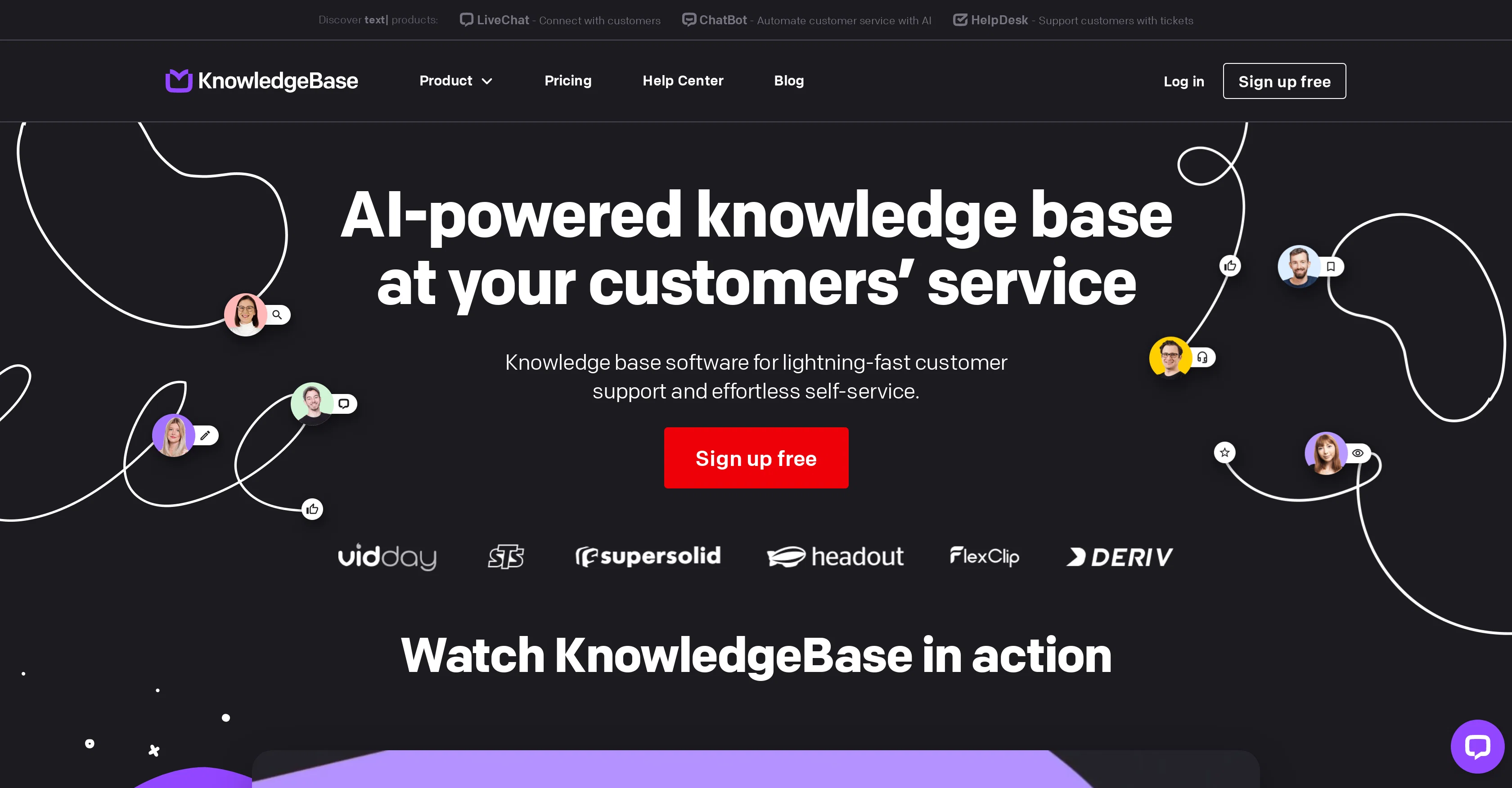
KnowledgeBase AI is a software tool designed to provide quick, effortless customer support and self-service. It serves as a platform for managing and sharing data, improving knowledge management and visualisation across the board.
This software tool uses Artificial Intelligence to automate several tasks, from providing tailored answers to customer queries to creating articles, titles, and keywords.
It supports multi-tasking, allowing users to manage different knowledge bases within a singular, intuitive dashboard. With 24/7 service and self-help options, it enables customers to resolve their issues at their convenience.
KnowledgeBase AI also streamlines internal processes by helping support teams find precise answers quickly, thereby reducing handling time. It adopts a customer-centric approach, offering SEO-friendly resources hence driving more organic traffic and reducing the pressure on support teams.
With features aimed at enhancing consistent tone of voice in customer communications and prioritizing tasks, it ensures brands deliver a tailored, efficient support experience.
Furthermore, KnowledgeBase AI includes customization features that help maintain brand consistency, integrating seamlessly with the users website design.
Access & connections
Where you can use KnowledgeBase AI.
Platforms
Capabilities
What this tool accepts, produces, and is strongest at.
Input
- Text
Output
- Text
Pros & cons
Pros
- Quick customer support
- Provides self-service
- Effective knowledge management
- Data and knowledge sharing
- Automates task creation
- Generates SEO-friendly articles
- Supports multi-tasking
- Intuitive Dashboard
Show 32 more
- 24/7 Service
- Internal processes streamlining
- Adopts customer-centric approach
- Drives organic traffic
- Reduces load on support
- Consistent communication tone
- Task prioritization
- Maintains brand consistency
- Customizable design
- Visualisation capabilities
- Reporting feature
- Integration with LiveChat
- Facilitates Internal and Customer workspaces
- 24/7 self-service options
- Helps boost search engine ranking
- Decreases total case handling time
- Supports Knowledge Base for teams
- On-brand tone of voice
- Prioritizes repeated customer queries
- Stay on-brand with customization
- Encourages self-learning for customers
- Help center for customers
- Enables multichannel access
- Significantly reduces workload for teams
- Supports multiple knowledge bases
- Encourages improved knowledge management
- Good resources for video making techniques
- Tool for internal knowledge sharing
- Helps customers self-solve problems
- Offers free trial
- Access to learning materials
- Hosted help center for customers
Cons
- No offline functionalities
- No integrations mentioned
- Lacks in-depth reporting capabilities
- No multi-language support
- Limited customization
- No mobile application
- Unclear pricing structure
- No SLA mentioned
Show 1 more
- Streamlining processes is vague
Compare alternatives
Similar tools in the catalog — with a clear reason to open each one.

GPT Trainer ✓
FreemiumAI Voice and Text Agents with No-Code
Why look Offers a public API
Full comparison
Social Intents ✓
Free TrialReal-time support & sales via messaging platforms.
Free + from $39/mo
Full comparison
Chatisto ✓
FreemiumAI-powered live chat for better customer support.
Why look Higher community rating
Full comparison
IllumiChat ✓
FreemiumFrom Ticket Backlog to Instant Answers Powered by AI
Why look Offers a public API
Full comparison

CoSupport AI ✓
Free TrialAI for support ops that drown in repetitive tickets.
Why look Offers a public API
Full comparisonReleases 1
FAQ 12
What defines the key features of KnowledgeBase AI?
How does KnowledgeBase AI streamline internal processes?
What type of customer support does KnowledgeBase AI provide?
What tasks can KnowledgeBase AI automate?
Does KnowledgeBase AI support multi-tasking?
How does KnowledgeBase AI enhance knowledge management?
Does KnowledgeBase AI provide 24/7 service?
How can KnowledgeBase AI customize my brand communication?
Can KnowledgeBase AI be integrated with existing website design?
How does KnowledgeBase AI utilize AI in customer engagement?
How does KnowledgeBase AI generate SEO-friendly resources?
Can KnowledgeBase AI support multiple knowledge bases?
Related tools
Recommended

CustomGPT.ai ✓
Free TrialCut your Customer Service Costs in Half with CustomGPT.ai

NeuralTalk AI ✓
FreemiumRevolutionary AI chatbots for customer support.

AI Omnichannel Customer Support Platform by BlueTweak ✓
PaidAI-powered chatbot that automates customer support inquiries.

Wazzap AI ✓
Free TrialAI WhatsApp automation for agencies and businesses.

AssistLoop ✓
Free TrialAI chatbots for personalized 24/7 customer support

Triviat ✓
FreemiumHuman-like AI for phone calls and chats