Inkify ✓
Transform your skin into an AI masterpiece.
Verdict
A quick read before you dig into the full page.
- Best if
- Transform your skin into an AI masterpiece
- Skip if
- Limited tattoo styles
- Pick this when
- Augmented reality feature
Considering TattoosAI instead? Compare side by side
Overview
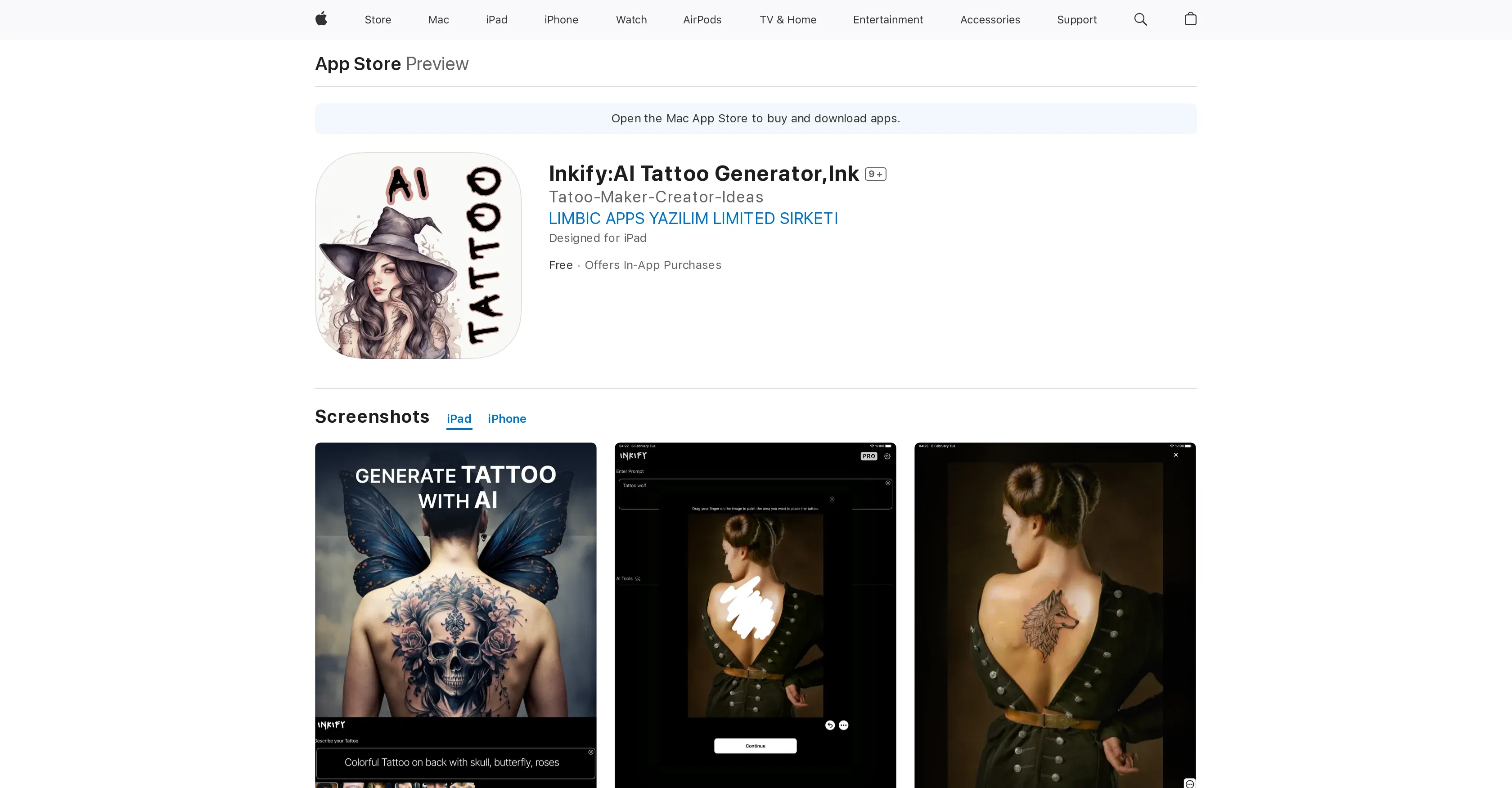
Inkify: AI Tattoo Generator is an application that provides a unique AI-powered service for creating digital tattoos. The app allows users to explore and design their own tattoo creations.
Leveraging artificial intelligence's creativity and adaptability, it generates personalized tattoo designs based on users' input and preferences. The intuitive interface supports the easy use and understanding of the tool.
It offers a variety of customization options, giving users the freedom to experiment with different designs until they find one that best suits their style and personality.
The generated tattoos can be saved or shared, making the app useful for individuals interested in visual art, tattoo enthusiasts, and professional tattoo artists looking for an extra brainstorming tool.
The app is available for download and use on various Apple devices.
Access & connections
Where you can use Inkify, and what it plugs into.
Platforms
Integrations
Capabilities
What this tool accepts, produces, and is strongest at.
Input
- Text
Output
- Image
- AR/VR
Pros & cons
Pros
- Augmented reality feature
- Personalized designs
- High definition artwork
- Unique designs each time
- For both users and artists
- Allows design saving/sharing
- Design on any body part
- Available for various Apple devices
Show 11 more
- Frequent app updates
- Community feature for networking
- Considers user feedback
- Intuitive Interface
- Efficient customer support
- Free with in-app purchases
- Compatible with iOS 16.0 or later
- Supports various languages
- Low storage size (51MB)
- Also compatible with Mac M1
- Also compatible with Apple Vision
Cons
- Available only on Apple devices
- Requires iOS 16.0 or later
- Offers in-app purchases
- Possible privacy concerns
- Limited language support (English only)
- Limited to digital designs
- Limited tattoo styles
Compare alternatives
Similar tools in the catalog — with a clear reason to open each one.

TattoosAI ✓
FreemiumGenerate custom tattoo designs in seconds with AI
Free + from $24.99/mo
Full comparison

Tattoo Canvas ✓
Free TrialCreate your custom tattoo with our AI-powered design tool.
Why look Typically cheaper
Full comparison


Releases 1
FAQ 12
What is Inkify AI Tattoo Generator?
How does Inkify use AI to generate tattoo designs?
What personalization options does Inkify offer?
How can I save or share tattoos created by Inkify?
Can professional tattoo artists use Inkify?
Does Inkify work on all Apple devices?
Can you preview tattoo designs on your own body using Inkify?
How to download and install Inkify?
What makes tattoo designs made by Inkify unique?
How detailed are the tattoos generated by Inkify?
Can Inkify help in tattoo brainstorming?
What types of tattoos can Inkify generate?
Related tools
Recommended

Venturekit ✓
PaidGenerate comprehensive AI business plans instantly

B12 AI Website Builder ✓
FreemiumAI-powered website builder

Archie ✓
FreemiumThe platform to architect, build, and run production-grade applications.

Clipfly AI Video Generator ✓
FreemiumCreate AI-generated videos from text prompts effortlessly.

Simplified Tattoo Generator ✓
FreemiumCreate amazing tattoos in seconds with AI

LearningStudioAI ✓
Free TrialAI-powered authoring tool for effortless online course creation.