

Infogram ✓
Create interactive infographics with AI.
Free + from $25/mo
Verdict
A quick read before you dig into the full page.
- Best if
- Create interactive infographics with AI
- Skip if
- Limited customer support channels
- Pick this when
- Interactive infographics creation
Considering Infographic Ninja instead? Compare side by side
Overview
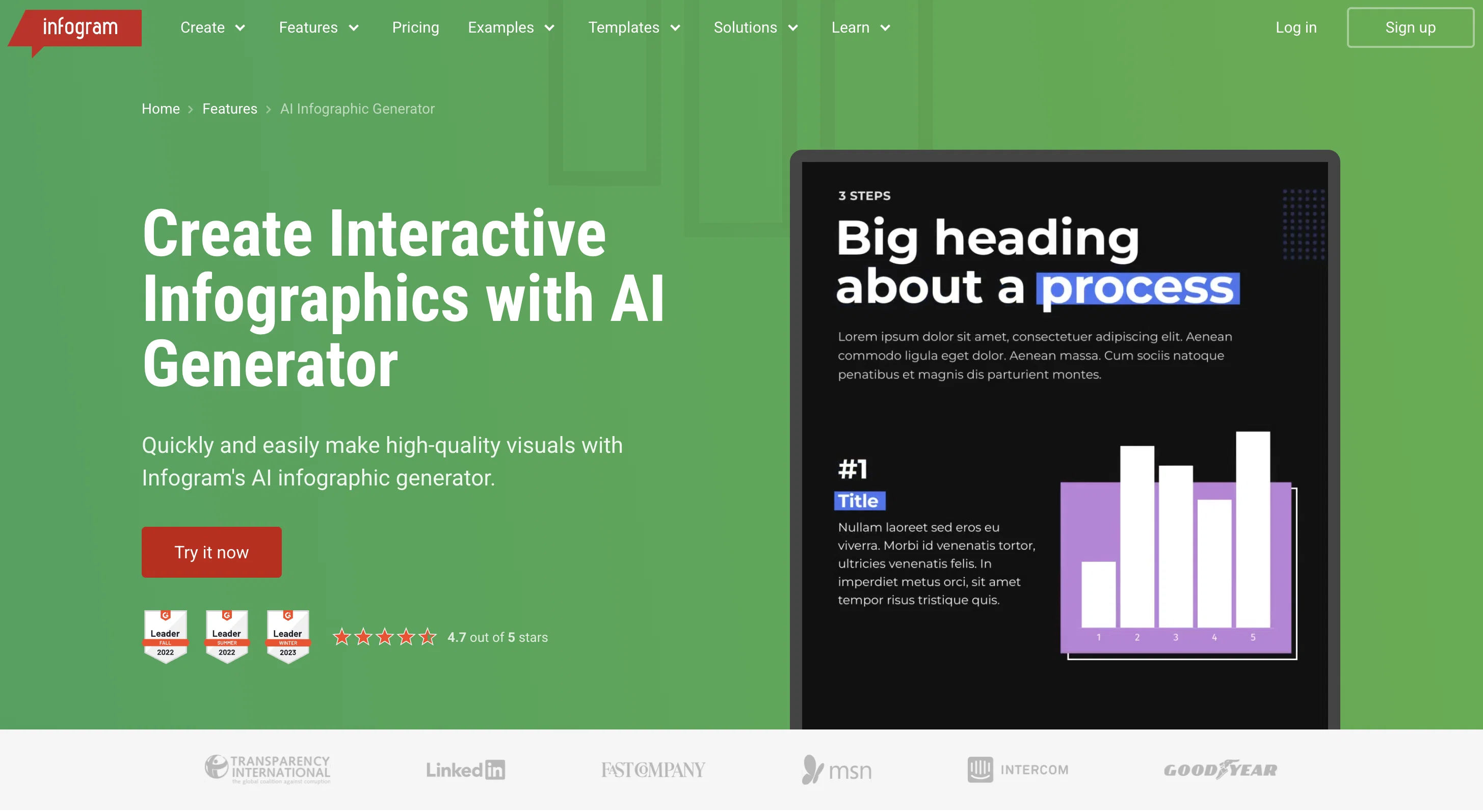
Infogram is an AI-powered tool used for creating interactive, high-quality infographics. It offers assistance to users with varying design experience by simplifying infographic creation, data presentation, and visual storytelling.
This tool is designed to save time and effort! Just input raw data and watch as the tool automatically turns it into engaging and professional infographics.
Infogram stands out from other tools with its smart suggestions feature - which assists in streamlining the design process and boosting creativity. It makes the task easier by suggesting suitable layouts and visual presentations based on the input data.
Moreover, this tool is versatile and can be beneficial for a wide range of users from writers and journalists to marketers and educators. It aims to enhance the visual impact of data stories and helps communicate the information more effectively, making it suitable for use in various sectors including government, education, nonprofit organizations, and teams striving for collaborative work.
Moreover, Infogram provides insights into content engagement analytics, offers a wide range of customizable chart options, report generating tools, and offers features for creating data-driven maps, social media graphics, and many more.
Access & connections
Where you can use Infogram.
Platforms
Capabilities
What this tool accepts, produces, and is strongest at.
Input
- API
- Tabular
- Text
Output
- API
- Image
Pros & cons
Pros
- Interactive infographics creation
- Simplifies design process
- Data-driven: turns raw data into infographics
- Smart suggestions for design
- Boosts user creativity
- Automates layout suggestions
- Various user applicability: writers, journalists, marketers
- Beneficial for educators
Show 38 more
- Optimized for government sector
- Optimized for education sector
- Optimized for nonprofit sector
- Encourages collaborative work
- Content engagement analytics
- Customizable charts
- Automated report generation tools
- Data-driven maps generation
- Social media graphics creation
- Custom Maps
- Auto Layout
- Data Import feature
- Advanced Editing Tools
- Royalty-Free Asset Library
- Team Templates
- WCAG 2.2 Level Accessibility
- SOC 2 Type 2 Compliance
- Streamlined infographic creation process
- Facilitates clear data presentation
- Automatically suggests layouts and content
- Boosts user creativity
- Versatility in use cases
- User-friendly interface
- Creates statistical infographics
- Creates timeline infographics
- Creates process infographics
- Creates comparison infographics
- Creates geographical or map infographics
- Creates hierarchical infographics
- Creates infographic reports
- Creates interactive infographics
- Helps visualize data stories
- Optimized for business efficiency
- Offers customization options
- Automatically transforms raw data into infographics
- Offers innovative layouts and visuals
- Ideal tool for tight deadlines
- Caters to broad range of needs
Cons
- Lacks offline functionality
- No free tier offered
- Limited template variety
- Inflexible layout suggestions
- Incompatible with some data formats
- No multilingual support
- Missing real-time collaboration
- No built-in spellcheck
Show 2 more
- Insufficient accessibility features
- Limited customer support channels
Compare alternatives
Similar tools in the catalog — with a clear reason to open each one.

Infographic Ninja ✓
Free TrialGenerate infographics from keywords instantly.
Why look Typically cheaper
Full comparison
AI Infographic Generator ✓
FreemiumAI infographic generator that turns blog posts into link magnets
Why look Typically cheaper
Full comparison
AI Infographic Generator ✓
FreemiumCreate infographics instantly from text prompts
Why look Typically cheaper
Full comparison
Piktochart ✓
FreemiumVisually appealing infographics with ease.
Why look Typically cheaper
Full comparison
KnowledgeGraph GPT ✓
FreeTransform unstructured text into knowledge graphs with AI.
Why look Fully free option
Full comparison
Text to Infographic ✓
FreemiumTurn your text into visuals in minutes.
Why look Typically cheaper
Full comparisonReleases 1
FAQ 12
What is Infogram?
How does the smart suggestions feature in Infogram work?
What types of users can benefit from using Infogram?
How can I use this tool to create infographics?
Can Infogram assist with creating visuals for content engagement analytics?
Does Infogram have customizable chart options?
Can I use Infogram to generate reports?
How can I use Infogram to create data-driven maps?
Can Infogram be used to create social media graphics?
How does the AI technology in Infogram simplify infographic creation?
How does Infogram supports visual storytelling?
What sectors can benefit from using Infogram?
Related tools
Recommended

Scispace ✓
FreemiumPlatform for exploring and publishing research papers.

Notis ✓
Free TrialThe first WhatsApp assistant that runs on your ChatGPT and Claude subscriptions
TLDR this
PaidFree AI-powered tool for summarizing articles and extracting key information.

Reddit Scout ✓
FreeFind product reviews on Reddit in seconds.

AppDeploy ✓
FreeDeploy real apps directly from ChatGPT or Claude

Littlebird ✓
FreemiumThe only full-context AI