Image generation

ImgArt Ai

AI image generation and editing for stunning art in Ghibli, Chibi, Pixar styles.

Source rating 5.0 (81) 0 views 0 saves Free Trial
More categories (14)

From $0.02 per credit

Verdict

A quick read before you dig into the full page.

Best if
AI image generation and editing for stunning art in Ghibli, Chibi, Pixar styles
Skip if
You are not ready to evaluate a time boxed trial
Pick this when
Free Trial · From $0.02 per credit

Overview

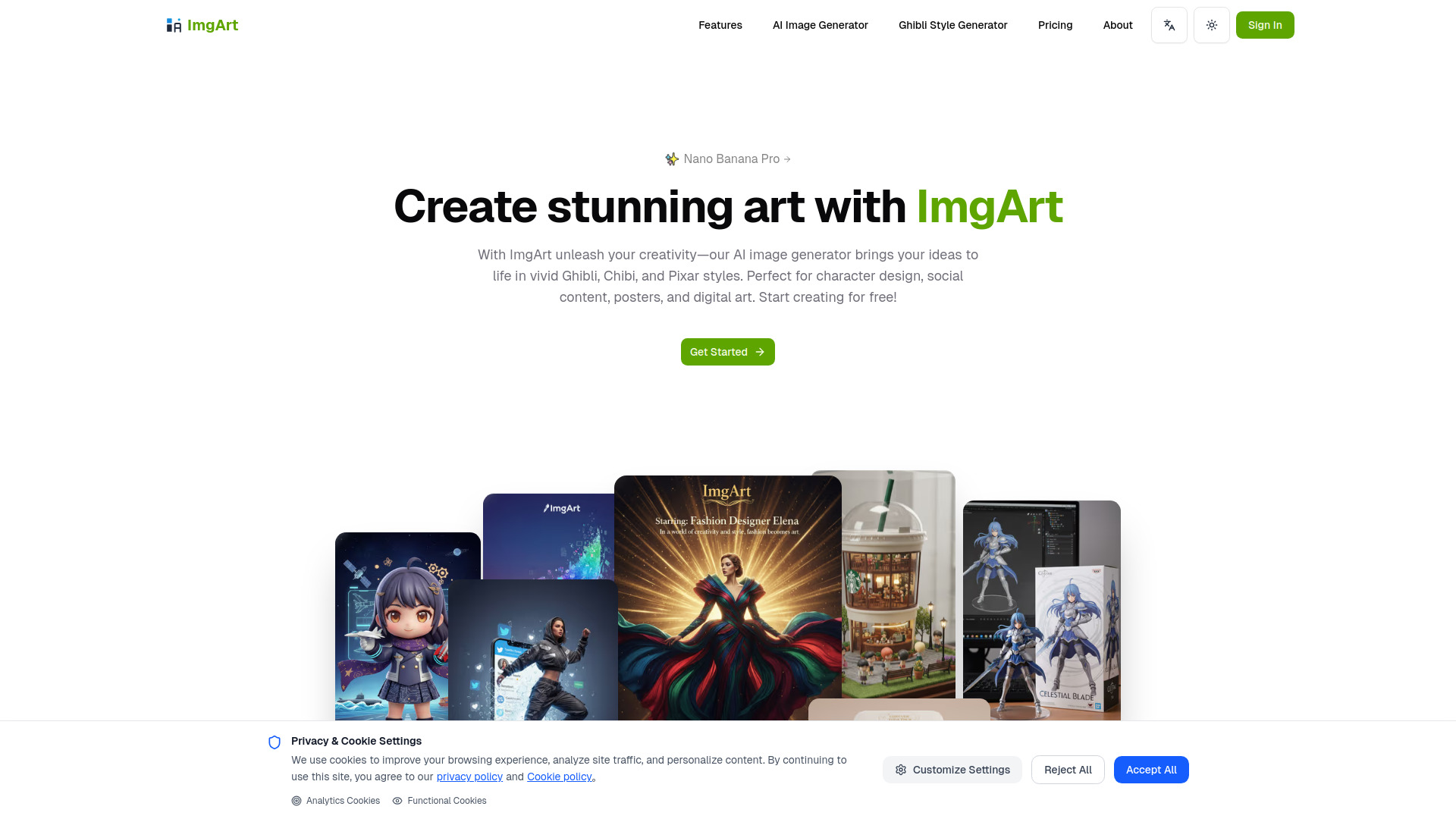
ImgArt is an AI image generation and editing platform that allows users to transform creative ideas into stunning AI art. It supports generating beautiful images in various styles such as Ghibli, Chibi, and Pixar, and offers advanced editing capabilities. The platform is ideal for character design, social content, posters, and digital art, leveraging advanced AI models like Nano Banana, Flux Kontext, and ChatGPT-4o image.

ImgArt Ai screenshot

Access & connections

Where you can use ImgArt Ai.

Platforms

Web

Capabilities

What this tool accepts, produces, and is strongest at.

Highlights

  • AI Image Generation (Text to Image, Image to Image)
  • Multiple AI Models (Nano Banana, Flux Kontext, ChatGPT-4o image)
  • Ghibli, Chibi, and Pixar Style Generation
  • Advanced Image Editing (Multi-image fusion, character consistency, natural language editing)
  • Creative Effects and Diverse Visual Styles
  • Consistent and High-Quality Results

FAQ 10

What is ImgArt Ai?
ImgArt is an AI image generation and editing platform that allows users to transform creative ideas into stunning AI art. It supports generating beautiful images in various styles such as Ghibli, Chibi, and Pixar, and offers advanced editing capabilities. The platform is ideal for character design, social content, posters, and digital art, leveraging advanced AI models like Nano Banana, Flux Kontext, and ChatGPT-4o image.
How to use ImgArt Ai?
Users can create stunning AI art by utilizing ImgArt's AI image generator. This involves either providing text descriptions (text to image) or uploading existing photos for transformation (image to image). The platform also offers advanced image editing features like multi-image fusion, character consistency, and natural language editing for precise control over the generated art.
How do I use the imgart.net image generator?
You can use the ImgArt image generator by providing text descriptions (text to image) or uploading existing photos (image to image). It also offers advanced editing features for precise control.
What art styles does ImgArt support?
ImgArt supports a wide range of styles including playful Ghibli, Chibi, and Pixar looks, as well as polished, realistic outputs.
What's the difference between free and paid plans?
The free 'Trial' plan offers standard generation speed, 50 one-time bonus credits, a public gallery, and is for non-commercial use. Paid plans (Pro and Ultra) offer more credits, commercial licenses, no watermark, access to basic/advanced models, private mode, faster GPU access, and advanced features like Inpainting/ControlNet.
How long does it take to generate an image?
Generation speed varies; the free plan has standard speed, while the Ultra plan offers fast GPU access. The website mentions generating stunning images from text descriptions in seconds.
Does ImgArt support image editing features?
Yes, ImgArt supports advanced image editing features with Nano Banana, including multi-image fusion, character consistency, and natural language editing.
Can I use generated images for commercial purposes?
Yes, images generated with the Pro and Ultra plans can be used for commercial purposes. The Trial plan is for non-commercial use.
How do credits work?
Credits are used for image generation. Paid plans come with a monthly allocation of credits (e.g., 1,000 for Pro, 5,000 for Ultra), and additional credits can be purchased on-demand at $0.02 per credit.
What's the benefit of annual billing?
Annual billing offers a 20% saving compared to monthly billing for the Pro and Ultra plans.
ImgArt Ai From $0.02 per credit



