

Videos 2026 Rank: #1260
ImagineVid AI ✓
Create AI videos from text and images.
Verdict
A quick read before you dig into the full page.
- Best if
- Create AI videos from text and images
- Skip if
- Limited video resolution options
- Pick this when
- Text to video feature
Considering freebeat AI instead? Compare side by side
Overview
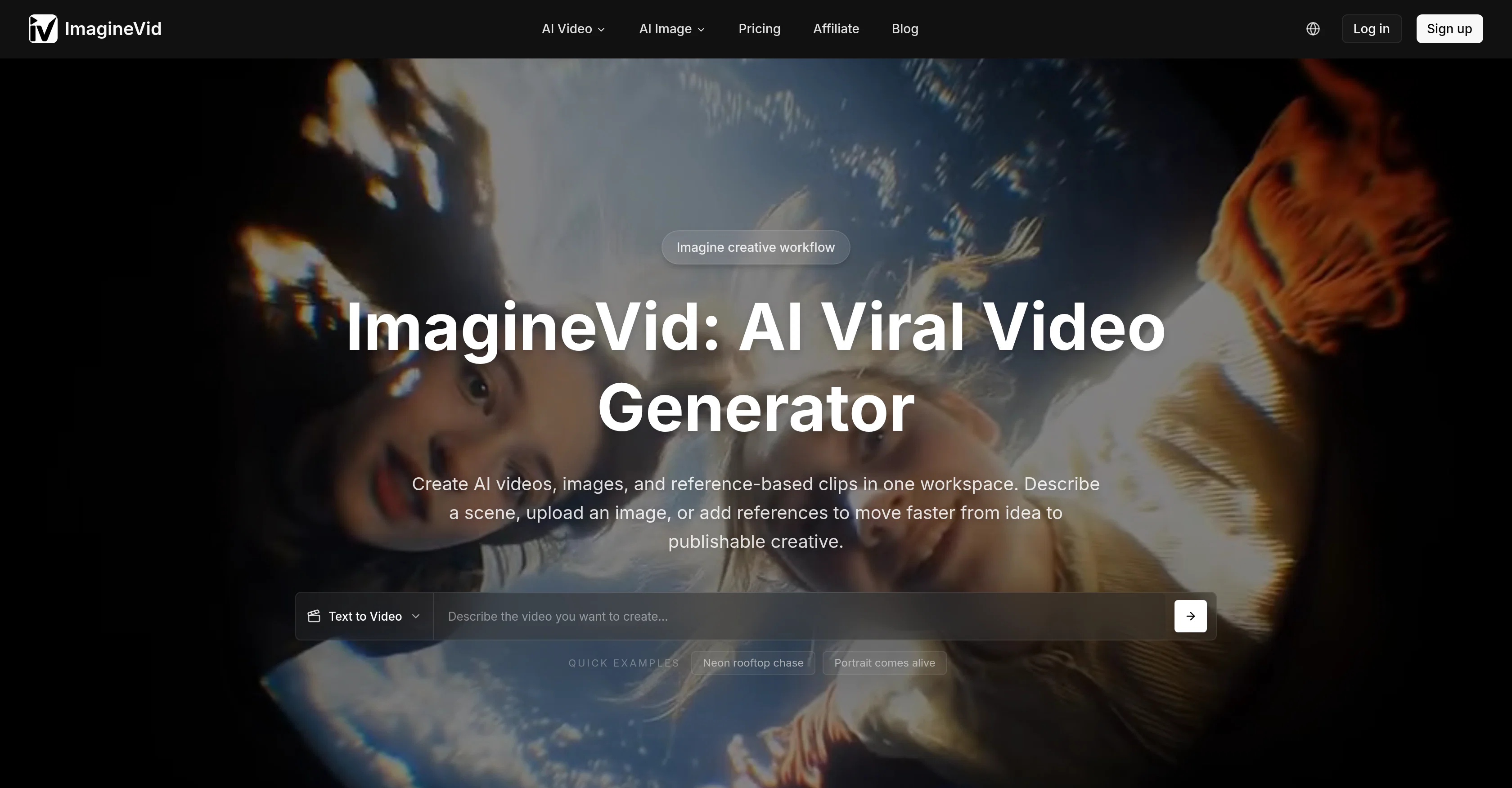
ImagineVid is an advanced AI video generator designed for content creators that transforms inputs such as text descriptions and images into complete video clips with matching audio.
It's a browser-based tool providing a single workflow allowing creators to streamline video creation; from ideation to a publishable creative video. The tool's capabilities include generating realistic motion and appropriate sounds to animate static images into dynamic videos.
ImagineVid provides fine-tuning video generation through precise camera settings; users have the freedom to control motion dynamics, choose between fixed or dynamic camera movements, and adjust frame rates to create the desired cinematic look.
The tool also generates audio automatically for every video, providing a complete video creation package by adding ambient sounds, background music, and sound effects that compliment the video content.
Furthermore, users have multiple resolution options to generate videos that fit different platform requirements. In terms of AI technology, ImagineVid utilizes advanced AI models to support the text-to-video, image-to-video creation workflows, and produces high-quality visual outputs with synchronized audio.
Access & connections
Where you can use ImagineVid AI.
Platforms
Capabilities
What this tool accepts, produces, and is strongest at.
Input
- Image
- Text
- Video
Output
- Audio
- Video
- Text
- Image
Highlights
- Agents
- Use code TAAFT
- 15% OFF
Supported features
- Agents
Pros & cons
Pros
- Text to video feature
- Image to video feature
- Browser-based workspace
- Creative content mode
- Camera settings control
- Multiple resolution options
- Automatic audio generation
- Fast processing speeds
Show 30 more
- All-in-one solution
- Cinematic effects
- Synced audio
- No tool integration needed
- Inputs to video transformation
- Available for diverse content
- Dynamic motion
- Static to dynamic conversion
- Realistic motion generation
- Appropriate sound creation
- Precise frame rate adjustment
- Supports various aspect ratios
- Complimentary sound effects
- Quick video ready
- Video editing capability
- Motion graphics
- Upload image to animate
- Aspect ratio options
- Multimedia editing
- Platform specific output
- Animation
- Visual freedom
- Style control
- Video generation engine
- Audio-aware creation
- Stylized animation
- Workflow optimization
- Aesthetically appealing content
- High-quality visuals
- Real-time creative workflow
Cons
- No free trial available
- No standalone API offered
- Browser-based tool only
- Limited video resolution options
- Only user-defined camera control
- No integrated collaboration features
- Lacks pre-set editing templates
- No offline version
Show 1 more
- Dependent on stable internet connection
Compare alternatives
Similar tools in the catalog — with a clear reason to open each one.

freebeat AI ✓
FreemiumTurn Music & Ideas into Viral Videos In One Click
Why look Typically cheaper
Full comparison
MagicLight ✓
FreemiumTransform text into captivating videos instantly.
Why look Typically cheaper
Full comparison



Seedance ✓
FreemiumMulti-shot video generation from text and image.
Why look Stronger for image work
Full comparisonReleases 1
Imported reviews 1
The "Lion and Sun" symbol is seen on streets where protests are underway, fires are spreading, and the nation has risen up for freedom.
FAQ 12
What is ImagineVid?
How does the text to video feature work in ImagineVid?
What does the image to video feature on ImagineVid do?
What is AI image generation in ImagineVid?
How does ImagineVid generate automatic audio?
Can I control camera settings within ImagineVid?
What resolution options does ImagineVid support?
How can I adjust the frame rates on ImagineVid?
Does ImagineVid require any third-party integration?
Can I describe a scene to create a video on ImagineVid?
How fast can ImagineVid process video production?
Is ImagineVid a browser-based tool?
Related tools
Recommended

TapEdit ✓
Free TrialEdit photos with AI online for free.

Claude ✓
FreemiumBuilding reliable, interpretable AI systems

Whacka ✓
Free TrialTurn ideas into real apps from your phone.
Fluidvision ✓
Free TrialB2B AI Fashion Photography Studio for Brands

PodcastorAI ✓
FreemiumTurn any content into engaging podcasts instantly.

MagicSlides.app AI PPT Maker ✓
FreemiumCreate Stunning PPTs in Seconds with the AI PPT Maker