ImagePromptGuru ✓
Convert images into high-quality AI art prompts instantly.
Verdict
A quick read before you dig into the full page.
- Best if
- Convert images into high-quality AI art prompts instantly
- Skip if
- Limited image file size
- Pick this when
- Instant operation
Considering Image to Prompt Generator instead? Compare side by side
Overview
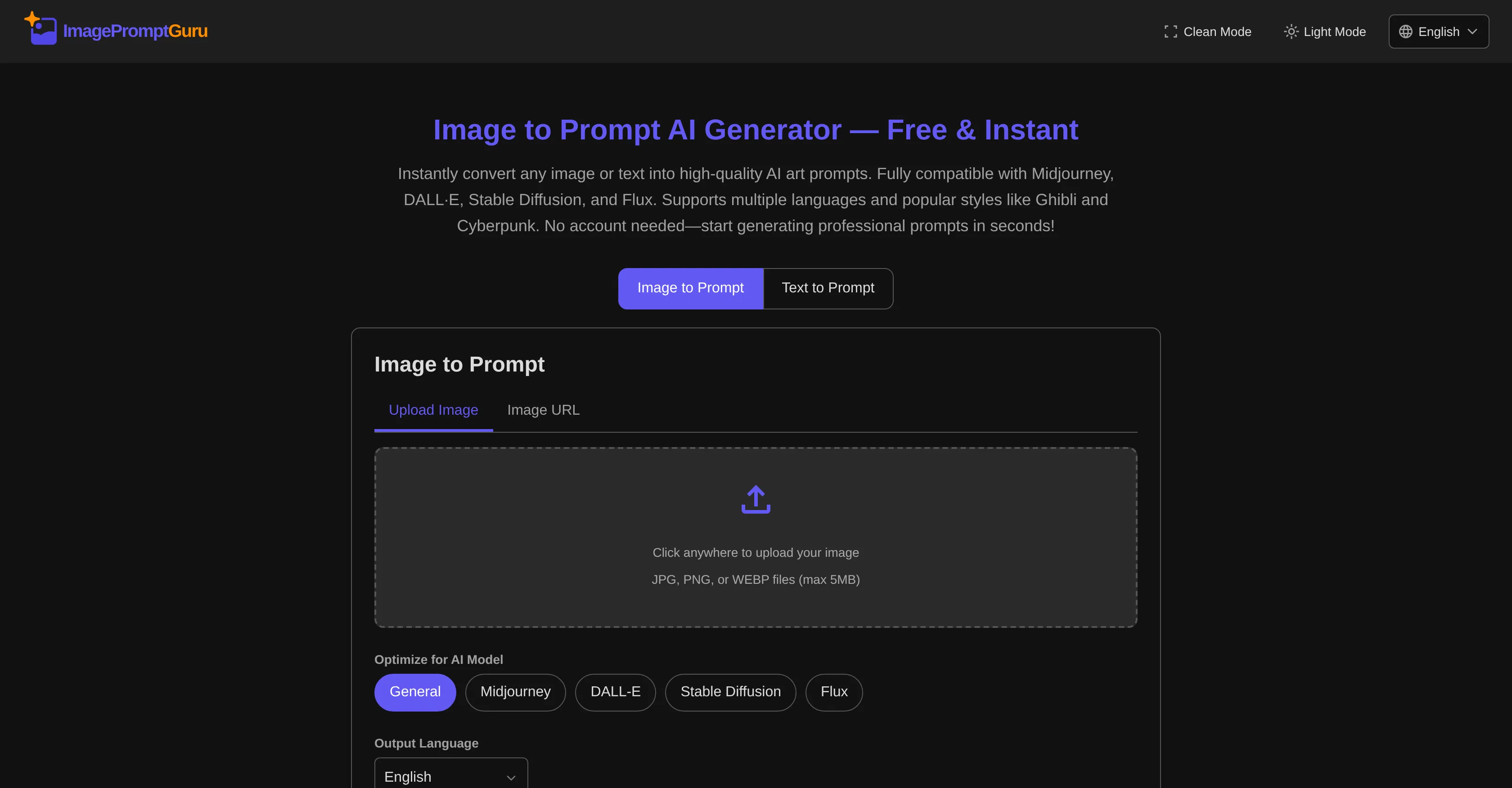
Image to Prompt Generator is a versatile tool designed to convert any image or text into high-quality prompts for AI art generation. It operates instantly, without requiring user login or any form of subscription.
It is fully compatible with major AI art generators including Midjourney, DALLE, Stable Diffusion, and Flux. The tool has support for 18 different languages, although the generated prompts are in English, the standard for AI art.
Two distinct mode options are offered suiting different needs. 'Image to Prompt' mode analyzes visual content and generates descriptive prompts, making it suitable for transforming photos or sketches.
'Text to Prompt' mode enhances the written descriptions supplied by users with AI art best practices, an ideal choice for those who have an idea and need professional phrasing.
The tool is also respectful of user privacy, as uploaded images are processed in real time and immediately discarded. Furthermore, all prompts generated by the tool belong to the user, meaning they can be utilized for personal projects, client work or commercial AI art without restrictions.
Access & connections
Where you can use ImagePromptGuru.
Platforms
Capabilities
What this tool accepts, produces, and is strongest at.
Input
- Text
- Image
Output
- Text
Supported features
- Image to prompt
- Image Edit
- Image Generation
Pros & cons
Pros
- Instant operation
- No login required
- No subscription needed
- 18 language support
- Both image and text mode
- Transforms photos and sketches
- Real time image processing
- User data privacy
Show 15 more
- User owns prompt
- Commercial use allowed
- Free to use
- Real-time processing
- Data discarded after use
- Optimizes for popular styles
- Enhances written descriptions
- Professional phrasing for prompts
- Cross-platform compatibility
- Images and text to prompt
- User-friendly interface
- Supports JPG, PNG, WEBP files
- Easy access with full privacy
- Supports up to 5MB files
- Ideal for personal projects
Cons
- Only supports English prompts
- No registration, difficult data retrieval
- No subscription plan for businesses
- Uploaded images are discarded
- Doesn't support all image formats
- No API
- No Offline Mode
- Doesn't store past prompts
Show 2 more
- Limited image file size
- No customer support
Compare alternatives
Similar tools in the catalog — with a clear reason to open each one.

Image to Prompt Generator ✓
FreemiumConvert images to prompts for AI art generation.
Free + from $14.99/mo
Full comparison
Convly AI Image-to-Prompt ✓
FreeTurn any image into an editable AI prompt — free, no signup.
Why look Higher community rating
Full comparison

Image to Prompt Generator ✓
PaidUpload an image, get the prompt that made it.
from $15
Full comparison
ImaginPrompt ✓
FreemiumConvert any image into AI prompts instantly.
Free + from $14.99/mo
Full comparison
Releases 1
Imported reviews 1
this one looks good, it has a clean layout and a clear flow that makes prompt-building feel approachable. the idea is genuinely useful, and the execution alr feels solid, it has a lot of potential, WELL DONE! :)