

Image to music 2026 Rank: #946
Image to Music AI.com ✓
Turn any photo into original music with AI.
Verdict
A quick read before you dig into the full page.
- Best if
- Turn any photo into original music with AI
- Skip if
- Limited track comparison
- Pick this when
- Custom unique soundtrack generation
Considering MusicMaker.im | Image to Music instead? Compare side by side
Overview
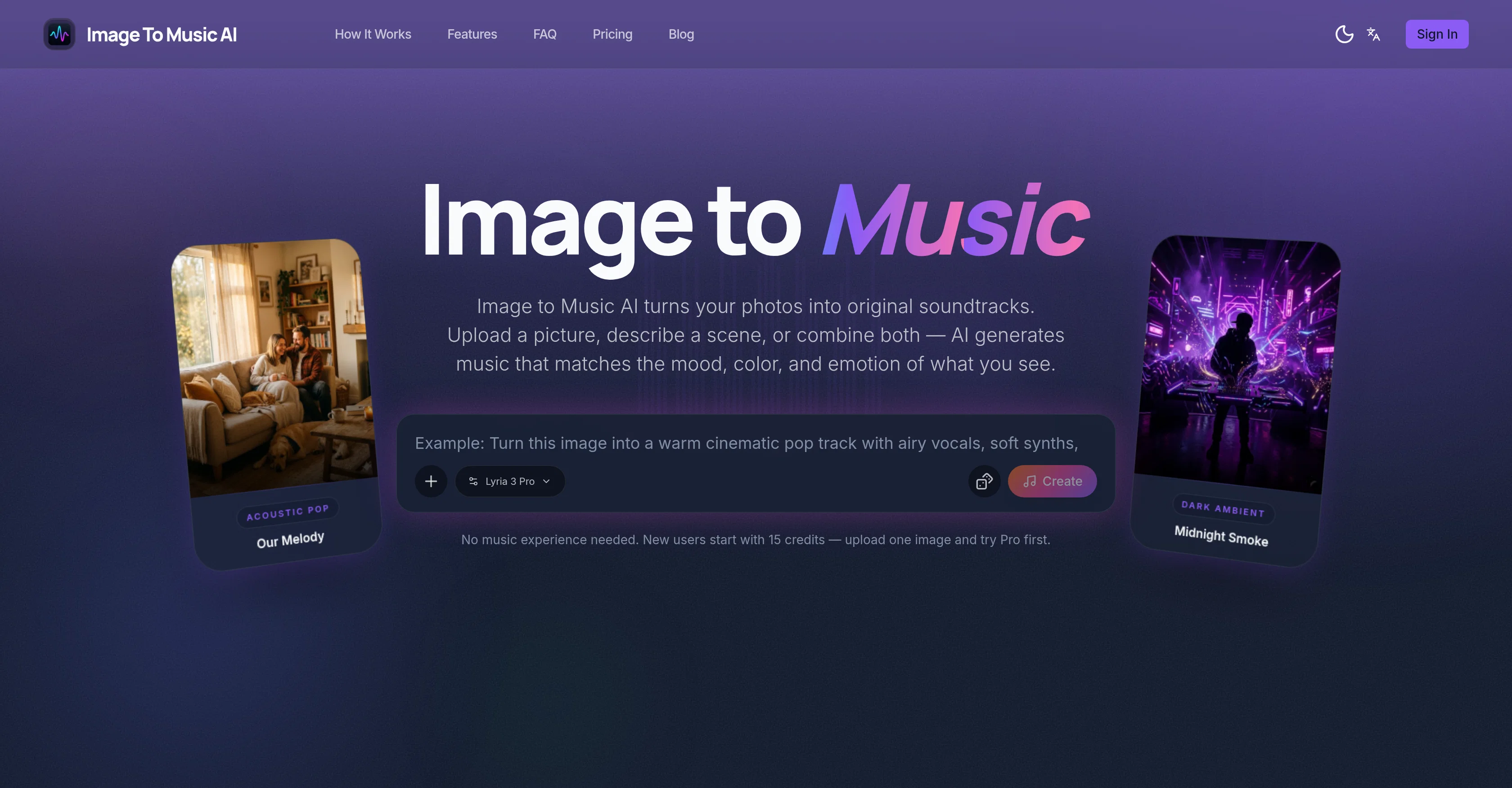
Image To Music AI is a tool that transforms photos into soundtracks. It uses AI to interpret the visual elements within a photo and generate music that matches the mood, color, and emotion present in the image.
Users have the option of uploading a picture, describing a scene, or combining both to create a matching soundtrack. The tool is designed to interpret different aspects like warm family portraits, dark atmospheres, vibrant retro scenes, peaceful landscapes, and more.
Beyond images, it is also capable of turning descriptive text into music. The entire process consists of three steps - uploading a photo or describing a scene, AI converting visual cues or textual description into music, and users having the ability to preview, refine, and download the soundtrack.
This tool is useful for creating soundtracks for travel photographs, mood-boards, short video content, and creative projects. It also offers users the ability to fine-tune the generated music with textual cues and allows comparison between multiple AI-generated music tracks from the same photo, helping users to select the best fitting soundtrack.
Access & connections
Where you can use Image to Music AI.com.
Platforms
Capabilities
What this tool accepts, produces, and is strongest at.
Input
- Image
- Text
Output
- Audio
Supported features
- Music Generation
- Image Understanding
- Sound Creation
Pros & cons
Pros
- Custom unique soundtrack generation
- Image mood and color analyzation
- Generates music from scene descriptions
- User-adjustable soundtrack
- Generates multiple versions for comparison
- Text prompts for music refinement
- Exportable audio files
- Suitable for photographers and vloggers
Show 34 more
- Image-based and text-based input modes
- Generates music for landscapes, portraits
- Appropriate for creative mood-centric projects
- Music refinement through multiple regeneration
- Ability to fine-tune generated music
- Multiple-user friendly
- Create soundtracks for travel photographs
- Offers music generation from descriptions
- Simpler than writing sound descriptions
- Visual cues into sonic emotion conversion
- Transforms concept art into music
- Allows side-by-side music comparison
- Turns photo mood into music
- Allows comparison between soundtracks
- Able to create short video scores
- Music generation from memory description
- Supports both image and text
- Creates different music for different moods
- Visual thinker-friendly tool
- No music experience needed to use
- Instant soundtrack preview
- Supports multiple output versions
- Music genre can be refined
- Energy, tempo, and instrumentation guidance
- Fast processing time
- Producing mood-board soundtracks
- Customizable soundtracks for moodboards
- Music fits image instantly
- Instant atmosphere capture from image
- No need for music prompt engineering
- Visual color and light to music
- Photograph to matching soundtrack conversion
- Matches music composition to image
- Transforms visual ideas into music
Cons
- No real-time soundtrack generation
- No support for bulk uploads
- Limited to one image input
- No manual customization features
- Limited to mood-based soundtracks
- No mention of soundtrack quality
- Credits-based usage
- Limited track comparison
Show 2 more
- No multiple file formats support
- No mobile app available
Compare alternatives
Similar tools in the catalog — with a clear reason to open each one.

MusicMaker.im | Image to Music ✓
FreemiumTransform Any Image Into a Unique Musical Composition
Free + from $11.99/mo
Full comparison
Seedeo Video Generator ✓
FreemiumTurn text and images into cinematic AI videos.
Free + from $24/mo
Full comparison
Vidnix | AI Text to Video Generator ✓
Free TrialAll-in-one AI video and image generation platform
Free + from $7.99
Full comparison
Pixo ✓
Free TrialYour personal AI agent for long-form video creation
Free + from $9.90/mo
Full comparison
APIMart ✓
UnknownOne API for 500+ AI models at 70% less cost.
Why look Offers a public API
Full comparison
Releases 1
FAQ 12
What is Image to Music AI?
How does Image to Music AI convert images into soundtracks?
What kind of images can I use with Image to Music AI?
Can I use text prompts, too?
Can I change the genre, energy, tempo, and instrumentation of the music?
Can I generate multiple tracks from the same image?
How do I download the music I create?
Who are the suitable users for Image to Music AI?
Can I fine-tune the music generated by Image to Music AI?
Do I need any music experience to use Image to Music AI?
Can I use the same photo for multiple music tracks?
How long does the music generation process take?
Related tools
Recommended

Notis ✓
Free TrialThe first WhatsApp assistant that runs on your ChatGPT and Claude subscriptions

freebeat AI ✓
FreemiumTurn Music & Ideas into Viral Videos In One Click

Claude ✓
FreemiumBuilding reliable, interpretable AI systems

Jason AI ✓
PaidAI-powered assistant for B2B sales outreach

remio: Your Personal ChatGPT ✓
FreemiumGet Tailored Answer with Your Personal ChatGPT

Pounce ✓
Free TrialGet real followers and engagement in minutes.