

Image to Excel ✓
Convert images to editable Excel spreadsheets instantly.
Free + from $0.99/mo
Verdict
A quick read before you dig into the full page.
- Best if
- Convert images to editable Excel spreadsheets instantly
- Skip if
- Limited to Excel conversion
- Pick this when
- Converts images to Excel
Considering FreeOCR.AI instead? Compare side by side
Overview
Image to Excel is an Optical Character Recognition (OCR) tool designed to convert text and table data from images into editable Excel files. It focuses on turning JPG and PNG images into Excel spreadsheets in a simple, efficient, and user-friendly way.
Its features include the ability to recognize tables and text within images and restore them in a usable format in Excel. Moreover, it supports multiple image formats such as JPG and PNG.
This tool is powered by Artificial Intelligence for increased accuracy and precision in data recognition. With it, users can do the conversion online or through mobile apps available for both iOS and Android platforms.
Great results are achieved when the image to be converted is clear, flat, and correct, and when the text in the image is not too small. It supports multiple languages including English, Simplified Chinese, and Traditional Chinese.
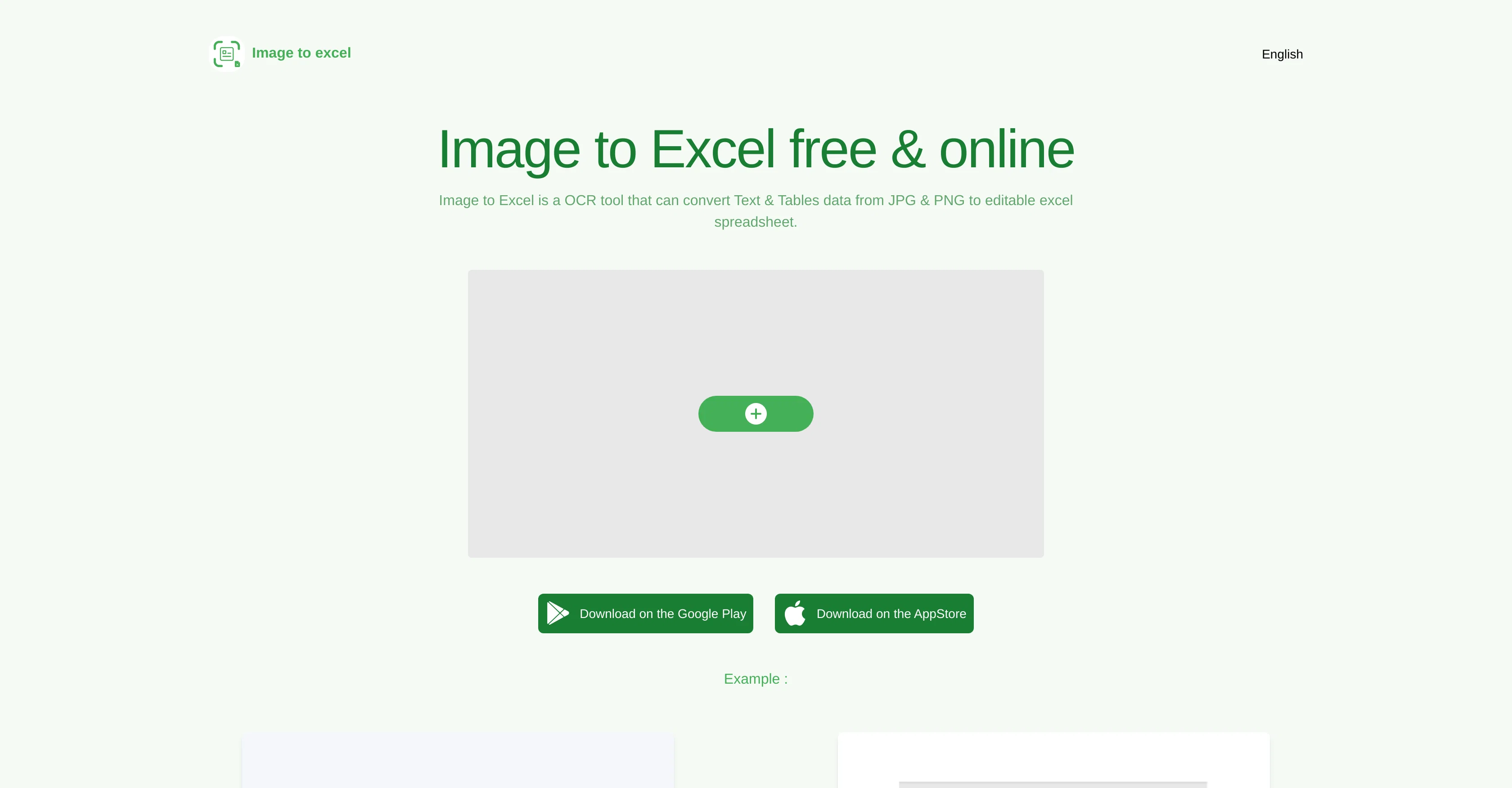
To use the tool, an image is chosen, then 'add' button is clicked and the tool creates an Excel file with the image's tables and text data. It's recommended to crop the image and cut off non-table areas as much as possible before conversion.
Access & connections
Where you can use Image to Excel, and what it plugs into.
Integrations
Capabilities
What this tool accepts, produces, and is strongest at.
Input
- Image
Output
- Tabular
Pros & cons
Pros
- Converts images to Excel
- Recognizes tables in images
- Supports JPG and PNG
- Multilingual support
- Online and mobile accessibility
- User-friendly interface
- Instant conversion
- Automated data extraction
Show 34 more
- Crop feature for precision
- Supports iOS and Android
- Requires clear, flat images
- Restores usable format in Excel
- Converts text in images
- Optimized for efficiency
- Highly accurate conversion
- Extracts data from non-table areas
- Optimized for small text recognition
- Contact support available
- Free and available online
- Direct download from App Store
- Direct download from Google Play
- Supports English language
- Supports Simplified Chinese
- Supports Traditional Chinese
- Lightweight tool
- Instantly creates Excel file
- Single 'add' button operation
- Specific focus on image-to-Excel
- Supports multiple image formats
- Allows large image conversion
- No additional software required
- Direct .xlsx download
- Efficient office work tool
- Productivity optimization
- Instructions for optimal use provided
- API integration potential
- Automates manual data entry
- Ideal for form recognition
- Offers table recognition
- Arbitrary image data conversion
- Eliminates transcription errors
- Reduces data processing time
Cons
- Limited to JPG, PNG
- Requires clear, flat images
- Doesn't handle small text
- Pre-conversion cropping needed
- No support for large images
- Limited language support
- No offline usage option
- Limited to Excel conversion
Compare alternatives
Similar tools in the catalog.

Releases 1
FAQ 12
What is Image to Excel?
What features does Image to Excel offer?
Does Image to Excel support both JPG and PNG image formats?
Does Image to Excel use artificial intelligence for data recognition?
Can I use Image to Excel online and on mobile platforms?
Does Image to Excel work better with certain types of images?
Which languages does Image to Excel support?
How do I use the Image to Excel tool?
What preparations do I need to make for my image before conversion with Image to Excel?
Is there any size limit for the images I can convert with Image to Excel?
Does Image to Excel have an iOS app?
Is there an Android app for Image to Excel?
Related tools
Recommended

Thea ✓
FreemiumAI study tools to master material, not just memorize it.

AI YouTube Title Generator ✓
Free TrialGenerate eye-catching YouTube titles that boost views and engagement.

Mind Map Wizard ✓
FreemiumGenerate mind maps with AI: free, no sign-up, no ads

BetterDeal AI ✓
FreemiumFind hidden gem properties for real estate investing.

TheLibrarian.io ✓
Free TrialYour WhatsApp AI assistant for instant productivity.

COACH ✓
FreeAI-powered career development platform built by career experts.