

Horseman ✓
Configurable web crawler with GPT integration.
from $5
Verdict
A quick read before you dig into the full page.
- Best if
- Configurable web crawler with GPT integration
- Skip if
- Device limit per tier
- Pick this when
- Endlessly configurable
Considering Rankora instead? Compare side by side
Overview
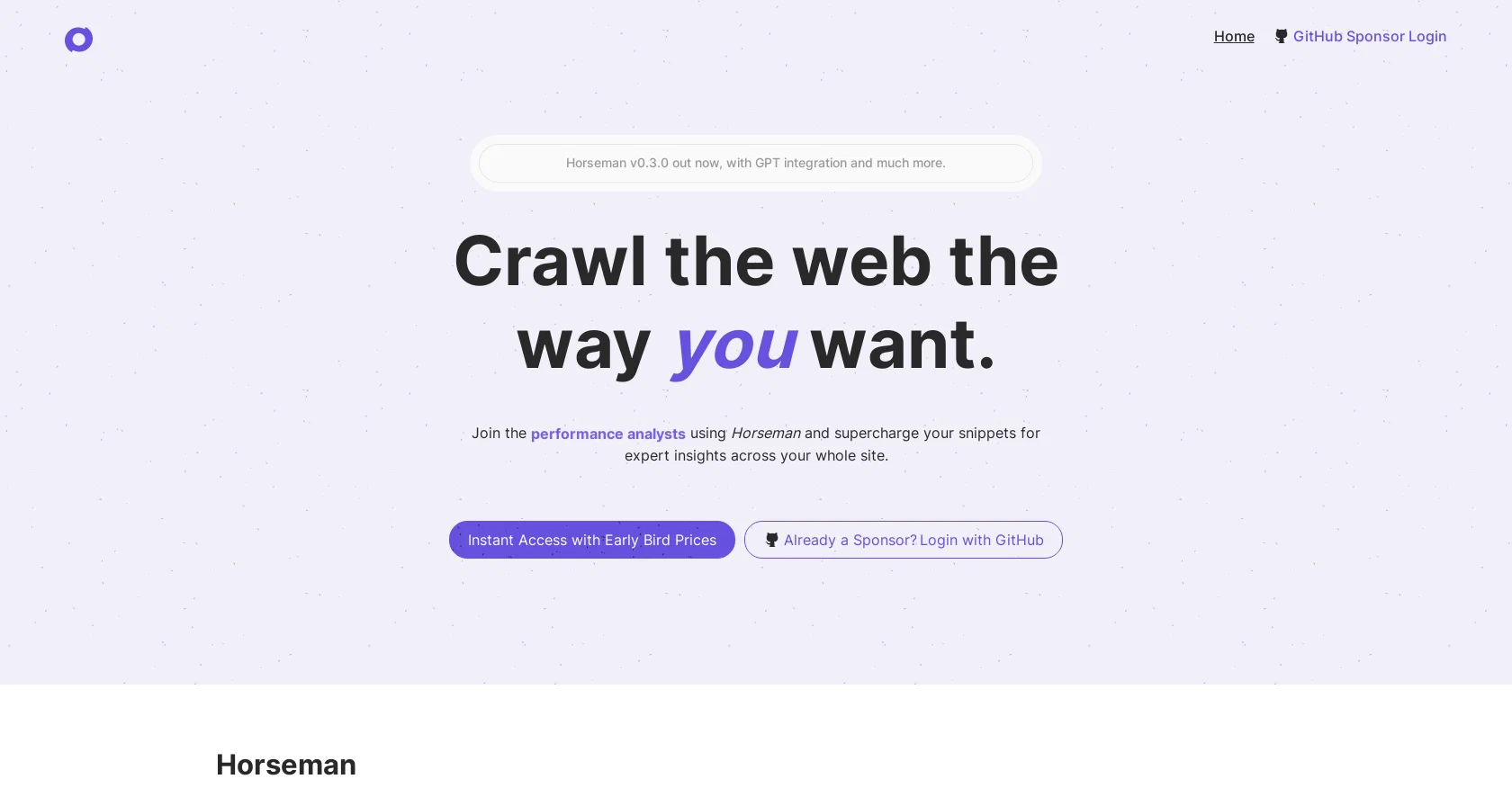
Horseman is an AI tool designed to provide an endlessly configurable crawling experience. Its latest version (v0.3) comes with GPT integration, which allows users to crawl the web with GPT3.5 and use page content with prompts.
Users can combine any piece of page data, or send the entire page to GPT for analysis. Horseman also includes a new AI helper feature that allows users to create snippets without knowing JavaScript.
With over 120 built-in snippets, Horseman is ideal for frontend developers, performance analysts, digital agencies, accessibility experts, SEO specialists, and JavaScript engineers.
The tool is available for Windows as well as Mac OS (Intel and M1/M2). Horseman is powered by snippets, which are tiny pieces of JavaScript code that allow interaction with a website to manipulate it and return information.
Horseman provides over 120 essential snippets for developers, tinkerers, content creators, technical SEOs, and more. The tool includes features such as Largest Contentful Image Priority, H1 Sentiment Analysis, Overflowing Elements detection, Intelligent Context Extraction, and Content Summarization with GPT.
Horseman also includes insights generated from a crawl, allowing users to drill down into pages with issues. Horseman is available via GitHub Sponsors, and early bird prices are available for instant access.
Sponsorship comes with bonuses such as sponsor badges, access to early development versions of other sites and tools, and disabling support messages on CLI tools.
Horseman has received positive reviews from users, with many stating it is ideal for any technical toolbox due to its flexibility and speed.
Access & connections
Where you can use Horseman, and what it plugs into.
Platforms
Integrations
Pros & cons
Pros
- Endlessly configurable
- GPT integration
- Snippets without JavaScript knowledge
- Over 120 built-in snippets
- Versatile: Devs, SEOs, Analysts
- Windows and Mac compatible
- Manipulate and return info
- Insights feature for analysis
Show 13 more
- Sponsorship bonuses
- Well-reviewed by users
- Largest Contentful Image Priority
- H1 Sentiment Analysis feature
- Overflowing Elements detection
- Intelligent Context Extraction
- Content Summarization with GPT
- Early access to tools
- Support message disabling
- Define crawl specifics
- GitHub Sponsors integration
- Affordable pricing options
- Aggregates crawl insights
Cons
- Requires JavaScript knowledge
- Limited to Frontend devs
- Not available for Linux
- No mobile version
- Limited to GitHub Sponsors
- Device limit per tier
- No built-in user management
- Limited GPT integration features
Show 2 more
- No languages other than English
- Lack of third-party integrations
Compare alternatives
Similar tools in the catalog — with a clear reason to open each one.

Rankora ✓
FreemiumSEO simplified. Rankora tells you exactly what to do to rank.
Why look Freemium alternative
Full comparison
FiveMinChat ✓
Free TrialAI chatbot trained on YOUR website. Live in 5 mins. No code.
Why look Better fit for coding
Full comparisonReleases 1
FAQ 12
What is Horseman?
How does the GPT integration in Horseman work?
What is the role of snippets in Horseman?
What OS is Horseman compatible with?
Who is the target audience for Horseman?
What features come with the latest version of Horseman?
How does the AI helper feature work in Horseman?
Can I access Horseman if I'm not familiar with JavaScript?
What insights can I get from Horseman's web crawl?
What bonuses come with a GitHub Sponsorship for Horseman?
What differences exist in the various packages of Horseman available for sponsorship?
How do I use Horseman to analyze page content with prompts?
Related tools
Recommended

LearningStudioAI ✓
Free TrialAI-powered authoring tool for effortless online course creation.

Agentgpt ✓
FreemiumDeploy autonomous AI Agents effortlessly in your browser.

Browse AI ✓
FreemiumExtract and monitor web data without code.

Kadoa ✓
FreemiumGenerate web scrapers with AI

Hyperis ✓
FreemiumOrganized task prioritization.

AutoGPT ✓
Free TrialRun AutoGPT in your browser for free