
Interior design 2026 Rank: #933
HomeRestyle AI ✓
Transform your home with AI-powered interior design.
Verdict
A quick read before you dig into the full page.
- Best if
- Transform your home with AI-powered interior design
- Skip if
- Potential watermark on output
- Pick this when
- Photorealistic interior redesign
Considering Getfloorplan instead? Compare side by side
Overview
HomeRestyle AI is a progressive tool powered by advanced artificial intelligence models targeted towards homeowners, real estate agents, and interior designers.
It is primarily intended for quick and efficient home redesigning and styling, offering professional-grade tools for various use cases. Key features include virtual staging, color and material changes, style transfer, image upscaling, furniture visualization, object replacement/removal, cleaning up images, text-to-design, and altering lighting.
Users can review their space and visualize renovations before spending any resources, assess various styles, colors, and layouts without risks, and clearly communicate their desires to contractors.
The tool also allows real estate agents to virtually stage vacant properties at a fraction of traditional costs; the platform can create high-quality listing photos faster, increasing the selling rate.
Interior designers have the advantage of accelerating client presentations with speedy concept visualization and iterating on ideas within minutes rather than hours.
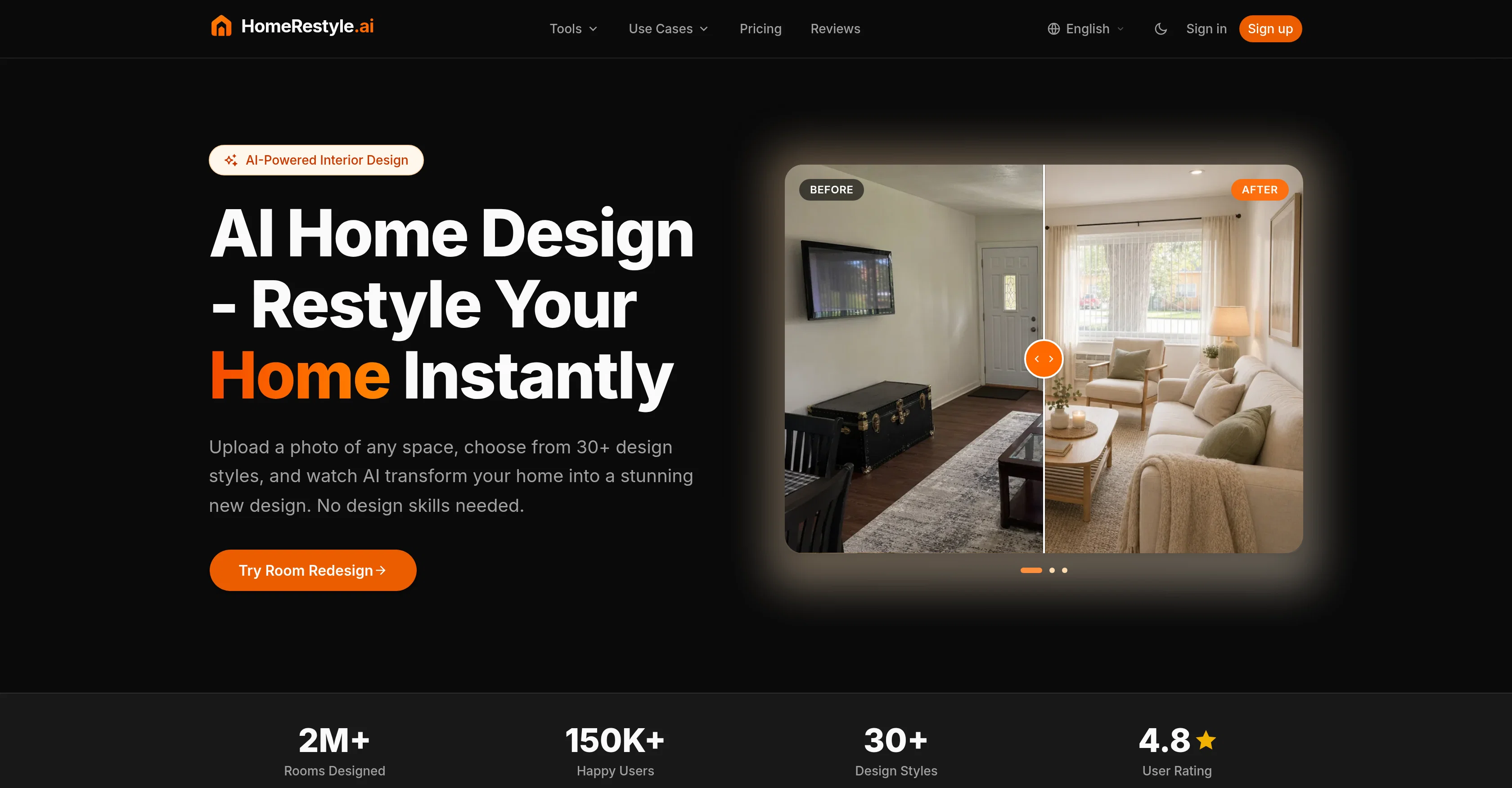
HomeRestyle AI operates in three steps; users upload a photo of their space, choose a style from the extensive range available, and review a photorealistic redesign generated by the AI.
From living rooms to outdoor patios and use cases across various rooms and areas, HomeRestyle AI provides a comprehensive design solution for diverse spaces.
Access & connections
Where you can use HomeRestyle AI.
Platforms
Capabilities
What this tool accepts, produces, and is strongest at.
Input
- Image
Output
- Image
Supported features
- Image Edit
- Image Generation
- Styling
- Realism
- Visual Creation
- Arhitecture & Interior design
Pros & cons
Pros
- Photorealistic interior redesign
- Variety of design styles
- Architecture support
- Floor planning feature
- Lighting changes capability
- Furniture visualization
- Color schemes variations
- Material finishes variations
Show 42 more
- Sketch to detailed renderings
- Room repurposing
- Image upscaling
- Design element manipulation
- Change sky feature
- Object removal
- Risks-free renovation visualization
- Useful for real estate agents
- Useful for interior designers
- Living room design
- Kitchen design
- Bedrooms design
- Bathrooms design
- Exterior design
- Bohemian and industrial styles
- Client presentation tool
- Property selling enhancement
- Resource optimization
- Material change simulation
- Color change simulation
- Virtual staging feature
- Change color and material function
- Style transfer capability
- Image cleaning
- Text-to-design feature
- Lighting adjustment
- Design iteration feature
- Multiple rooms and areas adaptation
- Design solution for diverse spaces
- 30+ design styles
- Professional-grade tools
- Built for everyone
- A variety of room designs
- Different design styles
- Project workflow feature
- Walkthrough design stages
- Compare results side by side
- No design skills needed
- Different pricing plans
- Commercial license per plan
- Priority processing in plans
- High-resolution download
Cons
- Limited design styles
- Depends on image quality
- Non-interactive visualization
- Limited room categories
- No 3D visualization
- One-time redesign generation
- No multi-lingual support
- Potential watermark on output
Show 1 more
- Requires sign-up
Compare alternatives
Similar tools in the catalog — with a clear reason to open each one.

Getfloorplan ✓
PaidAI tool for 3D floor plans, renders, and virtual to
Why look Offers a public API
Full comparison


Paintit.ai ✓
FreemiumPro Workflow: AI Visualization for Designers and Real Estate Teams
Why look Typically cheaper
Full comparison

Releases 1
Imported reviews 1
the variation setup is genuinely handy for early room concepts. the renovation and declutter modes give it more range than a basic style filter, and most layouts stay believable.