

HoldSpeak ✓
Type 3x faster with AI-powered voice-to-text
from $19
Verdict
A quick read before you dig into the full page.
- Best if
- Type 3x faster with AI-powered voice-to-text
- Skip if
- Data privacy may limit functionality
- Pick this when
- Integrated workflow
Considering Voicetype AI instead? Compare side by side
Overview

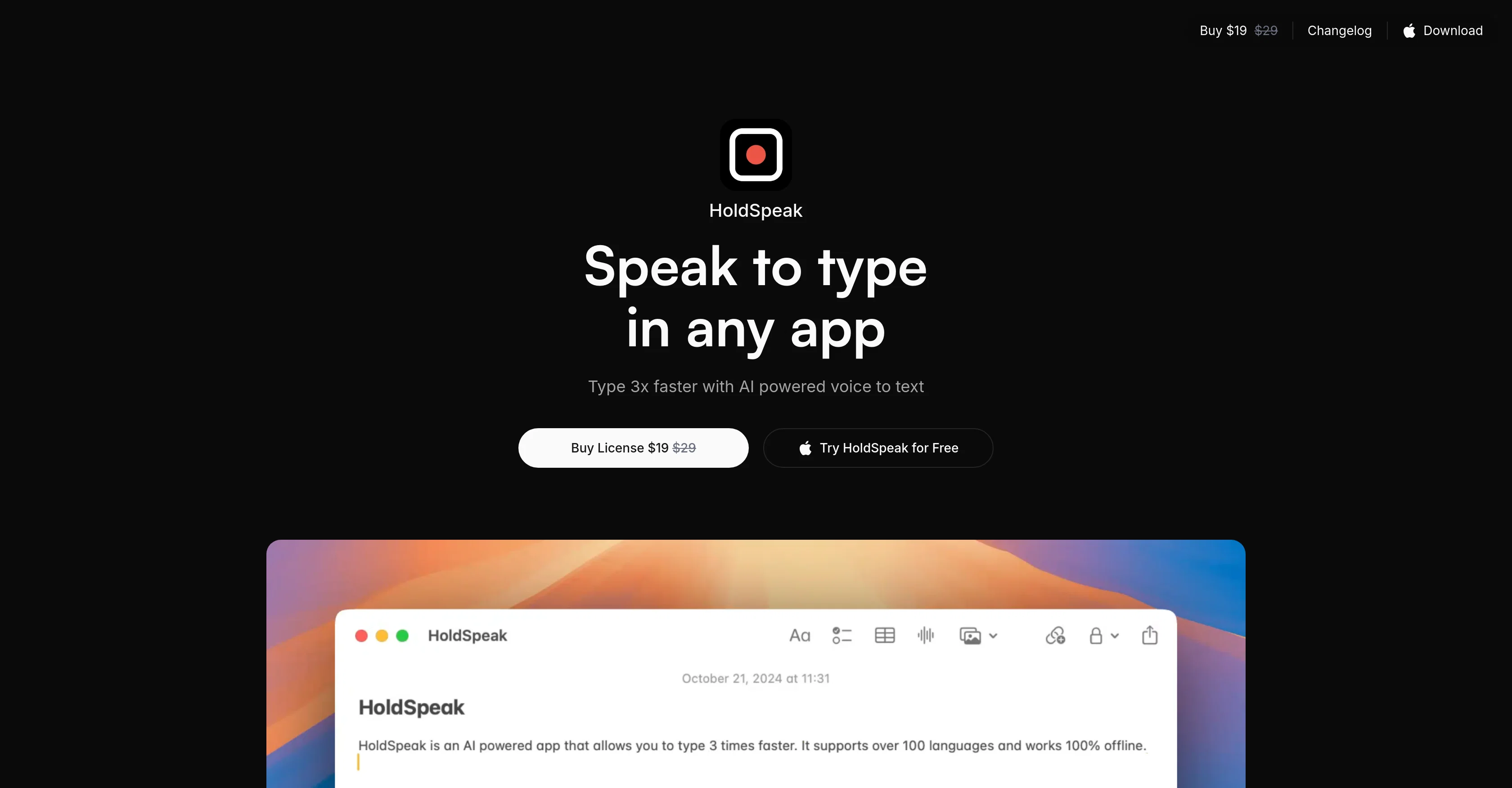
It works everywhere you can type text, no need to switch app.
Just press the hotkey, start talking and the text appears at the cursor as soon as you release the hotkey.
You can also bring your own vocabularies to increase reliability.
HoldSpeak is also secure and privacy-focused, all transcription and data is processed on your device with local models.
- Privacy Focused
Access & connections
Where you can use HoldSpeak.
Platforms
Capabilities
What this tool accepts, produces, and is strongest at.
Input
- Audio
Output
- Text
Highlights
- Local
- No Signup
Supported features
- Runs Locally
- No Signup
- Transcription
Pros & cons
Pros
- Integrated workflow
- Lightweight design
- Multi-model voice recognition
- Custom vocabularies support
- Privacy-focused
- Offline functionality
- Supports 100+ languages
- Auto-Language Detection
Show 30 more
- macOS application
- One-time purchase tool
- Multi-Device Licensing
- Speech Accuracy Personalization
- One year updates
- Data-security
- Speed enhancement
- No overburden on memory
- No internet requirement
- Multi-language auto detection
- Single/Multiple device licenses
- Effortless text input
- Cross-app functionality
- Fast text release
- Hotkey trigger
- Model performance variability
- Individualized spelling accuracy
- All-Mac application compatibility
- Low memory requirement
- On-device transcription
- Built for macOS
- Punctuation automatic recognition
- Sentence separation automation
- Extensive language offering
- Easy usability
- Unlimited transcription
- Education discount available
- Secure payment via Stripe
- No recurring subscriptions
- Lifetime access
Cons
- Only for macOS
- No free version
- No subscription option
- Lacks mobile compatibility
- Limited model selection (5)
- Limited software updates (1 year)
- Restricted to offline use
- Data privacy may limit functionality
Show 2 more
- Only single device license available
- No support after purchase
Compare alternatives
Similar tools in the catalog — with a clear reason to open each one.

Voicetype AI ✓
Free TrialWrite 9x Faster with AI Speech to Text on all Apps
Why look Typically cheaper
Full comparison
Transcript LOL ✓
FreemiumUnlimited transcripts, summaries, 99.8% accuracy, speaker recognition, superfast
Why look Freemium alternative
Full comparison
TurboScribe ✓
Freemium🎯 3 free transcripts every day. 🔥 Unlimited transcription starting at $10/mo.
Why look Freemium alternative
Full comparison
RambleFix ✓
Paid⚡ Write by thinking aloud - emails, notes, articles, in your style.
Why look Typically cheaper
Full comparison
Paraspeech ✓
Free TrialPrivate dictation, cloud optional
Why look Typically cheaper
Full comparisonReleases 1
FAQ 12
What is HoldSpeak?
🛠️ 1
tool
wrote:
HoldSpeak is an AI-powered voice-to-text application specifically designed to increase typing speed.
How does it work?
🛠️ 1
tool
wrote:
HoldSpeak uses an on-device model to transcribe your voice into text. When you press the hotkey of your choice, HoldSpeak starts recording. After you release the hotkey, HoldSpeak will transcribe your voice into text and insert the text at the cursor.
Is HoldSpeak only compatible with macOS?
What are the five different voice recognition models in HoldSpeak?
How can I customize HoldSpeak to enhance accuracy?
Does HoldSpeak ensure data privacy?
Does HoldSpeak require an internet connection to function?
How many languages does HoldSpeak support?
How does auto-language detection in HoldSpeak work?
How is HoldSpeak priced and are there different options for purchasing the license?
Does HoldSpeak license purchase include updates?
Is HoldSpeak lightweight and memory efficient?
Related tools
Recommended

VenturusAI ✓
FreemiumBusiness idea analysis and reporting.

Stunning ✓
PaidBuild AI-powered websites in seconds

Hyperis ✓
FreemiumOrganized task prioritization.

D-ID ✓
FreemiumCreate AI-generated videos with ease

GetLogit ✓
FreemiumArtificial intelligence, available for everyone.

Free Text-To-Speech ✓
FreeText transformed into customizable spoken output.