

HLAI ✓
Get instant explanations by highlighting text.
Verdict
A quick read before you dig into the full page.
- Best if
- Get instant explanations by highlighting text
- Skip if
- Limited to Chrome extension
- Pick this when
- Instant text explanations
Considering ELIV instead? Compare side by side
Overview
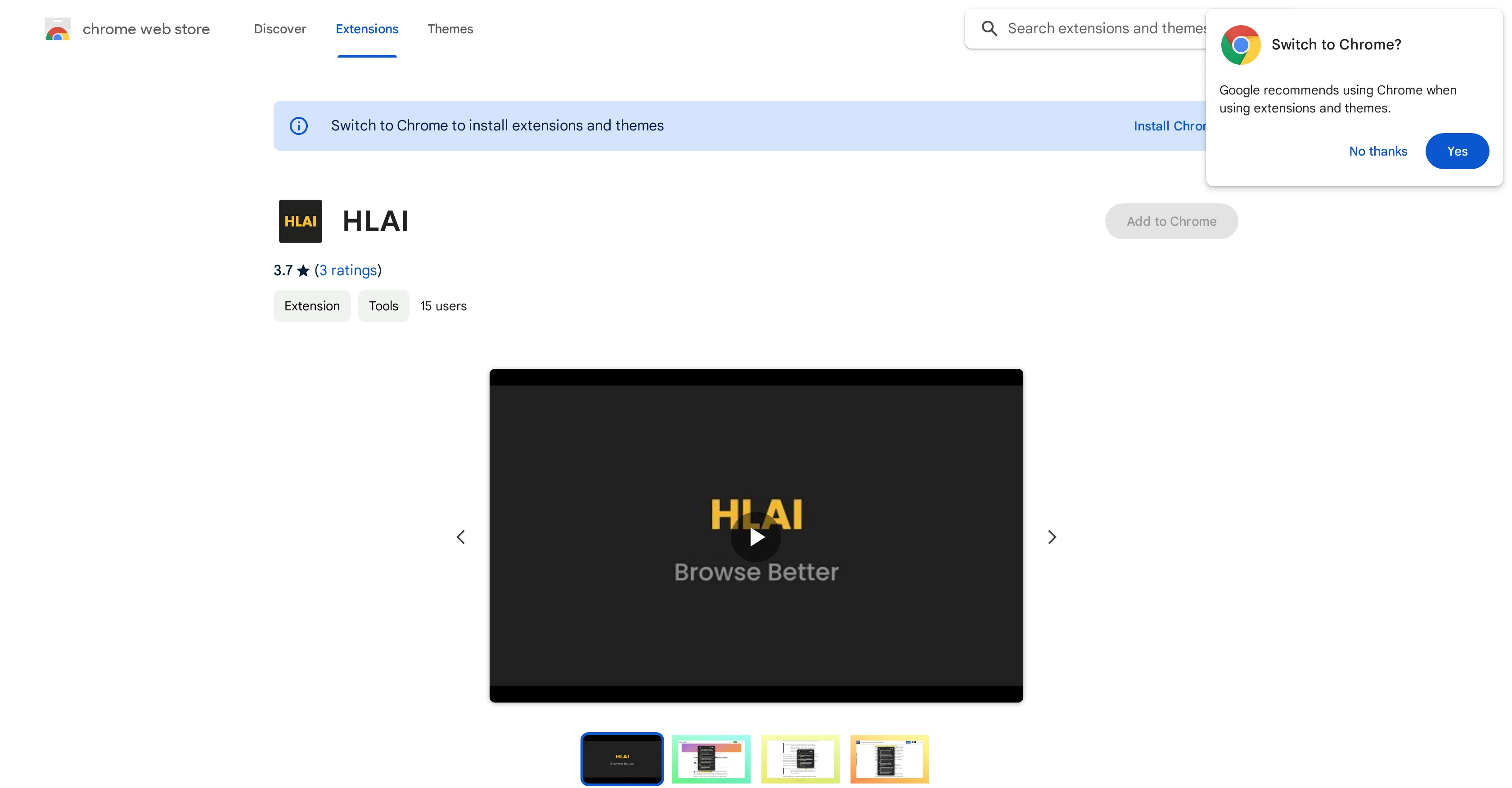
HLAI is an AI powered tool serving as an extension that provides instant explanations on any text, requiring for users to simply highlight the desired text.
It uses shortcut keys such as CTRL or CMD for quick accessibility. It presents an innovative and efficient way of navigating through text content, eliminating the need for manual lookup of unfamiliar terms or phrases.
A unique feature included is the tool's ability to save responses for future reference, ensuring users can revisit the explanations when required. From a privacy perspective, the developer guarantees user data will not be sold to third parties, used for non-related purposes, or used to determine creditworthiness or for lending purposes.
This offers assurance to users regarding their data safety. However, it is important to note that HLAI is a tool and will not collect or use data outside of its core functionality.
Access & connections
Where you can use HLAI, and what it plugs into.
Platforms
Capabilities
What this tool accepts, produces, and is strongest at.
Input
- Text
Output
- Text
Pros & cons
Pros
- Instant text explanations
- Shortcut keys for accessibility
- Efficient text navigation aid
- Eliminates manual term lookup
- Saves responses for reference
- Guarantees data safety
- Doesn't sell user data
- Doesn't use data non-relatedly
Show 9 more
- No data used for creditworthiness
- Compatible as an extension
- CMD and CTRL functionality
- Bugfix feature available
- Under 1s response time
- Contextual understanding of text
- Optimized information retrieval
- User-friendly interface
- Developer tools provided
Cons
- Low user ratings
- Possible bugs (as per bugfix note)
- Limited to text interactions
- Only works with keyboard shortcuts
- Potential accuracy issues on explanations
- Doesn't support other languages
- Limited to Chrome extension
- Data saved may add on bloat over time
Show 2 more
- No data utilization outside core functionality
- No voice support
Compare alternatives
Similar tools in the catalog — with a clear reason to open each one.


Pismo ✓
PaidNative AI writing assistant for Windows, MacOS and iOS
Why look Better for writing
Full comparison
Think10x.ai ✓
UnknownAsk anything. Get a custom video explanation.
Interactive learning
Full comparison
Releases 1
FAQ 12
What is the main functionality of HLAI?
How does HLAI provide instant explanations?
What are the shortcut keys used in HLAI for quick accessibility?
How does HLAI aid in navigating through text content?
How does HLAI eliminate the need for manual lookup of unfamiliar terms?
Can HLAI save responses for future reference?
What data safety measures does HLAI assure?
How does HLAI protect user data from being sold to third parties?
Does HLAI use user data for non-related purposes?
Will HLAI use my data to determine creditworthiness or for lending purposes?
What is the core functionality of HLAI?
What types of text can HLAI provide explanations for?
Related tools
Recommended

BookAIWriter.com ✓
PaidRevolutionize Your Writing with AI

Revid ✓
PaidCreate viral AI videos in minutes
SlideAI
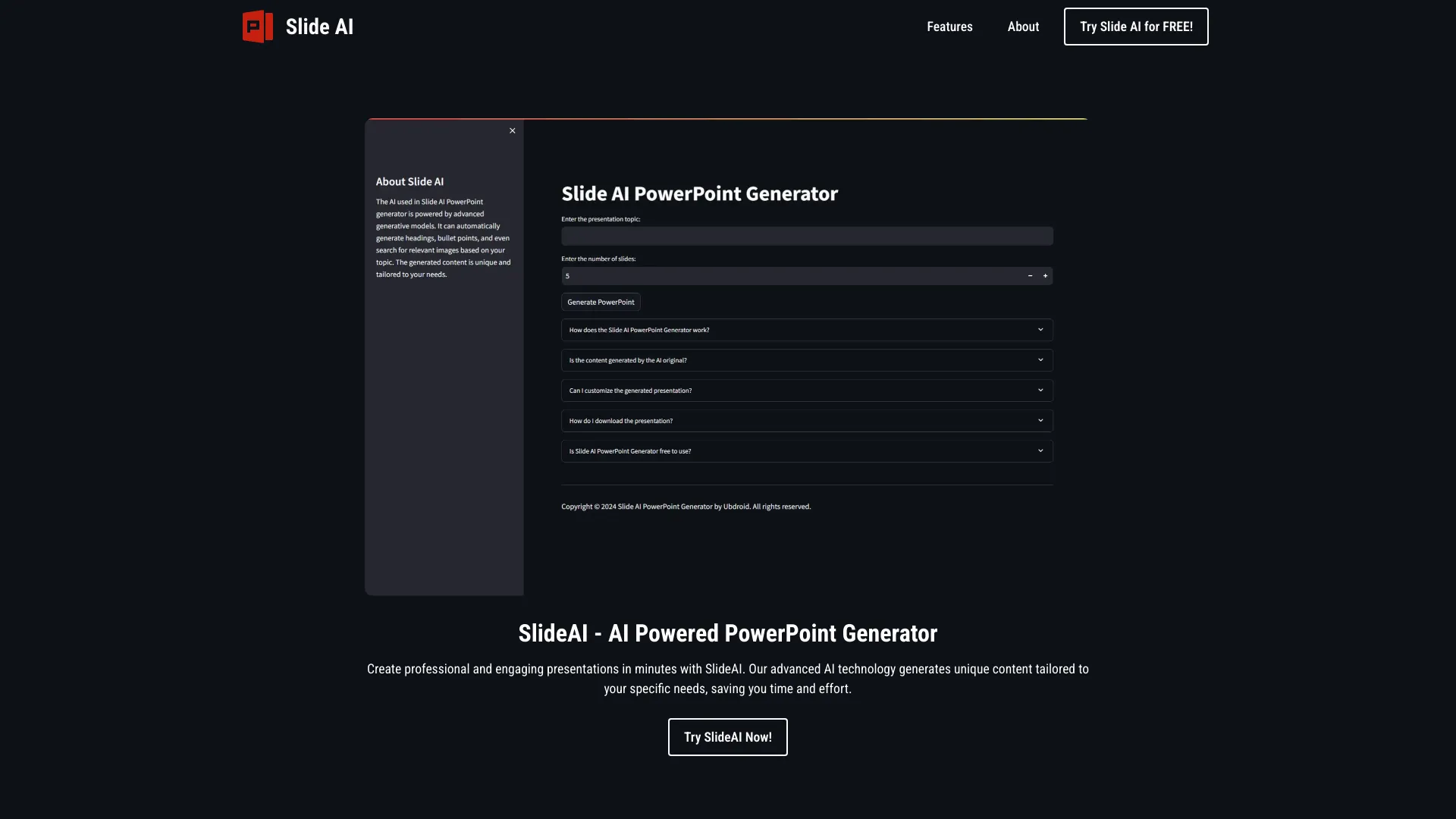
UnknownAI-powered tool for generating professional PowerPoint presentations quickly and easily.

ThinkAny - AI Search Engine ✓
FreemiumAI-powered search for intelligent answers.

CopyCopter ✓
PaidTurn your blog into short videos in 1 click

Mage ✓
Free TrialAI-powered spreadsheets: Stop losing hours on busywork.