

ELIV ✓
Simplified technical text comprehension.
Verdict
A quick read before you dig into the full page.
- Best if
- You are content creators and need: Content creators can use the AI writer, paraphraser, grammar checker, and AI image generator
- Skip if
- Limited to text analysis
- Pick this when
- Chrome Web Store extension
Considering HLAI instead? Compare side by side
Overview
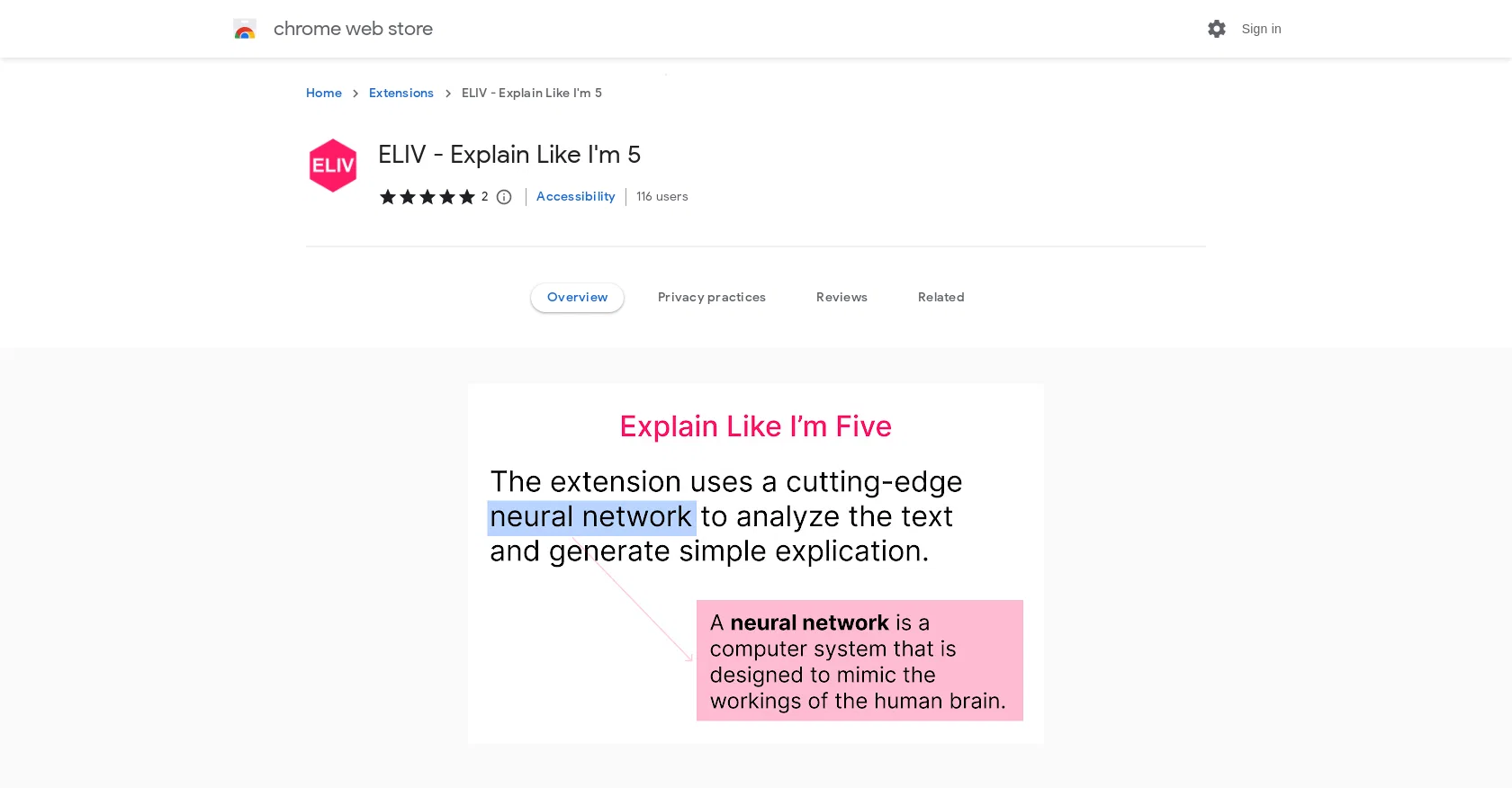
ELIV - Explain Like I'm 5 is a Chrome Web Store extension powered by AI (GPT3) to provide simple explanations of text. It is useful for decoding technical work and understanding information about companies and products.
To use, the user must highlight the text they want to understand, and a small box will appear with an explanation. This tool is helpful for quickly understanding complex topics and terms, providing an AI-generated explanation in an easy-to-understand way.
It is also useful for understanding specific information about companies, products, and more. ELIV - Explain Like I'm 5 is offered by benderville, is compatible with Chrome Web Store, and does not collect any personal user data.
Best for
Short scenarios where ELIV tends to shine.
-
Content creators can use the AI writer, paraphraser, grammar checker, and AI image generator.
Best for Content creators
-
Researchers can summarize web articles, check grammar in academic writing, paraphrase sentences, and summarize PDF files and Youtube videos.
Best for Researchers
-
Students can get help with homework, essay writing, grammar checking, and summarizing content.
Best for Students
-
Software engineers can ask ChatGPT to write code snippets and explain code.
Best for Software engineers
-
Professionals can summarize web pages and PDF files, enhance workplace communication, check grammar, and extract data from pages.
Best for Professionals
Example outputs 1
Sample generations and before/after results for ELIV.
Access & connections
Where you can use ELIV, and what it plugs into.
Platforms
Integrations
Capabilities
What this tool accepts, produces, and is strongest at.
Input
- Text
Output
- Text
Pros & cons
Pros
- Chrome Web Store extension
- Simplified technical text comprehension
- Instant explanations of highlighted text
- Useful for decoding technical work
- Provides information on companies
- Provides information on products
- Easy to understand explanations
- No collection of personal data
Show 3 more
- Compatible with Chrome Web Store
- Useful for understanding complex topics
- Quick comprehension of terms
Cons
- Only compatible with Chrome
- No mobile version
- No multi-language support
- Limited to text analysis
- No offline usage
- No API available
- Dependent on GPT3 availability
- Cannot process images
Show 2 more
- No user customization
- No personal data collection
Compare alternatives
Similar tools in the catalog — with a clear reason to open each one.

Pismo ✓
PaidNative AI writing assistant for Windows, MacOS and iOS
Why look Better for writing
Full comparison
Think10x.ai ✓
UnknownAsk anything. Get a custom video explanation.
Interactive learning
Full comparisonPeople also view
Tools that often show up alongside ELIV in collections and comparisons.

HLAI ✓
UnknownGet instant explanations by highlighting text.
Think10x.ai ✓
UnknownAsk anything. Get a custom video explanation.
Pismo ✓
PaidNative AI writing assistant for Windows, MacOS and iOS

Orbital Marketing AI ✓
Free TrialYour AI marketing team in one application.

Hyperis ✓
FreemiumOrganized task prioritization.

Findsight ✓
FreeCompare non-fiction ideas from multiple sources.

Explainpaper ✓
FreemiumDemystify academic papers with AI-powered explanations.

ExamCram - AI Quizzes ✓
FreemiumAI assistance for student exams.
Releases 1
FAQ 12
What is ELIV - Explain Like I'm 5?
How does ELIV - Explain Like I'm 5 work?
What platforms is ELIV - Explain Like I'm 5 compatible with?
Does ELIV - Explain Like I'm 5 collect any personal user data?
Is there a specific browser requirement for ELIV - Explain Like I'm 5?
What capabilities does the AI (GPT3) provide in ELIV - Explain Like I'm 5?
What is the main use case of ELIV - Explain Like I'm 5?
How do I use ELIV - Explain Like I'm 5 to understand complex terms or topics?
Can ELIV - Explain Like I'm 5 assist with understanding information about companies and products?
Who is the provider of ELIV - Explain Like I'm 5?
How do I install and start using ELIV - Explain Like I'm 5?
What types of text can ELIV - Explain Like I'm 5 help to simplify?
Related tools
Recommended

TutorAI ✓
FreemiumInstant knowledge on any topic
Hyperis ✓
FreemiumOrganized task prioritization.

VenturusAI ✓
FreemiumBusiness idea analysis and reporting.

KnowledgeGraph GPT ✓
FreeTransform unstructured text into knowledge graphs with AI.

LearningStudioAI ✓
Free TrialAI-powered authoring tool for effortless online course creation.

Scisummary ✓
Free TrialCutting-edge scientific articles summarization.