

Meetings 2026 Rank: #2041
Hintedly ✓
Get live AI answers in your meeting
Verdict
A quick read before you dig into the full page.
- Best if
- Get live AI answers in your meeting
- Skip if
- Learning curve to configure modes and workflows effectively
- Pick this when
- Private assistance during meetings
Considering Hedy AI instead? Compare side by side
Overview

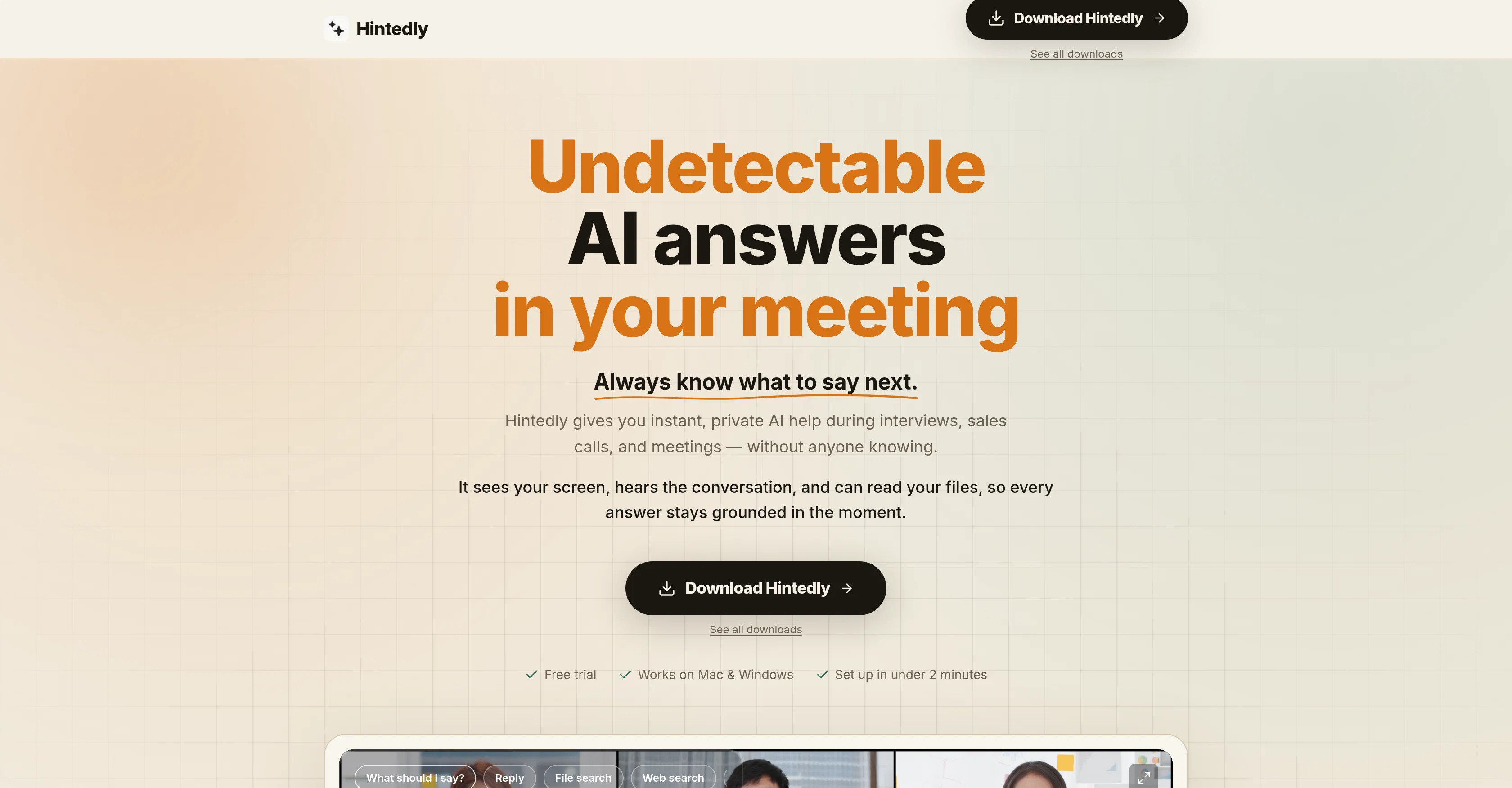
Hintedly is a powerful AI tool designed to offer instant, private assistance during various professional scenarios such as sales calls, team meetings, interviews, and executive meetings.
It works by screening the content on your computer, listening to the ongoing conversation, and reading your files to provide real-time, context-aware responses.
With its sophisticated design, Hintedly appears as a transparent overlay during the meeting, making it visible only to you and invisible during screen sharing.
This ensures that the users assistance remains completely private and undetectable during the call or meeting, on any platform including Zoom, Google Meet, Microsoft Teams, and Webex.
One of Hintedly's significant advantages is that it reduces scrambling and blanking out, giving clear and concise talking points precisely when needed, exploring difficult questions, objections, and pressure with calm, precise responses.
Moreover, it provides a smooth workflow, offering instant responses to difficult questions before silence becomes awkward. Noteworthy is its functionality after the meeting as well, providing meeting notes, action items, and even draft follow-up emails, which can be modified and sent out instantly.
These key features make Hintedly an essential tool for those aiming for composed, confident, and articulate engagement in professional interactions.
- Pick From Multiple Leading Ai Models
- Quick Actions For Any Meeting Scenario
Access & connections
Where you can use Hintedly, and what it plugs into.
Platforms
Integrations
Capabilities
What this tool accepts, produces, and is strongest at.
Input
- Code
- Tabular
- Image
- Text
- Video
- Audio
Output
- Audio
- Text
Supported features
- Assistant
- Web browsing
- Meeting Intelligence
Pros & cons
Pros
- Private assistance during meetings
- Real-time contextually appropriate responses
- Enhances communication in high-pressure situations
- Suggests responses to difficult queries
- Aids in sales discovery
- Supports objection handling
- Support in team meetings
- Helps refine interview performances
Show 39 more
- Undetectable operation
- Creates transparent overlay
- Responses visible only to you
- Maintains smooth conversation flow
- Handles post-meeting workload
- Automatic meeting notes generation
- Assigns action items
- Drafts follow-up emails
- Making meeting content searchable
- Reusable meeting content
- Quick and simple installation
- Invisible during screen sharing
- Retains confidentiality across platforms
- Setup in less than two minutes
- Compatible with Mac and Windows
- Supports Zoom, Google Meet
- Supports Microsoft Teams
- No break in eye contact
- Resizeable overlay
- Custom action button creation
- Consistent response style
- Helps navigate tough questions
- Boosts confidence during meetings
- Helps stay in conversation
- Overlay excluded from screen capture
- Beautiful auto-generated meeting notes
- Action items assigned with owners
- Follow-up emails in user tone
- Searchable conversation history
- Reusability of meeting intelligence
- No requirement of admin rights
- Concise on-screen response visibility
- Overlay visible only to user
- Can read files for context
- Web search capabilities
- Assist layer remains private
- Overlay excluded from recording APIs
- Native apps for Windows, Mac
- Quick setup
Cons
- Requires internet connectivity for AI responses.
- Learning curve to configure modes and workflows effectively.
- Response quality depends on audio clarity and meeting context.
- Requires high-speed internet
- Doesn't support mobile devices
- No Linux Compatibility
Compare alternatives
Similar tools in the catalog — with a clear reason to open each one.

Hedy AI ✓
FreemiumDominate every meeting with Hedy as your brilliant AI ally
Why look Typically cheaper
Full comparison
Meet-Ting ✓
FreemiumAI assistant that books meetings over email.
Why look Typically cheaper
Full comparison
Convo ✓
Free TrialAI meeting assistant with real-time help and automatic notes.
Why look Typically cheaper
Full comparison
Vexa ✓
FreemiumReal-time AI assistant for flawless business meetings.
Why look Higher community rating
Full comparison
Fathom ✓
FreemiumNever take notes again - AI summarizes your meetings.
Free + from $19/mo
Full comparison
Amie - AI Note Taker ✓
Free TrialTurn meeting notes into automated workflows.
Why look Higher community rating
Full comparisonReleases 1
FAQ 12
What platforms does Hintedly support?
How does Hintedly help during high-pressure situations?
What features does Hintedly offer for sales discovery and objection handling?
What type of assistance does Hintedly provide during interviews?
How does Hintedly protect my privacy and maintain confidentiality during its operation?
What post-meeting services does Hintedly offer?
How does Hintedly's overlay work and who can see it?
How does Hintedly help with efficient participation in team and executive meetings?
How can Hintedly assist in keeping track and documenting meetings?
Is Hintedly compatible with both Mac and Windows?
What's the installation process like for Hintedly?
Can Hintedly remain invisible during screen sharing?
Related tools
Recommended

Fix My Resume ✓
FreeAnalysis of resumes for job optimization.

Pika Labs ✓
FreemiumTurn text into stunning videos effortlessly.

Whacka ✓
Free TrialTurn ideas into real apps from your phone.

Softgen ✓
PaidAI-powered web app builder, no coding required.

AI Aware ✓
Free TrialDetect AI-generated content across text, video, images and audio.

v0 by Vercel ✓
FreemiumBuild full-stack apps with AI assistance.