

Personal assistant 2026 Rank: #1116
Guidy ✓
Real-time guidance for any software.
Verdict
A quick read before you dig into the full page.
- Best if
- Real-time guidance for any software
- Skip if
- No MacOS compatibility (yet)
- Pick this when
- Real-time guidance
Considering Notis instead? Compare side by side
Overview






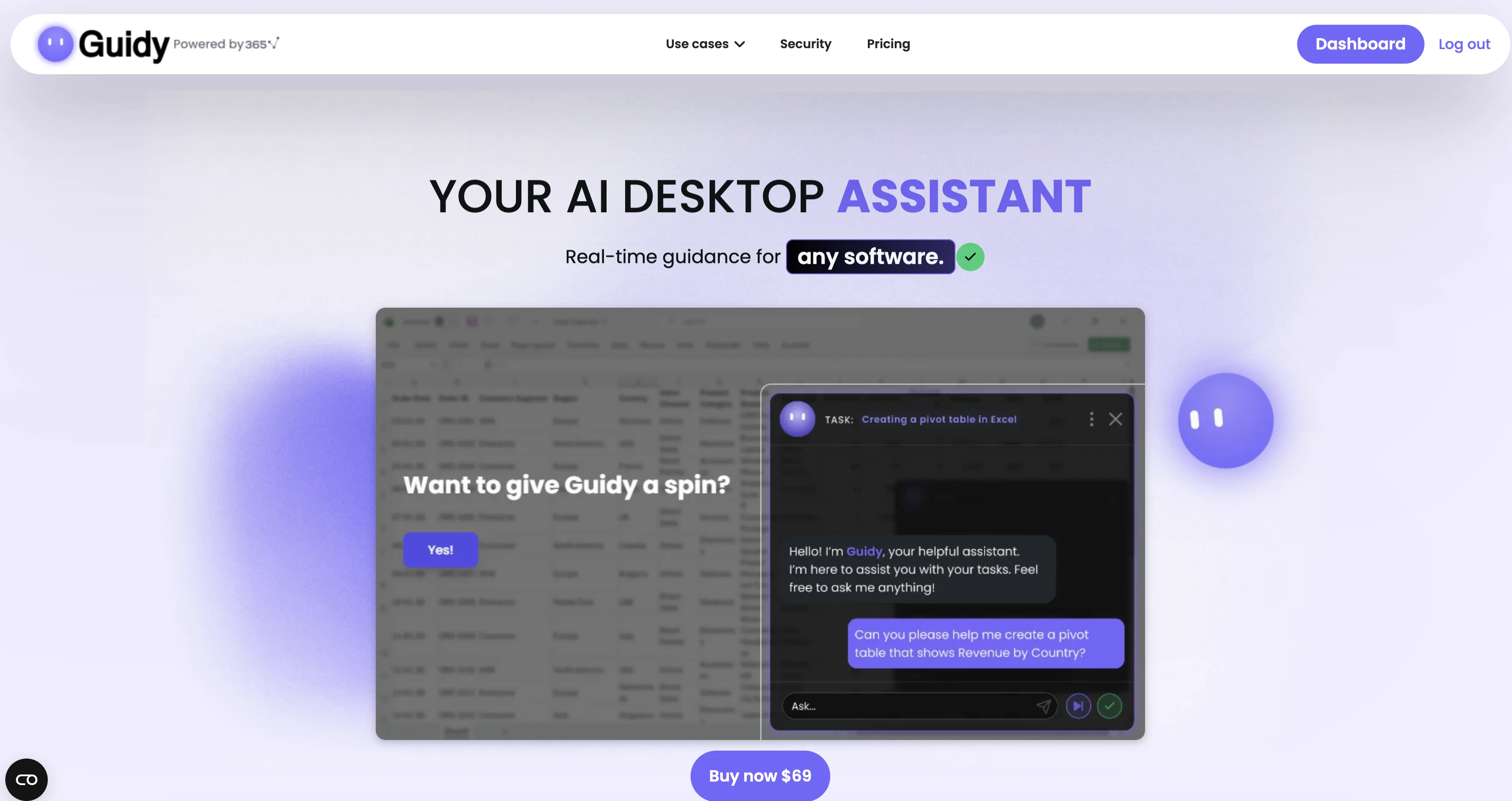
Guidy is a real-time AI desktop assistant that can be used across diverse software platforms. It is designed to step in and provide guidance the moment users encounter an unfamiliar task, error, or feature in a software application, or need a second opinion on their work.
Users simply have to type their problem or question, much like they would text a colleague, and Guidy provides relevant advice and precise step-by-step instructions to address the issue without leaving the actual software.
It points directly to the areas users need to navigate and does not initiate any action without user approval. It is compatible with a wide range of popular software tools including Excel, Word, Google Sheets, Outlook, Slack, Salesforce, Monday, and many more.
It does not connect to apps individually but instead, reads the user's screen to provide guidance. Guidance is provided directly on the user's screen, thus ensuring a seamless, real-time experience without having to constantly switch tabs or interrupt workflow.
Currently, Guidy is available only for Windows but support for MacOS is anticipated in the future.
Access & connections
Where you can use Guidy, and what it plugs into.
Platforms
Integrations
Capabilities
What this tool accepts, produces, and is strongest at.
Input
- Text
Output
- Text
Supported features
- Assistant
- Computer Use
- Spreadsheets
- Docs
Pros & cons
Pros
- Real-time guidance
- Seamless multi-software assistance
- Second opinion feature
- On-screen instruction
- Screen reading feature
- Direct in-app guidance
- Windows compatibility
- Upcoming MacOS compatibility
Show 34 more
- User-friendly interface
- Quick problem-solving
- Interactive learning
- Cross-platform utility
- Workflow efficiency
- Excel, Word, Outlook, Slack, Salesforce, Monday support
- Real-time fixes
- Location-specific guidance
- Simple download and installation
- Time-saving
- Works with diverse software
- Textual input handling
- Immediate step-by-step guidance
- Direct screen guidance
- No action initiation without user approval
- Not interrupting workflow
- Reduced tab switching
- Seamless spreadsheet, email, website assistance
- Guidance on your own screen
- Maintains user control
- Recognizes range of software
- Efficient task-handling
- Does not require know-how
- Gives expert advice
- Quick feature learning
- Promotes learning while working
- Screen content reader
- Real-time navigation guidance
- Comprehensive software support
- Prevents aimless clicking
- Non-obtrusive guidance
- Data safety prioritized
- Does not store, log, or retain data
- Session ends completely clean
Cons
- No MacOS compatibility (yet)
- No mobile compatibility
Compare alternatives
Similar tools in the catalog — with a clear reason to open each one.

Notis ✓
Free TrialThe first WhatsApp assistant that runs on your ChatGPT and Claude subscriptions
Why look Typically cheaper
Full comparison
Alice - AI Automation App ✓
Free TrialStop chatting. Start doing.
Why look Typically cheaper
Full comparison

Assindo ✓
Free TrialManaged AI agent like OpenClaw but with real phone calls included
Why look Typically cheaper
Full comparison

Botlor ✓
Free TrialYour AI butler that books, shops, creates, advises.
Why look Typically cheaper
Full comparisonReleases 1
FAQ 12
What software platforms is Guidy compatible with?
Does Guidy initiate any action without user permission?
What is the process of getting help from Guidy?
Can Guidy provide real-time assistance while using the software?
Is Guidy only available for Windows?
When can we expect support for MacOS?
Does Guidy connect to apps individually or does it read the user's screen?
How does Guidy provide guidance?
Does Guidy interrupt workflow or switch tabs during operation?
Can you give me a list of software tools that Guidy is compatible with?
Can Guidy provide guidance for unfamiliar tasks, errors, and features across diverse software platforms?
Does Guidy require me to leave the software I'm working on to provide assistance?
Related tools
Recommended

Whacka ✓
Free TrialTurn ideas into real apps from your phone.

Reply ✓
Free TrialGenerate leads, convert website traffic, or hire sales AI SDRs.

HappySeeds ✓
FreemiumTurn ideas into AI-powered apps instantly.

Wellsent — Your forms, filled and filed. ✓
PaidAI fills out your PDF forms — then notarizes them by video

UGC Maker AI ✓
FreemiumSmart AI Ad Creative Platform, Effortlessly Create Viral Images and Videos

Riffkit ✓
Free TrialTurn a viral TikTok into your own video