Image generation

GPT Image 1.5 AI

AI image generator for stunning visuals from text and images.

Source rating 5.0 (57) 0 views 0 saves Paid
More categories (10)

Verdict

A quick read before you dig into the full page.

Best if
AI image generator for stunning visuals from text and images
Skip if
You need a free plan with no credit card
Pick this when
Paid · From $10 / month

Overview

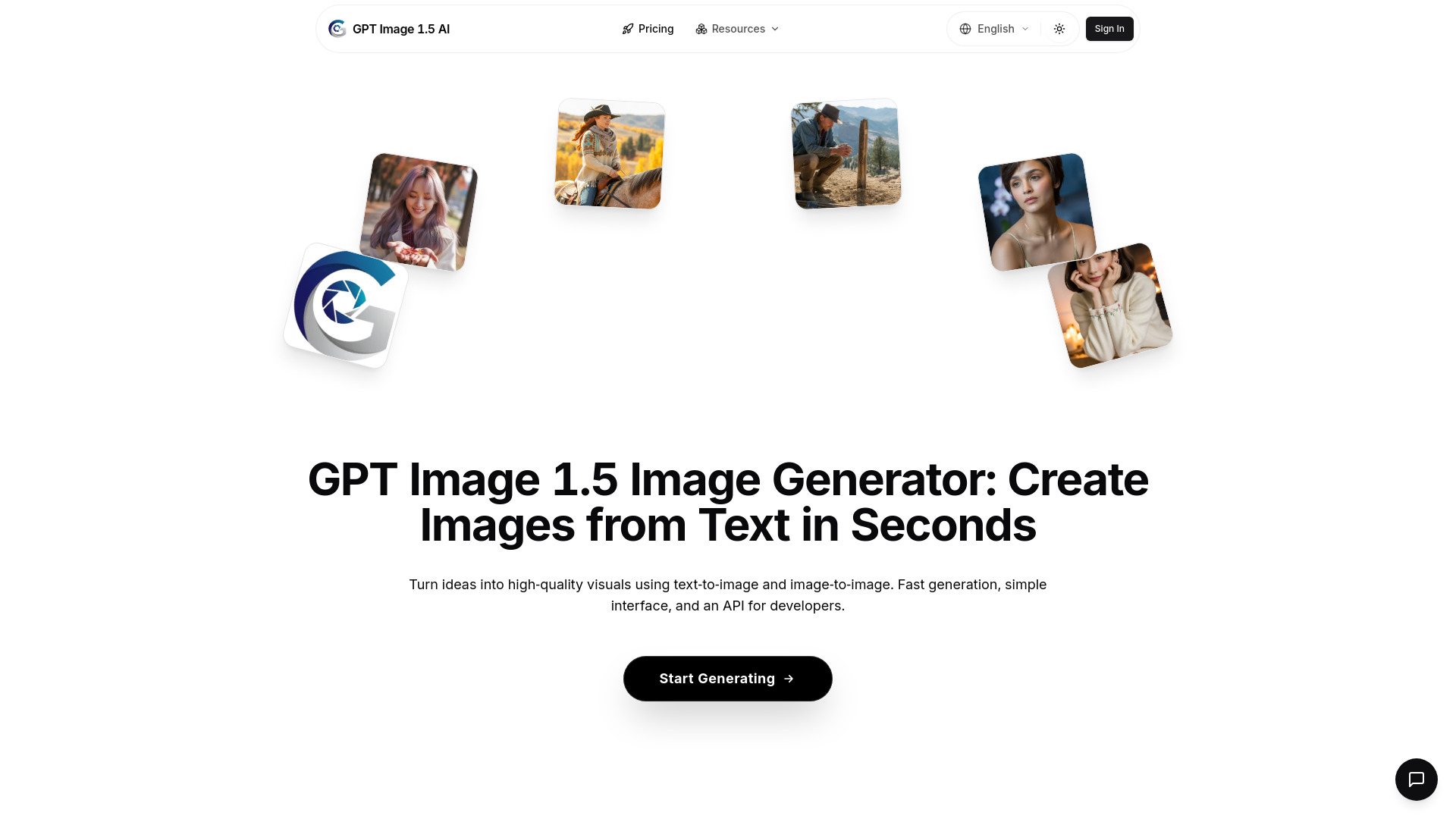
GPT Image 1.5 AI Image Generator is a tool designed to generate stunning, high-quality images from text in seconds. It is fast, simple, and developer-friendly, offering both text-to-image and image-to-image capabilities, along with API access. Powered by Google's GPT Image 1.5 model, it allows users to turn ideas into professional-grade visuals for various applications, from concept art to marketing campaigns.

GPT Image 1.5 AI screenshot

Access & connections

Where you can use GPT Image 1.5 AI.

API

Public API available

Browse other tools with an API

Capabilities

What this tool accepts, produces, and is strongest at.

Highlights

  • Ultra-Fast Generation (in seconds)
  • High-Quality Outputs (sharp, detailed visuals)
  • SEO-Optimized Images (lightweight, web-optimized)
  • Easy-to-Use Interface (beginner-friendly)
  • Multi-Platform Ready Images
  • Text-to-Image Generation
  • Image-to-Image Generation
  • API Access

FAQ 12

What is GPT Image 1.5 AI?
GPT Image 1.5 AI Image Generator is a tool designed to generate stunning, high-quality images from text in seconds. It is fast, simple, and developer-friendly, offering both text-to-image and image-to-image capabilities, along with API access. Powered by Google's GPT Image 1.5 model, it allows users to turn ideas into professional-grade visuals for various applications, from concept art to marketing campaigns.
How to use GPT Image 1.5 AI?
Generating images with GPT Image 1.5 involves three simple steps: 1. Enter Your Prompt: Describe your vision in natural language, being as creative or specific as you want. 2. AI Generation: GPT Image 1.5 processes your prompt and generates high-quality images in seconds. 3. Download & Use: Download your images instantly and use them anywhere, including web, social media, or print.
What is Google's latest GPT Image 1.5 model for AI image generation?
The GPT Image 1.5 model is Google's newest AI architecture for image generation, designed to produce highly detailed visuals with faster performance and lower computational cost. It powers the GPT Image 1.5 Image Generator on our platform, allowing users to create professional-quality images instantly.
How can I use the GPT Image 1.5 Image Generator?
Simply enter your prompt in natural language on our homepage and the GPT Image 1.5 model will generate stunning images in seconds. No technical expertise is required — it's optimized for both beginners and advanced creators.
Why is the GPT Image 1.5 model better for SEO and content creation?
Images generated with the GPT Image 1.5 Image Generator are not only high quality but also optimized for web use. This means faster page loading, better user experience, and improved SEO ranking when you integrate them into your content strategy.
Is the GPT Image 1.5 Image Generator free to use?
We offer a free trial with limited credits so you can experience the capabilities of the GPT Image 1.5 model. For unlimited access and advanced features, upgrade to one of our premium plans.
How do GPT Image 1.5 AI credits work?
Every USD converts to 100 credits. Kling 2.6 spends 65 credits for a 5 s HD silent clip and 130 credits for a 10 s or audio-enabled render. Those same credits also power the rest of the AI engines.
What’s the difference between monthly and yearly plans?
Monthly plans credit your account every 30 days (Basic ≈15 short clips, Pro ≈30, Max ≈75). Yearly plans drop the full credit balance up front, work out to roughly two free months, and unlock the same features.
Can I switch plans or cancel anytime?
Yes. Switch plans or cancel any time from the billing dashboard. Upgrades apply instantly with prorated billing, while downgrades or cancellations kick in at the end of the current cycle and you keep any unused credits.
Do pay-as-you-go credits expire?
No. Credits purchased through the one-time option never expire, so you can load as much or as little as you need and use them whenever you’re ready.
Which payment methods are supported?
We process payments through Stripe and accept major credit and debit cards. PayPal and bank transfer options are available in select regions.
What is your refund policy?
We offer a 7-day no-questions-asked refund window on new subscriptions. For renewals, reach out within 72 hours if something went wrong and the team will review the charge with you.
GPT Image 1.5 AI From $10 / month



