
Personal assistant 2026 Rank: #970
Good Assistant ✓
Your AI companion for achieving what matters most.
Verdict
A quick read before you dig into the full page.
- Best if
- Your AI companion for achieving what matters most
- Skip if
- Limited language capabilities
- Pick this when
- Personalized assistant
Considering Notis instead? Compare side by side
Overview

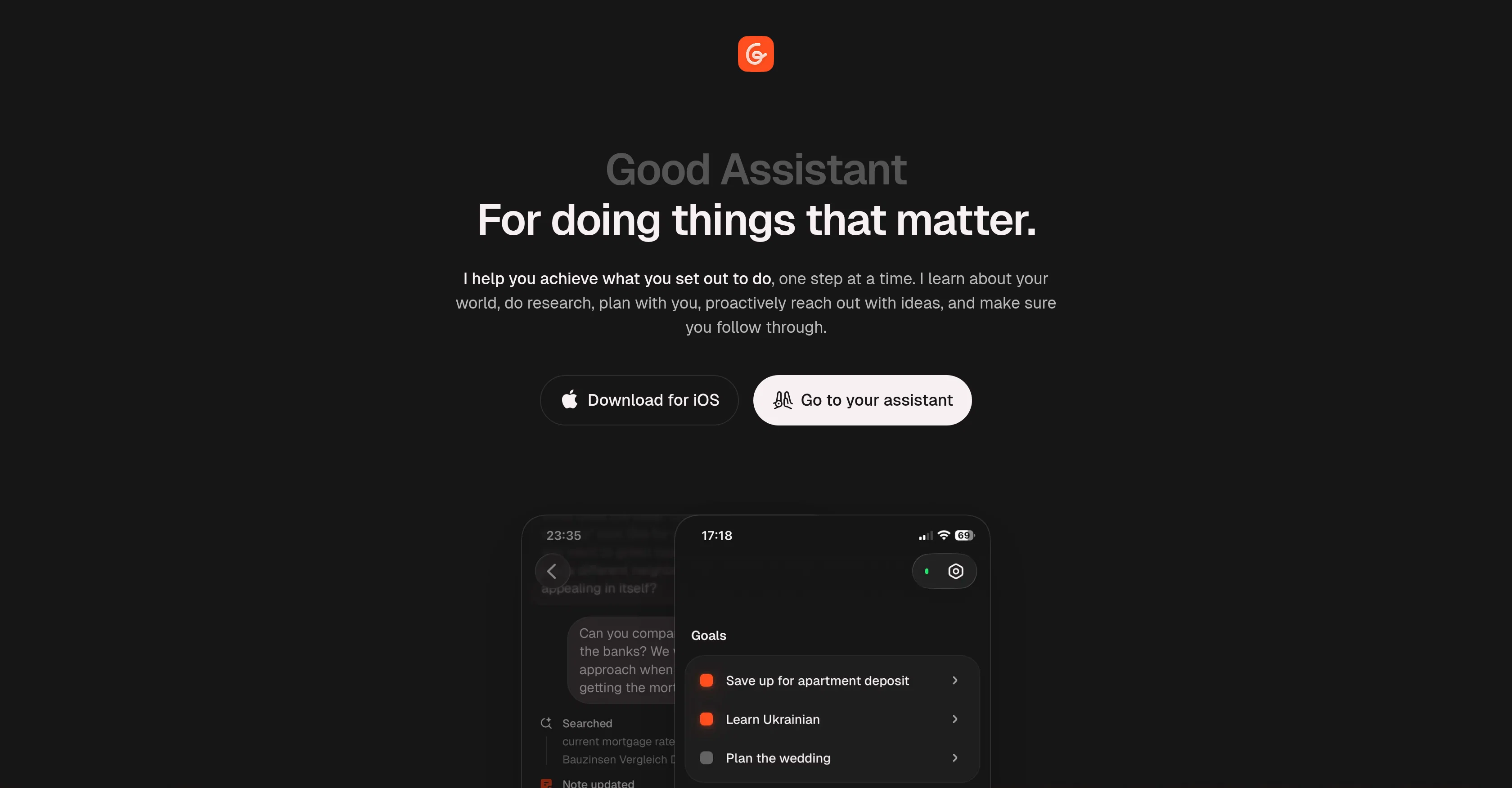
Good Assistant is a personal AI companion designed to support users in achieving their goals by planning, organizing, and implementing tasks proactively.
The tool adopts a step-by-step approach, assisting users in accomplishing their ambitions from learning a new skill to building financial security. It learns about the user's world, conducts research on their behalf, and ensures consistent progress towards achieving their set goals.
Moreover, Good Assistant excels in breaking down complex aspirations into manageable tasks, whether that involves comparing mortgage rates or researching language-learning apps.
With its reminder system, it prevents important to-dos from slipping through the cracks and keeps users updated on their progress.In addition to goal management, Good Assistant also offers features for note taking and organization.
Notes can be used to keep track of work, fun, ideas, and the AI can join in to read, write, or edit as needed. Users can talk to the AI about their notes, and the tool can update them from chat, providing a comprehensive note management experience.Furthermore, the tool supports everyday tasks by reading users' calendars, managing reminders, and browsing the web for answers, acting as a go-to resource for running the day more efficiently.
This AI companion is designed to help users to have an organized, proactive, and efficient approach towards their life goals. It is currently available for download on iOS.
- Proactive Messages And Actions
- Multi Layered Long Term Memory
- Reminders And Scheduled Tasks
- Notes
- Calendar Integration
Access & connections
Where you can use Good Assistant.
Capabilities
What this tool accepts, produces, and is strongest at.
Input
- Tabular
- Image
- Text
Output
- Tabular
- Text
- Image
Highlights
- Hard Paywall
Supported features
- Assistant
- Web browsing
- Automation
- Writing
- Mobile Companion
- Docs
Pros & cons
Pros
- Personalized assistant
- Visual goal timelines
- Handles task reminders
- Reads, writes, edits notes
- Proactive notification system
- Detailed, structured memory
- Goal breakdown into tasks
- Handles regular tasks
Show 42 more
- Available on iOS
- Dark mode interface
- Researching capability
- Can update notes from chat
- Progress track for goals
- Manages calendar
- Web browsing capability
- Personal development tool
- Financial planning assistance
- Language learning support
- Skill development aid
- Learning user's world
- Breaking complex tasks
- Reminders for regular events
- Interactive visual progress tracking
- Focused editing for notes
- Equipped for day-to-day tasks
- Goal-based note organization
- Non-work task management
- Built-in Reminder System
- Assists with personal finances
- Efficient task implementation
- Web-based research support
- Self-improvement support
- Tackles broad life goals
- Proactive suggestions based on context
- Handles document writing and editing
- Capable of session scheduling
- Reliable productivity tool
- Acts as reading companion
- Accommodates fun and serious ideas
- Web content discussion capability
- Helpful message sending
- Efficiency improvement support
- Supports personal skill building
- Pro-activeness in context
- Downloadable on iOS
- Customizable goal setting
- Week-by-week task planning
- Assists with note management
- Updates on user progress
- Provides goal associated reminders
Cons
- Only available on iOS
- No multi-user support
- No offline functionality
- Limited language capabilities
- No integration with other apps
- Lacks detailed memory controls
- No web version
- No real-time collaboration
Show 2 more
- No calendar view
- No automatic note categorization
Compare alternatives
Similar tools in the catalog — with a clear reason to open each one.

Notis ✓
Free TrialThe first WhatsApp assistant that runs on your ChatGPT and Claude subscriptions
Why look Typically cheaper
Full comparison
Alice - AI Automation App ✓
Free TrialStop chatting. Start doing.
Why look Typically cheaper
Full comparison
Assindo ✓
Free TrialManaged AI agent like OpenClaw but with real phone calls included
Why look Typically cheaper
Full comparison

Botlor ✓
Free TrialYour AI butler that books, shops, creates, advises.
Why look Typically cheaper
Full comparisonReleases 1
FAQ 12
What is Good Assistant?
How does Good Assistant work?
Does Good Assistant create to-do lists or set reminders?
Can Good Assistant assist with financial planning?
What does the term 'True proactivity' mean in Good Assistant?
What platforms is Good Assistant available on?
Can I use Good Assistant for language learning?
How good is Good Assistant in managing notes?
How customizable are the reminders in Good Assistant?
Can Good Assistant help me with research tasks?
How does Good Assistant help me in personal development or self improvement?
How does Good Assistant track and visualize progress towards goals?
Related tools
Recommended

Recall ✓
FreemiumSummarize Anything, Forget Nothing!

Mentor: Get things done ✓
FreemiumAchieve your goals and get things done with Mentor and AI

Tendem ✓
PaidAI + Human Agent to get tasks done

Rocket ✓
FreemiumThink It. Type It. Launch It.
PromptFix ✓
FreemiumAI Prompt Optimizer & Analyzer

Skywork ✓
Free Trial10 tasks in 1 hour, not 10 hours