Gmail ✓
AI-powered email for everyone
Trial; then from $7/mo
Verdict
A quick read before you dig into the full page.
- Best if
- AI-powered email for everyone
- Skip if
- Limited storage space
- Pick this when
- Industry-leading encryption standard
Considering hi ai instead? Compare side by side
Overview
Gmail, a robust secure email service provided by Google, has newly integrated AI-powered features with the Gemini update. It is primarily designed to cater for both personal and business usage.
At its core, Gmail offers you a secure, private email platform that maintains an industry-leading encryption standard to keep your emails safe, assuring that your email content will never be used for advertisement purposes.
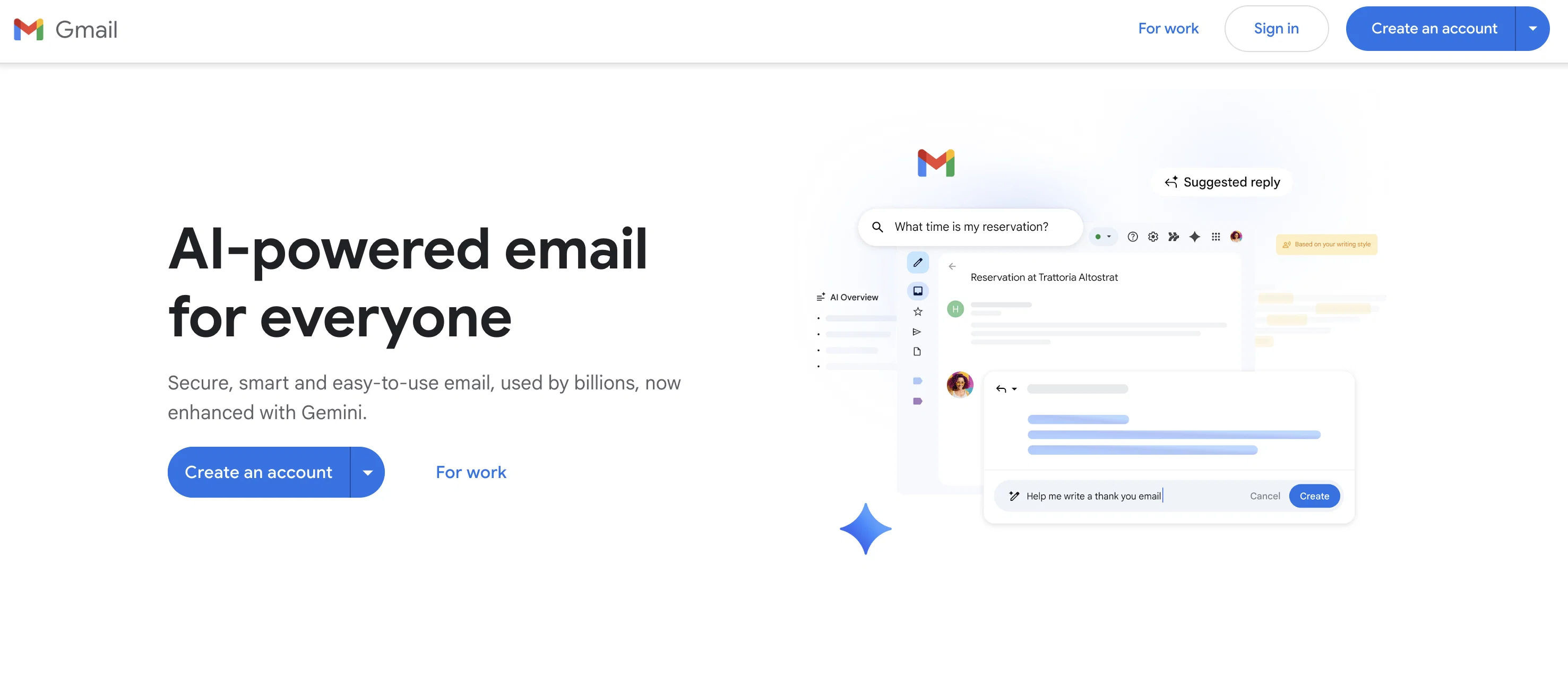
Email drafting is simplified with AI by offering suggested replies which aid in responding quickly in a tone that matches your writing style. Likewise, emails can be drafted or polished with the Gemini's added AI assistance.
Managing emails has been revamped such that long threads can be summarised into essential points via an AI Overview, empowering users to catch up with key points swiftly.
It also provides an expressive way to respond to emails using emojis, which is an exclusive feature to the Gmail app. Another intriguing advantage of Gmail is the smart search; you can search within your emails with your own words, converting the information into answers.
Gmail also boasts a simple switch mechanism that brings together all emails from different providers into one app, aiding swift management of emails. In terms of productivity, it allows you to engage in chats, video calls, document collaboration, and more, directly from Gmail.
Gentle nudges happen to keep you on track of crucial emails. Moreover, Gmail has compatibility with other desktop clients such as Microsoft Outlook, Apple Mail, and Mozilla Thunderbird, which includes contact and event synchronisation.
Access & connections
Where you can use Gmail, and what it plugs into.
Platforms
Integrations
Capabilities
What this tool accepts, produces, and is strongest at.
Input
- Text
Output
- Text
Pros & cons
Pros
- Industry-leading encryption standard
- Email content privacy
- Quick response suggestions
- Thread summarization feature
- Expressive emoji responding
- Integrated smart search
- Multi-account management
- Embedded productivity tools
Show 12 more
- Email, chat, video call integration
- Document collaboration directly from Gmail
- Crucial email nudges
- Compatibility with other desktop clients
- Contact and event synchronisation
- Confidential mode control for sent emails
- Offline usage availability
- Switch between accounts feature
- Find emails faster with search
- Express yourself with emojis
- Works with other tools
- Experience on any device
Cons
- No offline drafting feature
- Limited customizability
- Lack of integrated calendar
- Requires Google account
- Overzealous spam filter
- Difficulties with large attachments
- Slow search function
- Incompatibility with some email providers
Show 2 more
- Limited storage space
- No built-in task feature
Compare alternatives
Similar tools in the catalog — with a clear reason to open each one.



Superhuman ✓
PaidAI-powered email for blazing speed and productivity
Why look Higher community rating
Full comparison
Canary Mail ✓
FreemiumAutomated productivity, content, and inbox management.
Free + from $20/yr
Full comparison
Re:GPT ✓
FreemiumEnhanced email productivity with faster composition.
Why look Higher community rating
Full comparison
Agentic Mail | Hostinger ✓
PaidEmail infrastructure built for AI agents.
Why look Typically cheaper
Full comparisonReleases 1
FAQ 12
What are the new features added to Gmail with the Gemini update?
How does Gmail's AI assistance aid in drafting emails?
What is the role of AI Overview in Gmail?
How can Gmail's smart search help me find specific information in my emails?
Can Gmail handle emails from different service providers?
What are the options for communication and collaboration directly from Gmail?
What are the gentle nudges in Gmail?
Which desktop clients is Gmail compatible with?
How does Gmail ensure the security and privacy of my emails?
How does the AI in Gmail suggest replies?
Can I include emojis in my email responses in Gmail?
Is Gmail suitable for both personal use and business use?
Related tools
Recommended

GmailGPT ✓
FreemiumWrite emails in 1 click using AI

LuminixAI ✓
Free TrialDeep research you'll actually read