

GitStart ✓
Turn tickets into production-ready Pull Requests.
Verdict
A quick read before you dig into the full page.
- Best if
- Turn tickets into production-ready Pull Requests
- Skip if
- Limited support for non-English teams
- Pick this when
- Turns tickets into Pull Requests
Considering Cursor instead? Compare side by side
Overview
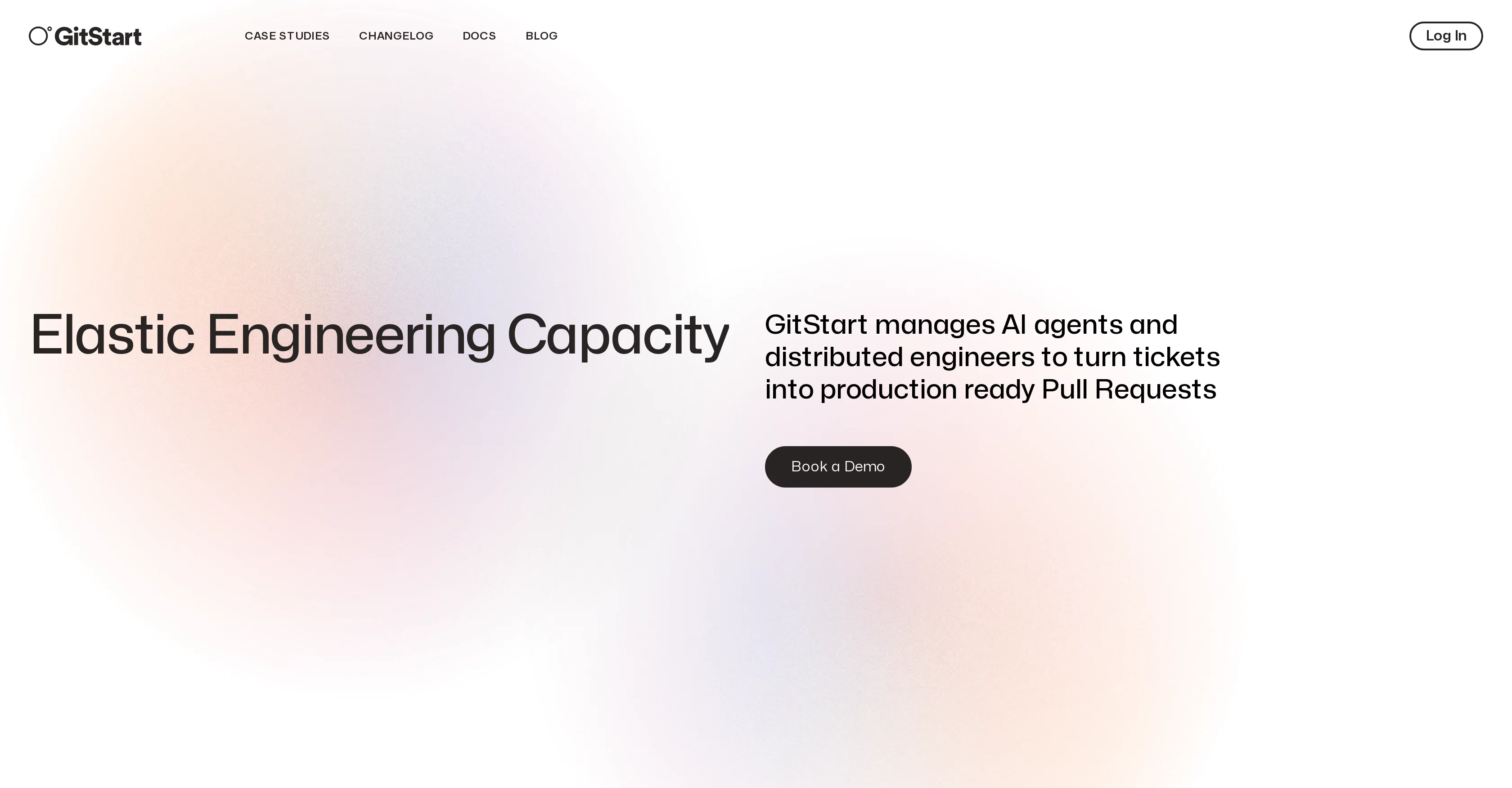
GitStart is a platform that acts as an elastic engineering aid to companies needing support in enhancing their software development process. They utilize a combination of AI agents and distributed engineers to convert software development tickets into production-ready pull requests, essentially providing an extension to your development team.
Their AI Ticket Studio system transforms your issues into well-scoped tickets by using context from your codebase and soliciting clarifying information from your team.
The platform ensures transparency by providing regular updates on ticket progress through communication tools like Microsoft Teams and Slack, keeping you continually informed about workflow.
Before presenting pull requests for your review, GitStart implements several reviews and quality assurance checks to ensure high standard of code. The platform supports the import of tickets from various issue tracking tools and APIs, enabling ticket modification and preparation for development with AI insights and suggestions.
GitStart takes responsibility for your review process, you only merge code if it meets your preferred quality bar. The platform works with many development tasks ranging from frontend development, improving test coverage, resolving bugs and technical debt, and even contributing to open source repositories.
Access & connections
Where you can use GitStart, and what it plugs into.
Platforms
Integrations
Capabilities
What this tool accepts, produces, and is strongest at.
Input
- API
Output
- Code
Supported features
- Code Review
Pros & cons
Pros
- Turns tickets into Pull Requests
- Distributed engineers support
- Regular ticket progress updates
- Integration with Microsoft Teams
- Integration with Slack
- Code quality checks
- Ticket import from various tools
- Resolves bugs and technical debt
Show 28 more
- Contributes to open source repositories
- Offers frontend developments
- Improves test coverage
- Introduces new testing libraries
- Enhances software development process
- Implements Test-Driven Development (TDD)
- Migrates legacy code
- Converts JavaScript to TypeScript
- Upgrade packages and dependencies safely
- Well-scoped tickets creation
- In-scope change requests for free
- Elastic engineering capacity
- PRs reviewed before submission
- Customizable with major issue-tracking tools
- Real-time workflow status
- Increases software development agility
- Introduces linters (ESLint, TSLint)
- Reduces team hiring needs
- Offers refactoring services
- Advanced dashboard for ticket management
- Context-based ticket scopes
- Notifications about work in progress
- Detailed case studies availability
- Self-serve account creation
- Option to add unit tests or end-to-end tests
- Emphasizes code quality
- Development support for design systems
- Specific frontend and backend roles
Cons
- Lacks direct IDE integration
- Limited transparency over distributed engineers
- Insufficient customization for quality checks
- Dependent on team's ticket clarity
- No direct integration with GitHub/GitLab
- Not designed for specific programming languages
- Lacks mobile application support
- Limited API for custom integrations
Show 2 more
- Dependent on third-party communication tools
- Limited support for non-English teams
Compare alternatives
Similar tools in the catalog — with a clear reason to open each one.


OnSpace.AI - No Code App Builder ✓
FreemiumBuild Apps with AI, No Code
Free + from $20/mo
Full comparison
Kilo Code ✓
Free TrialAI-powered coding assistant for VS Code
Why look Higher community rating
Full comparison
Github Copilot ✓
FreemiumAI-powered coding assistant for faster development
Free + from $10/mo
Full comparison
CodingFleet ✓
FreemiumAI wizard transforms instructions into code snippets.
Why look Higher community rating
Full comparison
Releases 1
FAQ 12
What is GitStart?
How does GitStart utilize AI in the software development process?
What is the role of the AI Ticket Studio system in GitStart?
How does GitStart ensure transparency in the workflow?
What communication tools does GitStart use to provide updates?
How does GitStart assure the quality of the code?
Can GitStart import tickets from various issue tracking tools and APIs?
Who is responsible for the code review process in GitStart?
What type of development tasks can GitStart handle?
Does GitStart contribute to open source repositories?
How does GitStart transform development tickets into pull requests?
Does the GitStart platform provide assistance in bug resolving and technical debt?
Related tools
Recommended

Autotab ✓
UnknownBuild AI agents for real-world browser tasks.

AntWorks ✓
PaidCut development costs by 10x with AI-powered microtasks

Scisummary ✓
Free TrialCutting-edge scientific articles summarization.

Agentgpt ✓
FreemiumDeploy autonomous AI Agents effortlessly in your browser.

GPTinf ✓
PaidBypass AI detectors with one-click rephrasing.

Mindsmith ✓
FreemiumPlatform for building and sharing eLearning content