

GitBrain ✓
AI-powered Git client that simplifies version control.
Verdict
A quick read before you dig into the full page.
- Best if
- AI-powered Git client that simplifies version control
- Skip if
- Only for Mac users
- Pick this when
- Interactive commit management
Considering DevSeerAI instead? Compare side by side
Overview
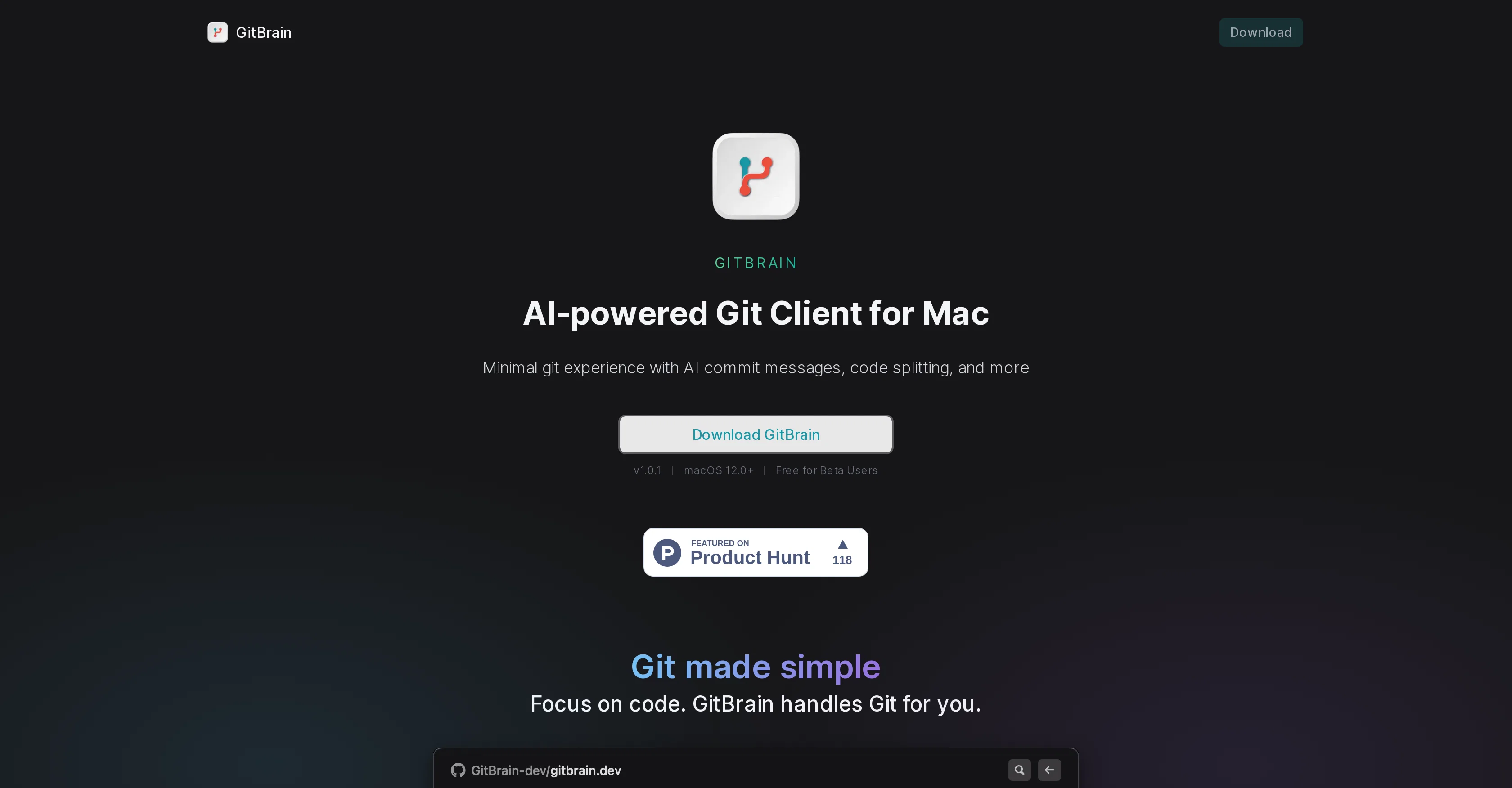
GitBrain is an AI-powered Git client tool designed specifically for Mac users, aiming to automate and simplify Git management for more efficient coding.
It primarily serves to reduce the time spent using Git, thus enabling developers to devote more attention to coding. GitBrain offers an intelligent system that divides code modifications into multiple AI-generated commits which can be tailored and managed interactively.
Developers have the flexibility to choose, reorder, and even consolidate multiple commits into one, leveraging AI assistance. A significant feature includes the automatic generation of summaries for code changes, enabling developers to conduct efficient self-reviews before committing.
This feature aids in tracking the work done and in preventing inadvertent submission of undesirable changes. Furthermore, GitBrain can automatically detect and load the project that the user is currently working on from their preferred IDEs, ensuring a smooth Git handling experience.
The software boasts a keyboard-friendly design, with keyboard shortcuts for all functions, enabling a more efficient and streamlined Git workflow. Being a native Mac application, GitBrain optimizes performance and provides a user interface familiar to Mac users which aligns with both light and dark mode Mac themes.
Access & connections
Where you can use GitBrain.
Platforms
Capabilities
What this tool accepts, produces, and is strongest at.
Input
- Code
Output
- Code
Pros & cons
Pros
- Interactive commit management
- Reorder and consolidate commits
- Automatic code change summaries
- Self-review facilitation
- Prevents accidental changes submission
- Automatic project detection
- Supports various IDEs
- Smooth Git handling
Show 15 more
- Keyboard-friendly design
- Keyboard shortcuts for functions
- Streamlined Git workflow
- Optimized Mac performance
- Familiar user interface
- Light and dark mode themes
- Commit customization
- Git time efficiency
- Focus on coding
- Code splitting
- Project detection from IDEs
- Manage Git with keystrokes
- Native Mac app
- Lightweight software
- Fits perfectly with Mac themes
Cons
- Only for Mac users
- May overcomplicate simple commits
- Potentially less control over commits
- No mentioned cross-IDE support
- No manual Git management mode
- May have compatibility issues
- No explicit mention of security
- Possibly overwhelming for Git beginners
Compare alternatives
Similar tools in the catalog — with a clear reason to open each one.

DevSeerAI ✓
FreemiumTurn GitHub Issues Into Development Roadmaps in Seconds
Why look Better fit for coding
Full comparison
Skymel LEGATO - Autonomous Agent Design & Deployment ... ✓
Free TrialFrom prompt to tested production agents in hours.
Why look Offers a public API
Full comparison
AiAssistWorks - GPT Gemini Claude AI for Sheets Docs ... ✓
FreemiumJust type what you need — AI fills Sheets™, Docs™, and Slides™
Why look Offers a public API
Full comparison
Summ-it ✓
FreemiumTurn everything you meant to read into an audio playlist.
Free + from $7.99/mo
Full comparison
Get More Interviews AI ✓
Free TrialTurn a rough CV into a sharper application package.
Free + from $12
Full comparison
Pit ✓
UnknownAI that learns workflows and builds business systems.
Business operations
Full comparisonReleases 1
FAQ 12
What is GitBrain?
How does GitBrain assist with Git management?
What are the AI functionalities in GitBrain?
Can you modify AI-generated commits in GitBrain?
How does GitBrain streamline the coding process?
Does GitBrain generate summaries for code modifications?
How does GitBrain prevent accidental submission of unwanted changes?
Can GitBrain detect the project the user is currently working on?
What are the key features of GitBrain's user interface?
Does GitBrain have keyboard shortcuts for all functions?
Is GitBrain compatible with all versions of Mac?
Does GitBrain support both light and dark mode themes on Mac?
Related tools
Recommended

LearningStudioAI ✓
Free TrialAI-powered authoring tool for effortless online course creation.

VenturusAI ✓
FreemiumBusiness idea analysis and reporting.

GPTExcel ✓
FreemiumGenerate spreadsheet formulas with AI

TutorAI ✓
FreemiumInstant knowledge on any topic

Scisummary ✓
Free TrialCutting-edge scientific articles summarization.

Photo AI ✓
PaidCreate beautiful AI photos and videos of real people