
Getimg.ai Video Generator ✓
Create cinematic videos from text or images instantly.
from $10/mo
Verdict
A quick read before you dig into the full page.
- Best if
- Create cinematic videos from text or images instantly
- Skip if
- Browser-based only
- Pick this when
- Professional level videos
Considering freebeat AI instead? Compare side by side
Overview
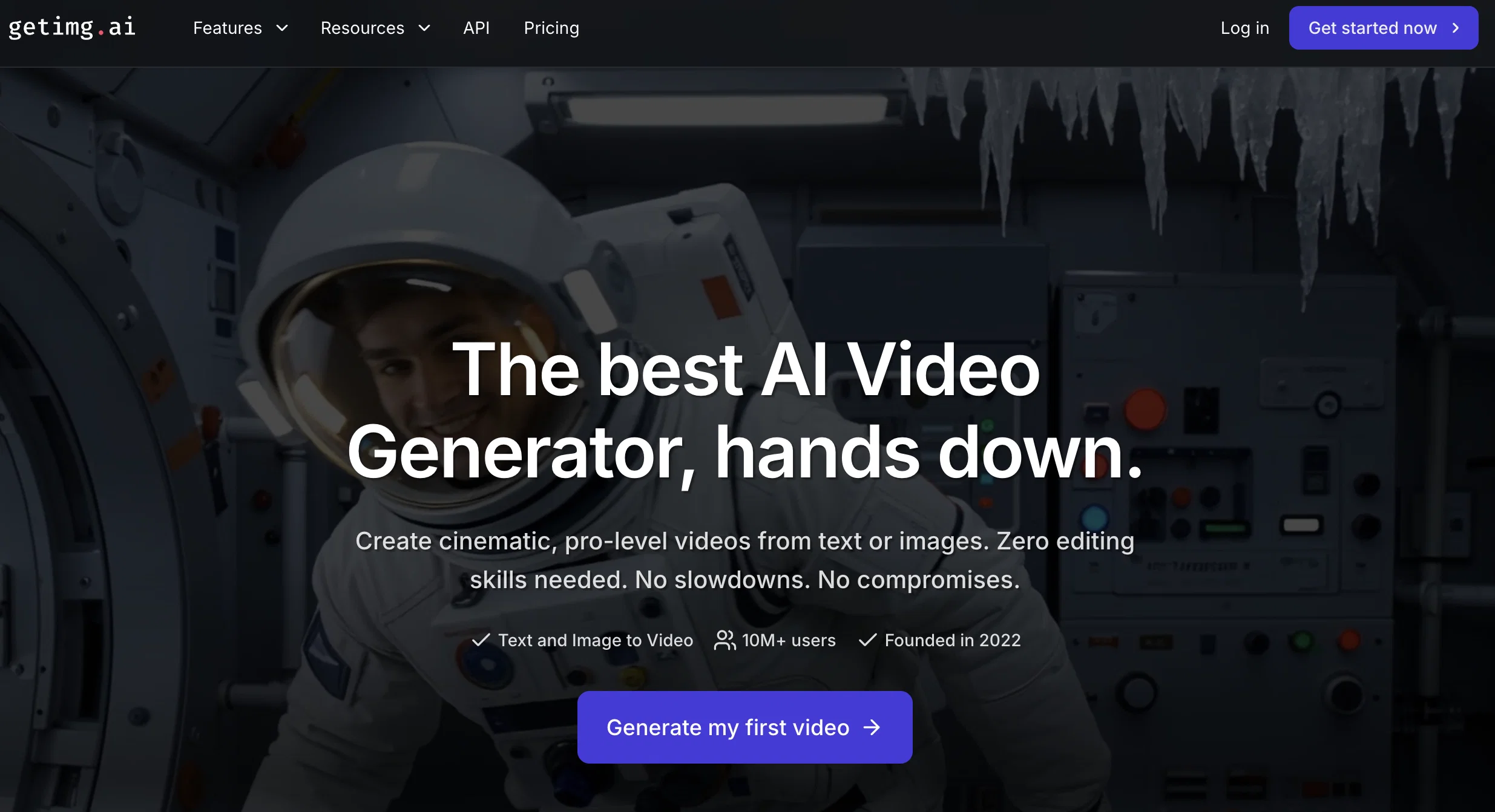
getimg.ai is an AI Video Generator that allows users to create professionally level videos from text prompts or images quickly and efficiently. The platform is powered by some of the world's leading AI video models, making it readily accessible for both beginners and experts.
It offers full creative control, allowing users to choose their start/end frames, video format, and lengths as they desire. The outputs are always high definition, rendering sharp, share-ready videos.
Users input their ideas as prompts, and the AI auto-generates an original video sequence that matches the description. It can transform still images into short clips based on the motions or changes specified by the user.
getimg.ai's flexibility makes it incredibly adaptable for various use-cases. It can be used by marketers, educators, and creators in fields ranging from animation to social media advertising.
It simplifies the video creation process, providing an alternative to traditional video creation that involves hiring teams, planning and scheduling shoots, and waiting for editing and post-production.
getimg.ai stands out for its quick, browser-based workflows, and its promise of studio-quality videos produced in notably less time.
Access & connections
Where you can use Getimg.ai Video Generator.
Platforms
Capabilities
What this tool accepts, produces, and is strongest at.
Input
- API
- Image
- Text
Output
- Audio
- Video
- API
Pros & cons
Pros
- Professional level videos
- Quick and efficient
- Full creative control
- High definition outputs
- Transforms images to clips
- Adaptable for various use-cases
- Browser-based workflows
- Studio-quality videos
Show 43 more
- Less time-consuming
- No need for teams
- Simplifies video creation
- Works for beginners to experts
- Text or Image to Video
- User-friendly interface
- Fast video rendering
- Video customization options
- Usage in different fields
- Flexible video lengths
- Crisp and cinematic outputs
- Auto-selects leading models
- Eliminates learning curve
- No setup required
- Versatile for marketers and educators
- Upload and describe function
- Automatic video creation
- Instant download and share
- No need for revisions
- Allows model testing
- Eliminates complex steps
- Clear and detailed prompts
- Capable of producing sound
- Generates dialogue and music
- Range of use cases
- Ultra-fast workflow
- Requires no editing skills
- Choice of aspect ratio
- In-browser operation
- No software installation
- Allows animation of static content
- Creates content with audio
- Turns text prompt to video
- Ease of stitching multiple clips
- Provides marketing ideas
- Perfect for social media content
- No need for studio setup
- Creates custom video as needed
- Tools in one platform
- User-friendly interface
- No need for app-switching
- No hidden fees
- Video output in minutes
Cons
- Browser-based only
- Requires internet connection
- No offline option
- No dedicated app
- Over-reliance on user text prompts
- Dependent on image quality
- No audio editing
- Doesn't support 4K resolution
Show 1 more
- No multi-language support
Compare alternatives
Similar tools in the catalog — with a clear reason to open each one.

freebeat AI ✓
FreemiumTurn Music & Ideas into Viral Videos In One Click
Why look Freemium alternative
Full comparison
MagicLight ✓
FreemiumTransform text into captivating videos instantly.
Why look Freemium alternative
Full comparison

HeyGen ✓
FreemiumCreate AI spokesperson videos from text
Why look Freemium alternative
Full comparison

Seedance ✓
FreemiumMulti-shot video generation from text and image.
Why look Stronger for image work
Full comparisonReleases 1
FAQ 12
What is getimg.ai Video Generator?
How does getimg.ai work?
Does getimg.ai require any video editing skills?
Can getimg.ai Auto-Generate videos from text prompts?
How can I control the start and end frames in getimg.ai?
Can I choose the video length and format in getimg.ai?
Is the output from getimg.ai always high definition?
Does getimg.ai transform images into short clips?
Can getimg.ai be used for social media advertising?
Is getimg.ai suitable for both beginners and experts?
How does getimg.ai simplify the traditional video creation process?
What makes getimg.ai's workflows quick and browser-based?
Related tools
Recommended

Whacka ✓
Free TrialTurn ideas into real apps from your phone.

ChatGPT ✓
FreemiumAsk anything, create anything, and move from idea to action.

DeepSeek ✓
FreeUnravel the mystery of AGI with curiosity

PixVerse ✓
FreemiumCreate breath-taking videos with AI

Hedy AI ✓
FreemiumDominate every meeting with Hedy as your brilliant AI ally

VisionStory AI ✓
FreemiumTurn Photos into Lively Avatars and Stunning Talking Videos Instantly