

Examize: AI Quiz Maker ✓
AI quiz maker for Google Forms.
Trial; then from $5.99/mo
Verdict
A quick read before you dig into the full page.
- Best if
- AI quiz maker for Google Forms
- Skip if
- Limited advanced question types
- Pick this when
- Generates quiz from text
Considering QuizSolver instead? Compare side by side
Overview
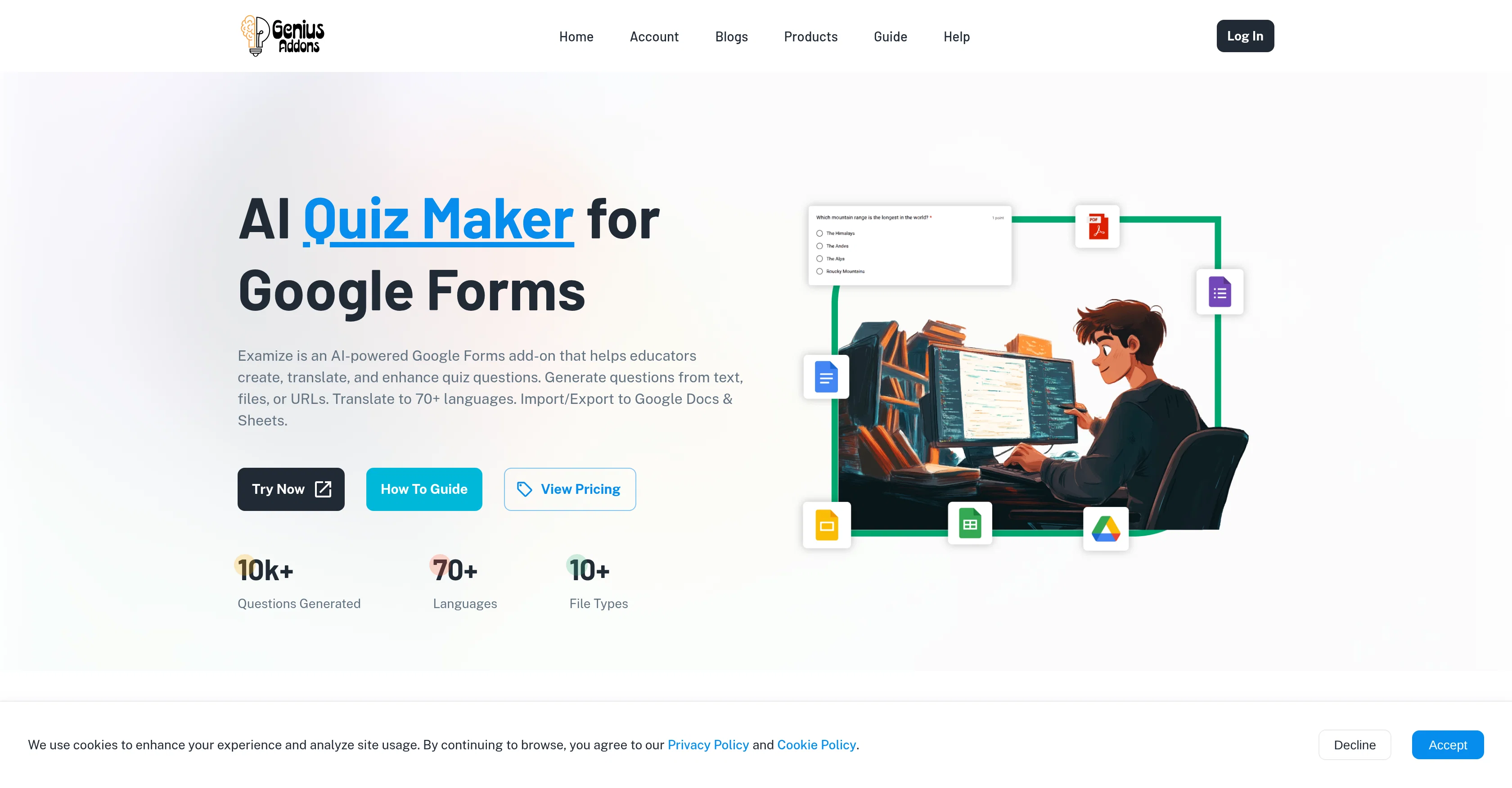
Examize is an AI Google Forms add-on designed to enhance quiz creation, especially for educators and trainers. It provides features that allow users to generate quiz questions from various sources such as text, files, or URLs.
In addition, it offers multilingual support, enabling users to translate their entire form into over 70 languages, thus catering to a diverse range of students and international audiences.
Import and export abilities facilitate seamless movement of questions between forms and support export to Google Docs for printing or creation of spreadsheets with answer keys.
The tool also includes capabilities for question rewriting and conversion between question types, thereby enabling diversification of assessments. To start using Examize, users choose their preferred generation method, specify settings such as question quantity, type, and language preference, before finally generating the quiz.
The software then creates quiz questions replete with answers and feedback. It is available for integration via the Google Workspace Marketplace.
Access & connections
Where you can use Examize: AI Quiz Maker.
Platforms
Capabilities
What this tool accepts, produces, and is strongest at.
Input
- Tabular
- Text
- Image
Output
- Tabular
- Text
Supported features
- Education
- Text Generation
- Translation
- Rewrite
- Docs
- Spreadsheets
- Integrations
- Team Collaboration
Pros & cons
Pros
- Generates quiz from text
- Generates quiz from files
- Generates quiz from URLs
- Multi-format content extraction
- Supports Google Docs files
- Supports PDFs
- Supports Word files
- Different question types
Show 39 more
- Quiz translation into 70+ languages
- Question rewriting feature
- Question conversion capabilities
- Maintains context
- Import/Export quiz questions
- Google Workspace integration
- Automated quiz creation
- Customizable quiz creation
- Answer Key Generation
- Content Adaptability
- Preparation of printable materials
- Creation of question banks
- Plans for individuals, teams, organizations
- Suits diverse user needs
- Automatic answer and feedback generation
- User-defined settings
- URL content extraction
- Optimized for educators/trainers
- Available via Google Workspace Marketplace
- Supports grade level specification
- Configurable question quantity
- Question type preference setting
- Supports multiple generation methods
- Quiz version differentiation
- Detailed content translation
- Instant content translation
- Content rewriting for clarity
- Automated content conversion
- Exportable to Google Docs
- Creation of answer key spreadsheets
- Question import for comprehensive banks
- Export to professional formats
- Supports roles and permissions
- Unlimited question generation
- Advanced version remix features
- Team management capabilities
- Customizable for organizations
- Secure payment methods
- Trusted by professionals globally
Cons
- Limited to Google ecosystem
- No offline usage
- No onsite deployment options
- Limited formatting options
- Incompatibility with non-standard file formats
- Poor integration with non-Google software
- No multi user collaboration
- Relies on internet connectivity
Show 2 more
- Limited advanced question types
- No mobile app support
Compare alternatives
Similar tools in the catalog — with a clear reason to open each one.


Quizgecko ✓
FreemiumGenerate quizzes from text in seconds with AI
Free + from $16/mo
Full comparison
Quizify ✓
FreemiumCreate smart quizzes with zero effort.
Why look Higher community rating
Full comparison
ClassPoint AI ✓
FreemiumAI-powered classroom engagement tool
Why look Higher community rating
Full comparison
Evalyy ✓
FreemiumUpload PDFs, launch exam-ready quizzes in seconds.
Why look Typically cheaper
Full comparisonReleases 1
FAQ 12
What is Examize AI Quiz Maker?
How does Examize generate quiz questions?
What document types does Examize support?
What types of questions can Examize generate?
How many languages can Examize translate quizzes into?
What additional features does Examize offer for quiz creation?
In what ways can Examize adapt content to new question formats?
Can I import and export quizzes using Examize?
What types of users is Examize suited for?
Is Examize compatible with Google Docs?
How does Examize use AI technology in quiz creation?
How does Examize translate quizzes and retain original content context?
Related tools
Recommended

D-ID ✓
FreemiumCreate AI-generated videos with ease

Kin - Personal AI Advisors ✓
FreePrivacy-first & designed your for mind, and life at work

DeepSeek ✓
FreeUnravel the mystery of AGI with curiosity

Format Magic ✓
FreemiumFormat plain text into professional documents in seconds

Bytecap ✓
FreemiumEdit and publish clips 10x faster with AI

Flashback ✓
FreemiumTurn course material into AI-powered study sessions.