What is Gempix2 AI?
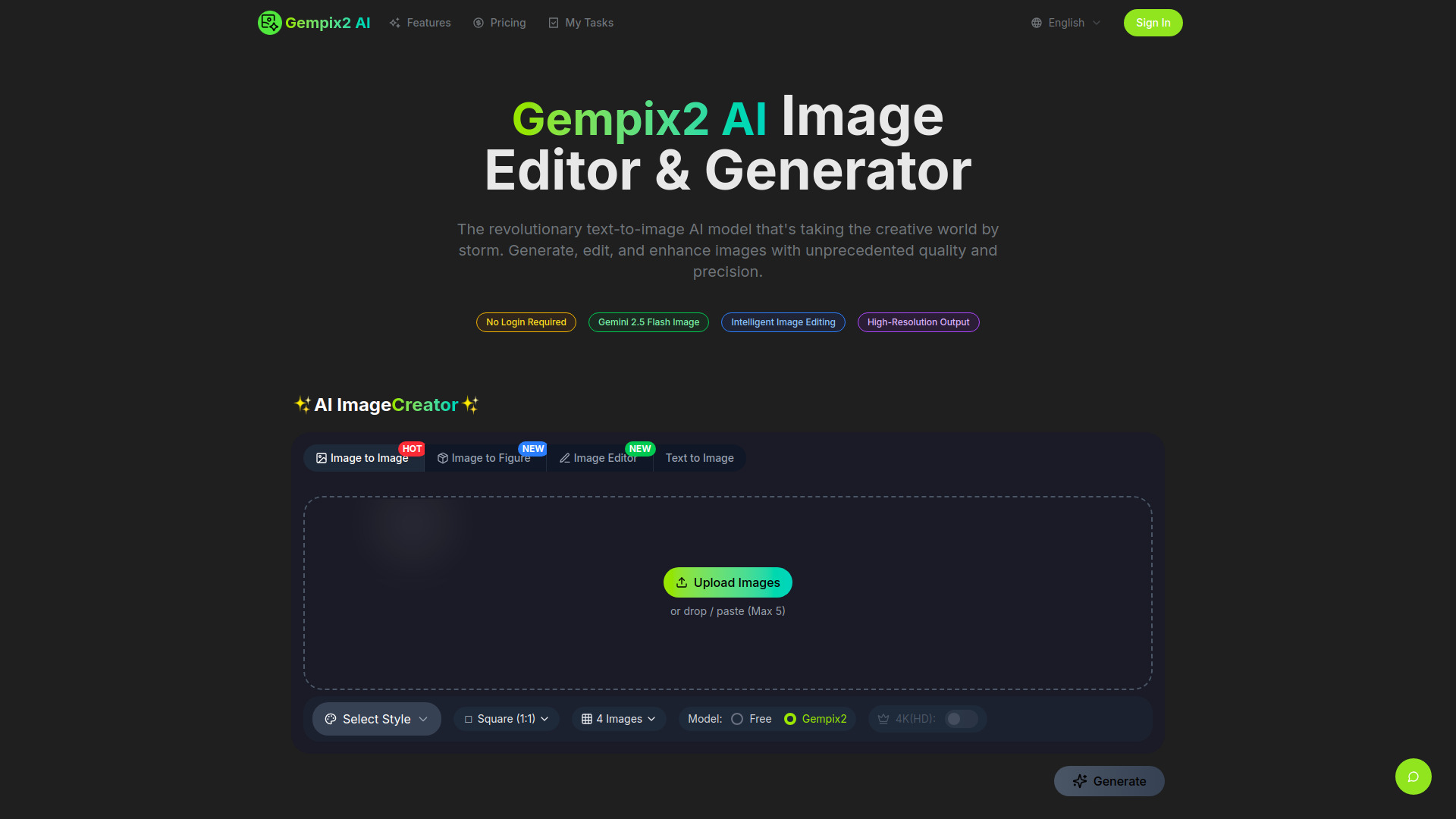
Gempix2 AI is a next-generation artificial intelligence image generation and editing technology. This state-of-the-art text-to-image model converts text descriptions into high-quality visual content, offering exceptional capabilities for creators, marketers, and developers. It incorporates Gemini's advanced LLM capabilities for contextual and semantically rich images, understanding prompt implications rather than just drawing. Gempix2 seamlessly processes text prompts, image references, and complex visual instructions, allowing users to upload multiple images for blending or describe intricate edits using natural language. It is designed to generate, edit, and enhance images with unprecedented quality and precision, preserving character consistency and quality.
How to use Gempix2 AI?
To use Gempix2 AI, first describe your vision by inputting a detailed text description of the image you want to create. The AI analyzes your prompt and generates high-quality images. Next, click the 'Generate' button, and Gempix2 AI will produce images typically within 2-5 seconds. Finally, review the generated images, pick your favorites, download them in high resolution, and share them. For editing, simply generate an image first, then describe the desired changes in plain language, such as 'Change the background to a sunset beach' or 'Remove the tree and add more flowers'.
What exactly is GEMPIX2?
GEMPIX2 is the next-generation AI image generation and editing model developed by Google DeepMind, released in November 2025. It's the successor to the viral 'Nano Banana' model (Gemini 2.5 Flash Image) with significant improvements in quality, consistency, and processing speed.
How is GEMPIX2 different from Nano Banana?
GEMPIX2 introduces multiple improvements: 15% faster processing, enhanced character consistency across unlimited edits, improved detail accuracy, better long-form text rendering, support for 10 aspect ratios, and more advanced multi-image fusion capabilities. The model also features improved reasoning powered by Gemini 3.0.
Can GEMPIX2 maintain character consistency?
Yes, GEMPIX2 excels at character consistency. It can place the same character into different environments, showcase variations from multiple angles, and generate consistent brand assets while perfectly preserving facial structure, expressions, and identity across unlimited edits.
How fast is GEMPIX2?
GEMPIX2 generates most images in 2-5 seconds on average, with a 15% speed improvement over previous versions, enabling rapid iteration and experimentation.
What is Multi-Image Fusion?
Multi-Image Fusion allows you to blend up to 8 images seamlessly into one cohesive creation. You can combine different photos, merge multiple styles, place objects in new environments, add missing people to group photos, or create complex composite scenes with a single text prompt.
What aspect ratios does GEMPIX2 support?
GEMPIX2 supports 10+ aspect ratios including: 1:1 (square), 3:4 (portrait), 9:16 (mobile stories), 4:3 (standard), 16:9 (landscape), 21:9 (cinema), and custom ratios.
How do I use natural language editing?
Simply generate an image first, then describe the changes you want in plain language. For example: 'Change the background to a sunset beach' or 'Remove the tree and add more flowers' or 'Make her hair longer and change it to silver'. GEMPIX2 understands your intent and executes the edits perfectly.
Can I use GEMPIX2 for commercial projects?
Yes, images generated with GEMPIX2 can be used for commercial purposes, including marketing materials, website content, product designs, book illustrations, and brand assets. Users should review the terms of service for specific usage guidelines.
What file formats and resolutions are supported?
GEMPIX2 supports PNG, JPEG, and WebP formats at various resolutions up to 2K quality. Users can download in their preferred format and adjust resolution based on their use case.
Is there a limit to how many images I can generate?
Usage limits depend on your subscription plan. There is a Free tier with daily limits, a Pro tier for regular users, and an Enterprise tier for production-scale needs. All plans include generous monthly image generation quotas.