

Gantt Chart AI ✓
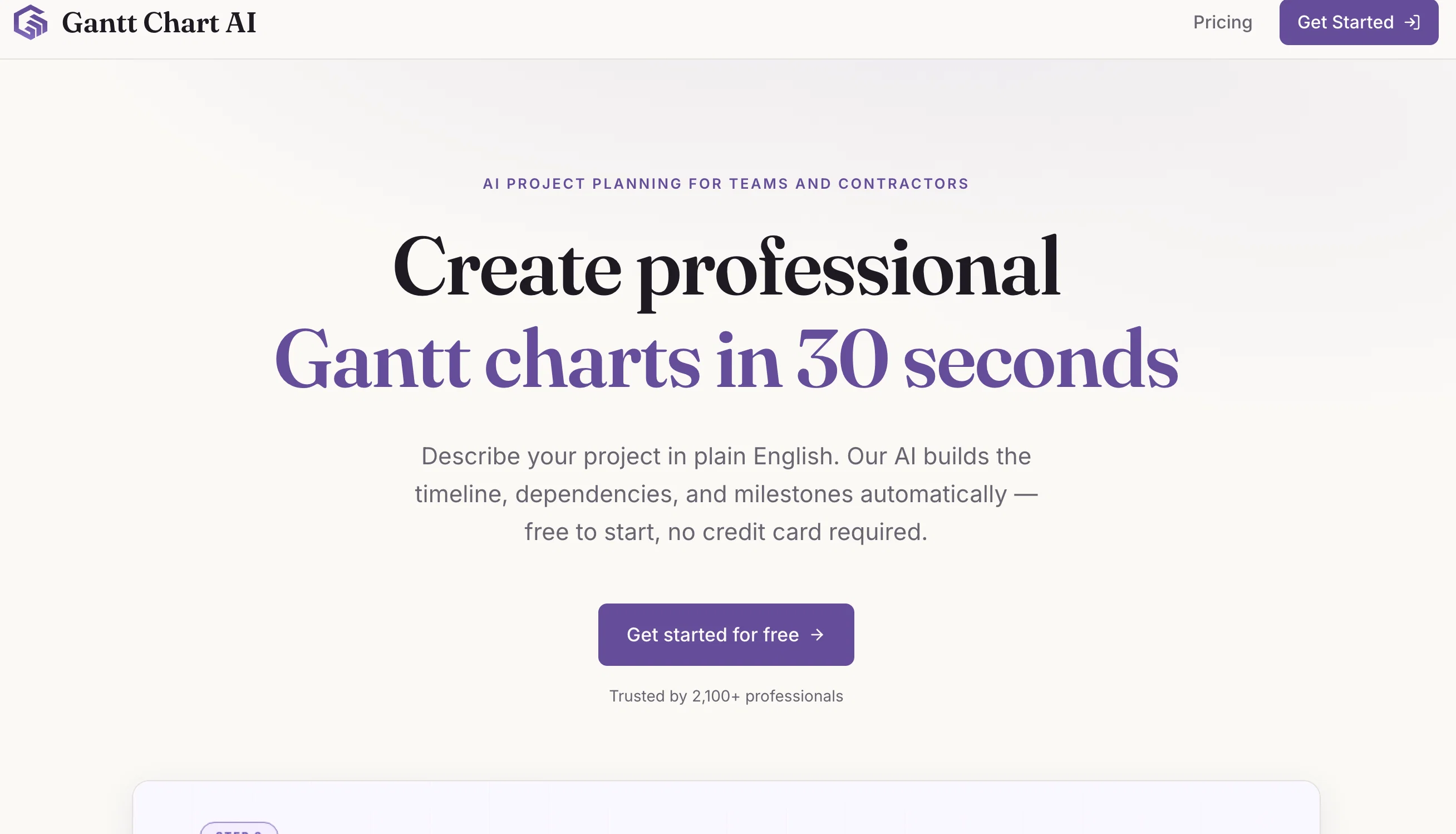
Effortlessly plan projects with AI-powered Gantt charts
Free + from $19.99/mo
Verdict
A quick read before you dig into the full page.
- Best if
- Effortlessly plan projects with AI-powered Gantt charts
- Skip if
- Limited Customization
- Pick this when
- Google Spreadsheets integration
Considering Allex instead? Compare side by side
Overview
Gantt Chart AI is a tool designed to streamline project planning and management through AI-powered Gantt charts. Integrated directly within Google Spreadsheets, it allows users to simultaneously track and manage projects without needing to switch platforms.
The tool has the ability to generate a full Gantt chart instantly from a given project summary, simplifying the process of visualizing timelines for project tasks.
In addition, Gantt Chart AI supports export functionalities to Microsoft Excel for further data manipulation. The application ensures data security and respect for privacy, adhering to strict access management practices and conducting regular security audits.
The intuitive interface of Gantt Chart AI aims at making project planning more accessible and user-friendly by minimizing the learning curve associated with complex project management tools.
The shareability of the Gantt charts created with this tool supports pre-meetenings discussions, aimed at fostering more strategic and meaningful conversations during meetings.
Lastly, Gantt Chart AI also provides customizable features allowing users to tailor the tool to their specific project planning needs.
Access & connections
Where you can use Gantt Chart AI, and what it plugs into.
Platforms
Integrations
Capabilities
What this tool accepts, produces, and is strongest at.
Input
- Tabular
- Text
Output
- Tabular
Pros & cons
Pros
- Google Spreadsheets integration
- Instant Gantt chart creation
- Microsoft Excel export
- Strict access management
- Regular security audits
- Intuitive, user-friendly interface
- Gantt chart shareability
- Supports strategic conversations
Show 19 more
- Customizable features
- Privacy adherence
- Creates visual timelines
- Simultaneous project tracking
- Minimizes learning curve
- Supports pre-meeting discussions
- For effortless project planning
- No need to switch platforms
- Improves meeting efficiency
- Secure, private data management
- Time-saving tool
- Enhances project management
- Accessible for different professionals
- Built-in project planning assistance
- Trusted by many professionals
- Editable within Google Suite
- Generates full project summary
- Enhances teamwork quality
- Streamlined project management process
Cons
- Limited to Google Spreadsheets
- Dependent on Microsoft Excel
- No offline access
- Not multi-platform
- Export limitations
- Limited Customization
- No standalone application
- Strict access management
Show 2 more
- Security audits necessary
- No native sharing options
Compare alternatives
Similar tools in the catalog — with a clear reason to open each one.

Allex ✓
Free TrialAI-supported project management for complex projects.
Free + from $32/mo
Full comparison
Merlin Project ✓
Free TrialProfessional project management with a bit of magic.
Free + from $22.99/mo
Full comparison

Dart ✓
FreemiumAutomated team productivity through project management.
Why look Typically cheaper
Full comparison
ProjectAssistant ✓
PaidAI-powered project management that supercharges your workflow.
Why look Typically cheaper
Full comparison
ProjectNext ✓
Free TrialAI-powered project management that simplifies and supercharges
Why look Typically cheaper
Full comparisonReleases 1
Imported reviews 1
wonderful tool tp impress a client
FAQ 12
What is Gantt Chart AI?
What are the features of Gantt Chart AI?
How does Gantt Chart AI integrate with Google Spreadsheets?
What makes Gantt Chart AI user-friendly?
How does Gantt Chart AI support project management tasks?
Can Gantt Chart AI export data to Microsoft Excel?
How does Gantt Chart AI ensure data security?
How is privacy maintained in Gantt Chart AI?
Can I customize the features of Gantt Chart AI?
How does Gantt Chart AI simplify the process of creating Gantt charts?
What benefits does the shareability feature of Gantt Chart AI offer?
How does Gantt Chart AI facilitate strategic conversations during meetings?
Related tools
Recommended

Redesignr Ai - website redesign and landing page bui... ✓
FreemiumRedesign And Build websites, docs, and blogs with AI in minutes

Storylist ✓
FreemiumTransform project ideas into actionable tasks instantly

PrometAI ✓
FreemiumTurn ideas into viable reality with AI business plan generator.

Notis ✓
Free TrialThe first WhatsApp assistant that runs on your ChatGPT and Claude subscriptions

Wix AI Website Builder ✓
FreemiumAI-powered websites, instantly ready for business.

OnSpace.AI - No Code App Builder ✓
FreemiumBuild Apps with AI, No Code