

fylm.ai
AI-powered cloud color grading for pros.
Free + from $7/mo
Verdict
A quick read before you dig into the full page.
- Best if
- AI-powered cloud color grading for pros
- Skip if
- Potential learning curve for newcomers
- Pick this when
- Cloud-based software
Considering Colourlab instead? Compare side by side
Overview
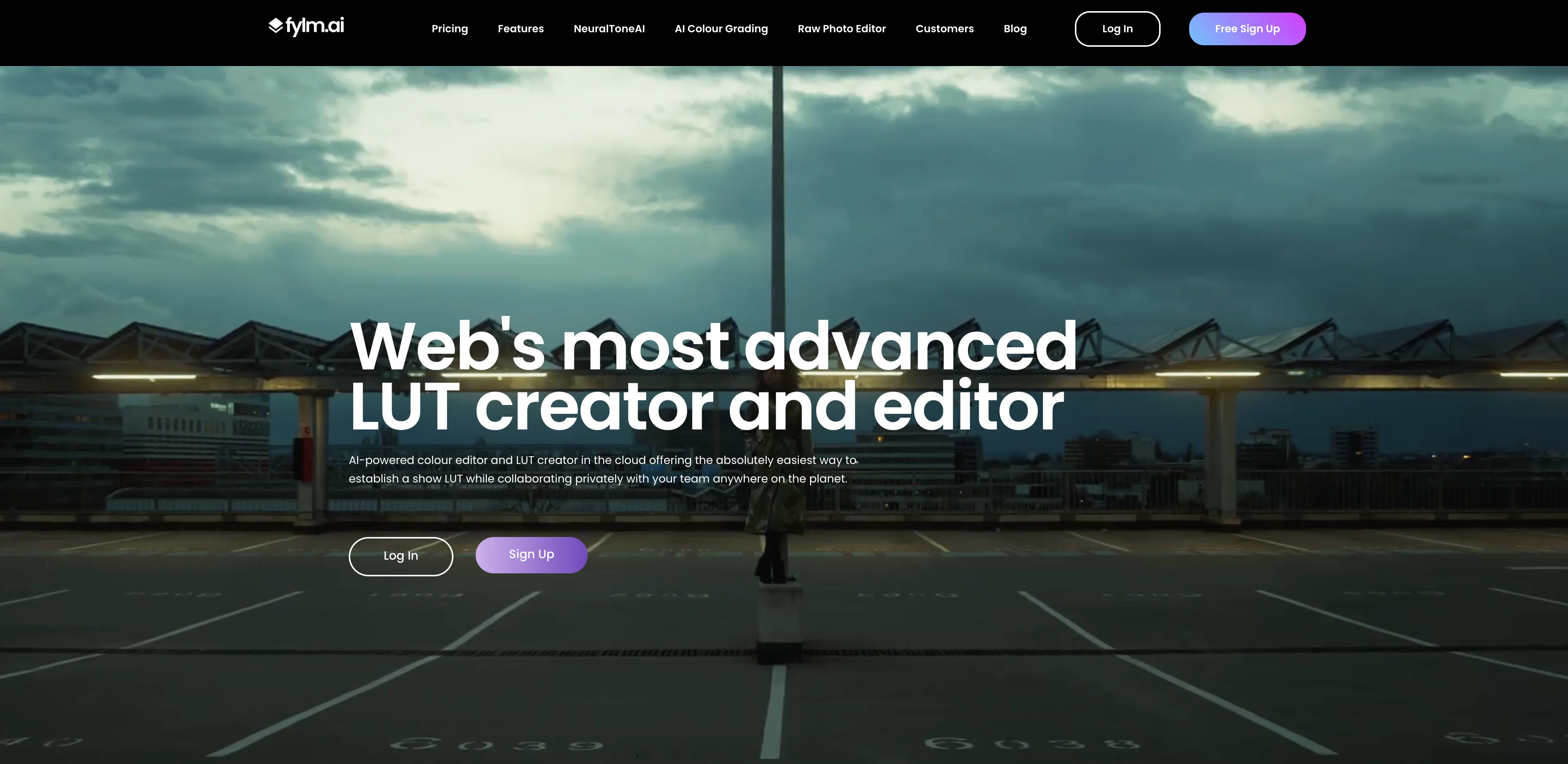
fylm.ai is a cloud-based colour grading software that utilizes the power of artificial intelligence. Specialized in creating and editing look-up tables (LUTs), this tool targets professionals working in areas such as photography and filmmaking.
Users can leverage various AI models to enhance their grading process, potentially saving a significant amount of time. These models have been trained on an extensive collection of cinematic frames, providing a wide range of grading effects.The software's primary feature, NeuralToneAI, automates the colour grading process and can match shots, reducing the workload on the user and increasing efficiency.
fylm.ai also gives professional colour grading a more accessible edge, as users with basic grading experience, like Instagram photo adjustments, can easily navigate the platform.The Raw Photo Editor feature allows raw photos to be edited directly in the cloud.
Another notable aspect is the collaboration feature, enabling teams to work privately and simultaneously on projects, leading to quicker turnarounds. The tool also supports project management with an asset management system, where all project materials are housed, searchable and filterable for ease of access and use, regardless of team members' locations.
Access & connections
Where you can use fylm.ai, and what it plugs into.
Platforms
Integrations
Capabilities
What this tool accepts, produces, and is strongest at.
Input
- Image
Output
- Image
Pros & cons
Pros
- Cloud-based software
- Specialized in LUTs
- Targeted at photography and filmmaking
- Models trained on cinematic frames
- Matches shots automatically
- Accessible for beginners
- Raw Photo Editor for cloud-based editing
- Collaboration feature for team working
Show 31 more
- Supports project management
- Asset management system included
- Democratizes colour grading
- Reduces workload on user
- Significantly increases efficiency
- Fast project turnarounds
- Assets are easily searchable and filterable
- Functional regardless of teams' locations
- Deep learning neural networks included
- Subtractive color model simulates film processing
- GPU-accelerated operations for instant changes
- Allows creation of color-managed, scene-referred LUTs
- Supports traditional on-set look creation and digital intermediate workflows
- Blazing quick turnarounds via collaboration
- Instant and efficient project management
- All assets easily accessible and available
- Speeds up overall workflow
- Translates ideas into looks
- Phenomenal color matching capability
- Intuitive controls, easy to navigate
- Accessible from anywhere with internet connection
- Useful for photographers
- Comprehensive and efficient LUT packs
- Provides a complete and quick solution for LUT creation
- Enables the creation of stunning looks
- Harnesses deep learning for look creation
- Potentially up to 10x faster look creation
- Export camera tailored LUTs
- Creates LUTs adaptable to any needs
- Establishing show look up to 3x faster
- Digital intermediate up to 2x faster
Cons
- Cloud-based, requires internet access
- Potential learning curve for newcomers
- Limited to color grading tasks
- Collaboration requires team online simultaneously
- No offline asset management
- Dependency on their LUTs
- No bespoke client interface
- Limited to browser access
Compare alternatives
Similar tools in the catalog.

Releases 1
FAQ 12
What is fylm.ai?
How does NeuralToneAI in fylm.ai automate the colour grading process?
Does fylm.ai work in cloud?
Can fylm.ai match shots automatically?
How does fylm.ai save time on establishing a show look?
What are the key features of fylm.ai?
Can I edit raw photos directly in fylm.ai?
How does the collaboration feature work in fylm.ai?
How does fylm.ai support project management?
What does the asset management system in fylm.ai include?
How can fylm.ai be used by professionals in photography and filmmaking?
How user-friendly is fylm.ai for people with basic grading experience?
Related tools
Recommended

Imagetocaption.ai ✓
Free TrialGenerated captions for social media images

B12 AI Website Builder ✓
FreemiumAI-powered website builder

D-ID ✓
FreemiumCreate AI-generated videos with ease

Supercreator ✓
FreemiumCreate short videos 10x faster with AI

AdCreative.ai ✓
Free TrialAI-powered advertising: Create, analyze, and conquer.

Browse AI ✓
FreemiumExtract and monitor web data without code.