

Fusion by builder.io ✓
Visually generate production-ready web apps with AI.
Free + from $24/mo
Verdict
A quick read before you dig into the full page.
- Best if
- Visually generate production-ready web apps with AI
- Skip if
- Granular access control might be complex
- Pick this when
- Streamlines development and design
Considering Base44 instead? Compare side by side
Overview
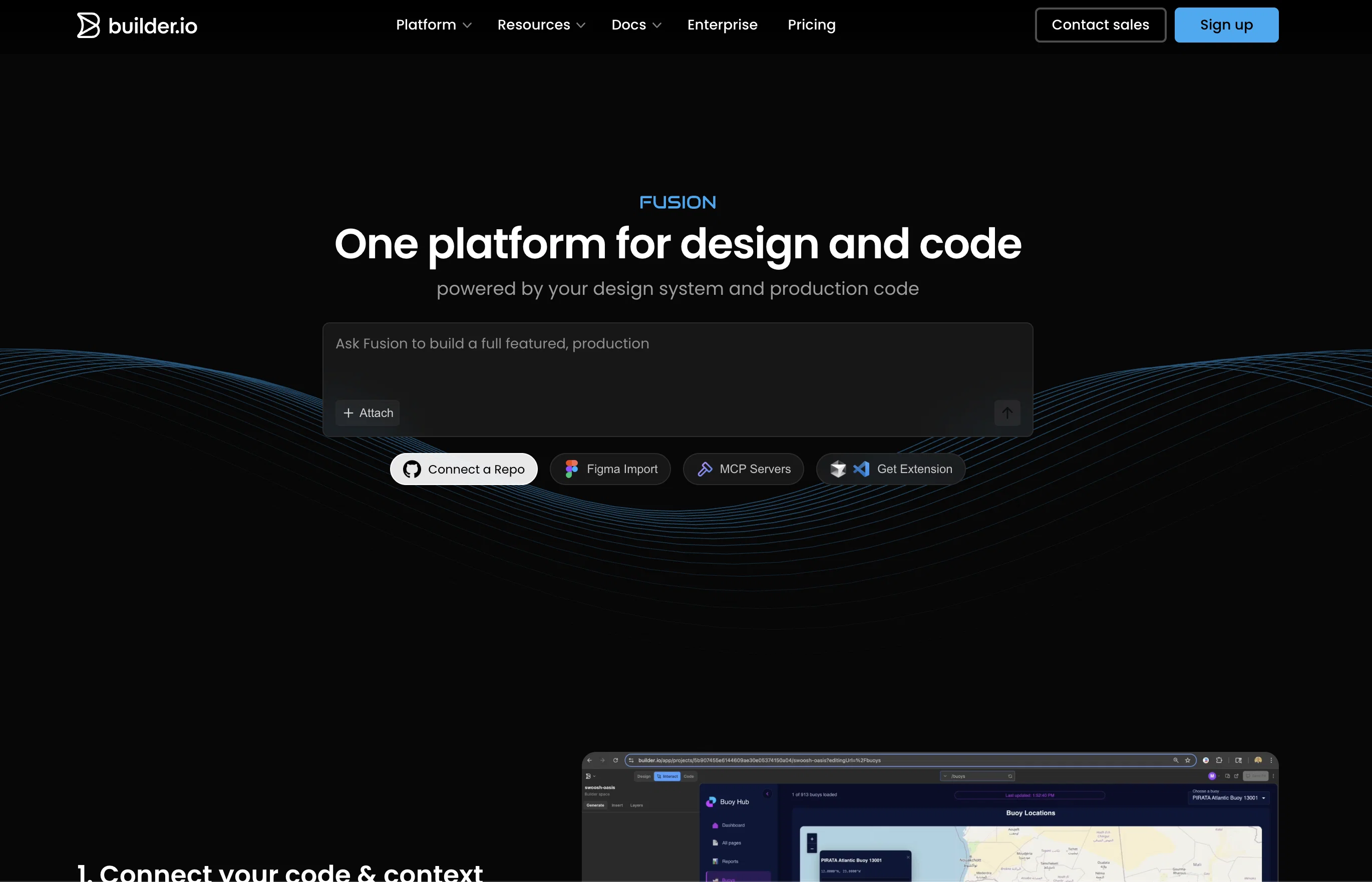
Fusion is an AI-driven tool designed for streamlining the development and design process across varied teams. It plugs into an existing codebase and design files for a seamless experience, leveraging existing components, styles, and APIs.
It allows users to visually generate and edit content, with the AI building your UI in real-time. Fusion provides an environment suitable for fine-tuning every detail, ensuring precise control in design and alignment with user requirements.
Fusion also facilitates code generation from Figma designs by mapping Figma components to code, hence optimizing workflows that use Figma. A key feature of Fusion is platform integration; the generated UI can be transferred almost anywhere the team needs it, enabling live previews, instant creation of pull requests, or code export for local development.
Moreover, Fusion is built to interact with popular workflow tools like Slack or Jira, contributing to efficiency across the software development lifecycle.
Fusion supports a multitude of frameworks, among them React, Next.js, Vue, Svelte, Angular, which widens the tools usability. It stands out by offering enterprise-grade security and governance features, ensuring SOC 2 Type II compliance and providing granular access controls for user's data privacy and security.
Access & connections
Where you can use Fusion by builder.io, and what it plugs into.
Platforms
Capabilities
What this tool accepts, produces, and is strongest at.
Input
- Code
- Text
Output
- Code
- Text
Pros & cons
Pros
- Streamlines development and design
- Plugs into existing codebase
- Leverages existing components, styles, APIs
- Visually generates and edits content
- Real-time UI building
- Fine-tunes every detail
- Ensures design precision
- Optimizes workflows using Figma
Show 22 more
- Platform integration
- Transfers UI anywhere
- Enables live previews
- Instant pull request creation
- Code export for local development
- Interacts with Slack, Jira
- Supports React, Next.js, Vue, Svelte, Angular
- Enterprise-grade security
- SOC 2 Type II compliant
- Granular access controls
- Optimized for Figma flows
- Pixel-perfect precision
- Secure access and permissions
- MCP connections
- Web app generation
- High-quality prototypes & MVPs
- Designs to production-ready code
- No training on user data
- Engineered for design systems
- RBAC
- Named technical contact support
- Dedicated support
Cons
- Relies heavily on Figma integration
- No standalone functionality
- May not support all design/file types
- Limited to specific frameworks
- Potential privacy issues with design code integration
- Requires existing codebase and design files
- Doesnt mention support for mobile development
- Dependent on team's tool alignment
Show 2 more
- Granular access control might be complex
- No mention of multi-language support
Compare alternatives
Similar tools in the catalog — with a clear reason to open each one.

Base44 ✓
FreemiumLet’s make your dream a reality. Right now.
Why look Typically cheaper
Full comparison

biela.dev ✓
Free TrialIf you can imagine it, Biela can code it!
Why look Higher community rating
Full comparison

Trickle Magic Canvas ✓
FreemiumTurn your ideas into live apps and websites with AI.
Why look Typically cheaper
Full comparison
Floot ✓
FreemiumBuild AI apps with the subscription you're already paying for.
Why look Offers a public API
Full comparisonReleases 1
FAQ 12
What is Fusion?
Can Fusion plug into any existing codebase, or are there limitations?
How does Fusion leverage existing components, styles, and APIs?
How can users visually generate and edit content with Fusion?
What does it mean that Fusion builds your UI in real-time?
How does Fusion optimize workflows that use Figma?
What platforms can I transfer the generated UI with Fusion?
How does Fusion interact with popular workflow tools like Slack and Jira?
What frameworks does Fusion support?
What security and governance features does Fusion offer?
Is Fusion SOC 2 Type II compliant?
How does Fusion ensure user's data privacy and security?
Related tools
Recommended

Verdent ✓
Free TrialYour AI Technical Cofounder for Turning Ideas into Real Products

Blink.new ✓
FreemiumChat with AI to build production-ready apps.

VenturusAI ✓
FreemiumBusiness idea analysis and reporting.

Stratup.ai ✓
FreemiumInnovative idea generation for businesses.

PostPerfect ✓
FreemiumAutomated social media posts.

Automateed ✓
Free TrialCreate eBooks effortlessly with Automateed, the AI-powered writing tool.