
Formix AI
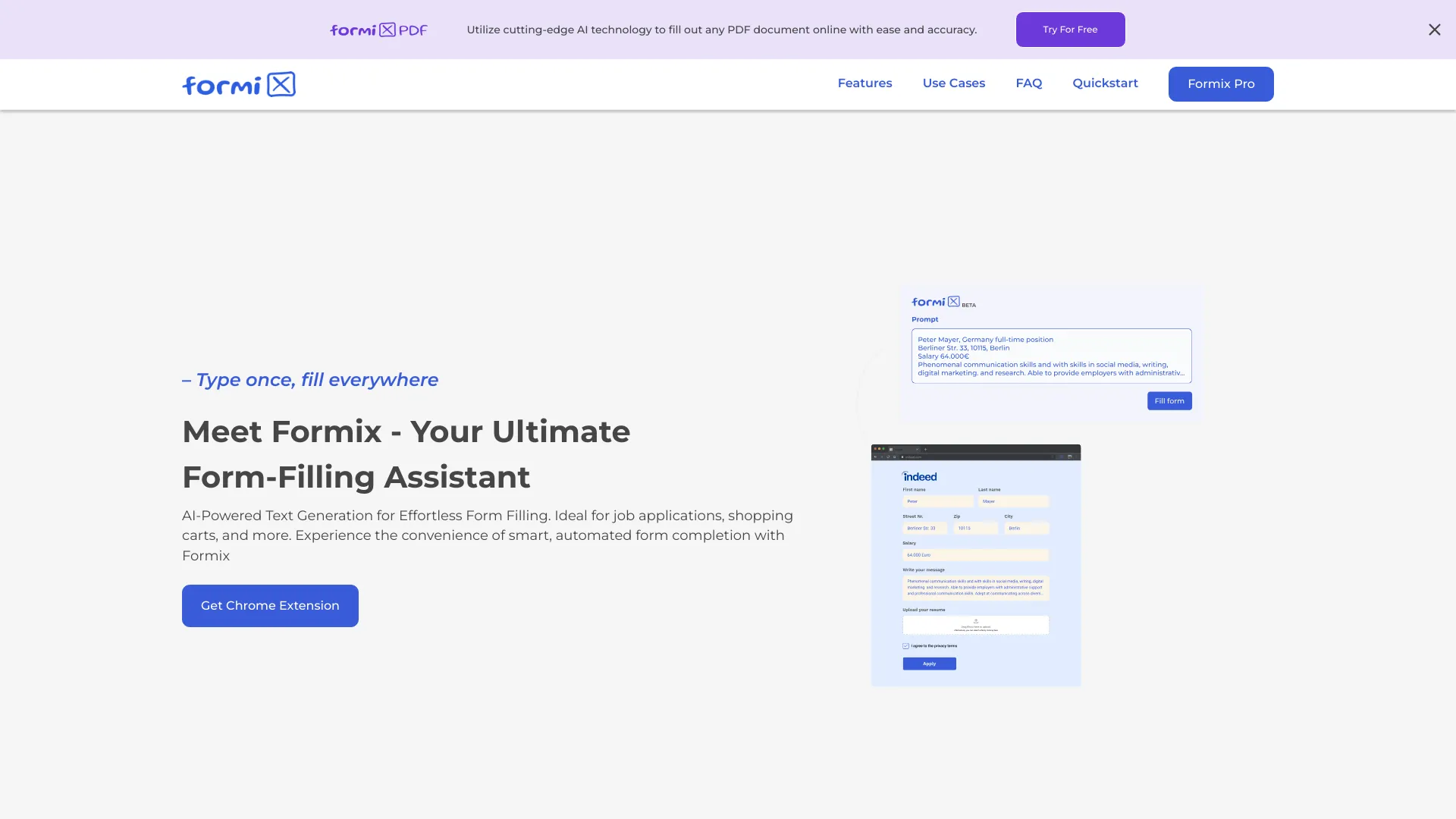
AI-powered form-filling assistant for online forms and PDF documents.
Source rating 5.0
(87)
3.3k views
3.3k/mo traffic
0 saves
Paid
From $5 / month
Verdict
A quick read before you dig into the full page.
- Best if
- AI-powered form-filling assistant for online forms and PDF documents
- Skip if
- You need a free plan with no credit card
- Pick this when
- Paid · From $5 / month
Overview
Formix is an AI-powered form-filling assistant that simplifies the process of completing online forms and PDF documents. With its smart text generation capabilities, Formix can help you fill out job applications, shopping carts, classNameified ads, and more. It prioritizes data privacy by storing information solely on the user's device, ensuring complete data security and user control.
Access & connections
Where you can use Formix AI.
Platforms
Capabilities
What this tool accepts, produces, and is strongest at.
Highlights
- Intelligent Autofill using AI
- Data Privacy: Local data storage
- Universal Compatibility with online forms
- PDF document filling
FAQ 12
What is Formix?
Formix is an AI-powered form-filling assistant that simplifies the process of completing online forms and PDF documents. With its smart text generation capabilities, Formix can help you fill out job applications, shopping carts, classNameified ads, and more. It prioritizes data privacy by storing information solely on the user's device, ensuring complete data security and user control.
How to use Formix?
Install the Formix Chrome extension. Provide relevant documents and prompts. Formix uses AI to predict and fill out form fields. Review the generated values and make corrections as needed. Submit the form manually.
Where are input documents and prompts saved?
Input documents and prompts are saved only locally within your Chrome browser and never on a server. We prioritize data privacy highly and do not save any information on purpose.
Why is the fill-in not complete?
Some sites are not fully supported yet, and Formix may not submit forms directly. It is designed as a tool to assist in filling out forms based on the provided documents and prompts.
Does Formix submit or click any buttons on forms?
Definitely no. Formix is designed to fill out only text fields and, on some sites, dropdown menus. It never clicks any buttons on a form.
Are there any limitations for using the extension?
Yes, Formix has limitations regarding the size of the form it can process and the supported document size. These limitations are significantly increased in the Pro version.
Why are generated values empty?
This issue may arise if the documents and prompts provided do not closely match the requirements of the form. To ensure better accuracy, use relevant documents and prompts.
Can I submit a form directly without reviewing?
Formix serves only as a helper tool in the form-filling process. It may make errors or incomplete entries. Therefore, it is crucial to review all generated values and make any necessary corrections.
Can I regenerate a single field?
Yes. If a field is not filled correctly or as expected, you can regenerate its content by clicking the reload button in the values tab.
The generated text of a description field is too short.
If the text generated for a description field does not meet your expectations or requirements, you can attempt to regenerate the field. Sometimes, a more detailed prompt or document may be necessary.
Which websites are supported by Formix?
Formix can be used on a variety of websites, but it's important to note that some may not work if their HTML structure is not supported. We support popular sites like eBay, Craigslist, Indeed, Google Forms, and many more.
Why are new history items not being saved?
The number of history items you can save in Formix is unlimited. However, if you find that new history items are not being saved, it may be because the local storage limit of your Chrome browser has been exceeded.
Related tools
Recommended


Formix AI
From $5 / month